
 Arabic
  English
  Turkish
  Chinese
  Japanese
  Russian
  Spanish
  German
  French
  Hindi
Hindi Download Ad Blocker DNS - AdBlock VPN for Android
Download Ad Blocker DNS - AdBlock VPN for Android.
Ad Blocker DNS - AdBlock VPN Overview
It is a powerful solution for users who want complete control over their online experience. By combining advanced DNS blocking technology with VPN security, this app ensures that ads are removed from all apps and websites, making your browsing faster and more enjoyable. Whether you are streaming videos, shopping online, or visiting your favorite websites, it keeps your connection private, hides your IP address, and blocks ad-heavy content. It is built for users who value both speed and security, offering a simple and user-friendly interface for easy control.Features of Ad Blocker DNS - AdBlock VPN
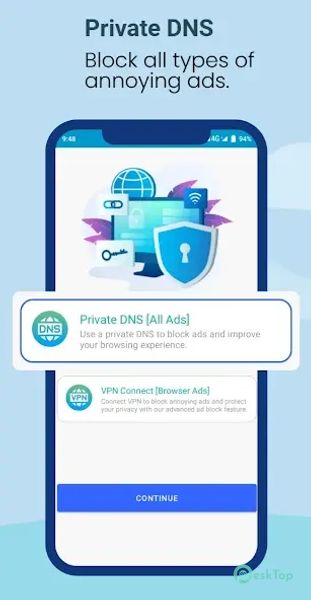
Private DNS Mode: Blocks ads across all apps and browsers for a complete ad-free experience.
Ad-Free Browsing: Eliminates pop-ups, banner ads, and video ads for uninterrupted surfing.
Faster Internet Speed: Improves page loading time by removing unnecessary ad content.
Enhanced Privacy: Encrypts DNS traffic to keep your online activities private.
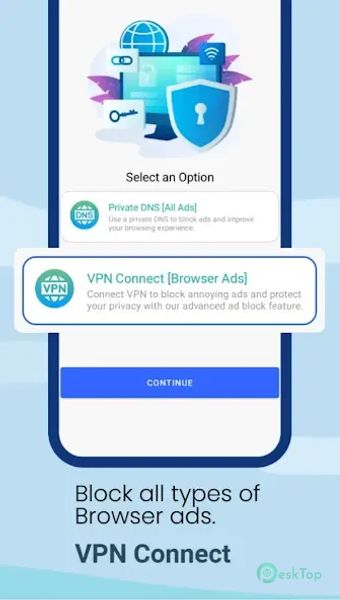
VPN Connect: Provides secure browsing and ad-blocking for browsers only.
IP Address Protection: Hides your IP address to maintain anonymity.
Safe Public Wi-Fi Usage: Protects your connection when using unsecured networks.
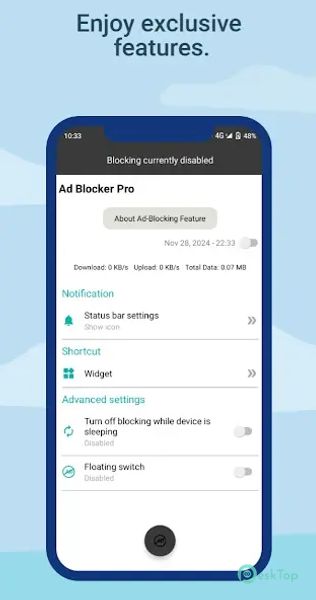
User-Friendly Interface: Simple design for quick and easy control of features.
Lightweight Performance: Works efficiently without slowing down your device.
Consistent Updates: Regular improvements for better security and ad-blocking efficiency.

-
App Size5.77 MB
-
Google Play LinkNot available
-
Version Number1.0.15
-
App Languagemultilanguage
-
Last updatedBefore 7 Month
-
Downloads26
 Pdb App: Personality & Friends
 Zoom Workplace
 Revcell Call Recording
 Direct Chat Launcher App
 FChat Messenger
 Speech Assistant AAC