
 Arabic
  English
  Turkish
  Chinese
  Japanese
  Russian
  Spanish
  German
  French
  Hindi
Hindi Download BD File Manager File Explorer for Android
Download BD File Manager File Explorer for Android.
BD File Manager File Explorer Overview
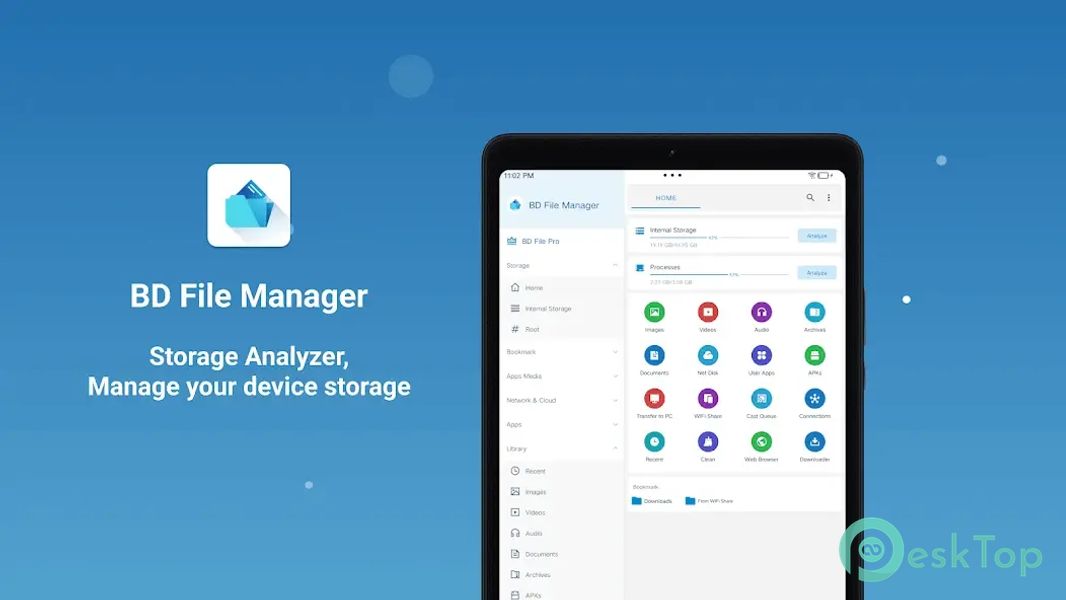
It is a versatile file management app providing a wide range of features to efficiently organize and manage files and applications on your device. From robust storage analysis and cleanup tools to FTP access and application management, it provides comprehensive functionality to enhance your file management experience. Whether you need to free up storage space, manage your applications, or access files from your PC, it has you covered with its user-friendly interface and powerful features.Features of BD File Manager File Explorer
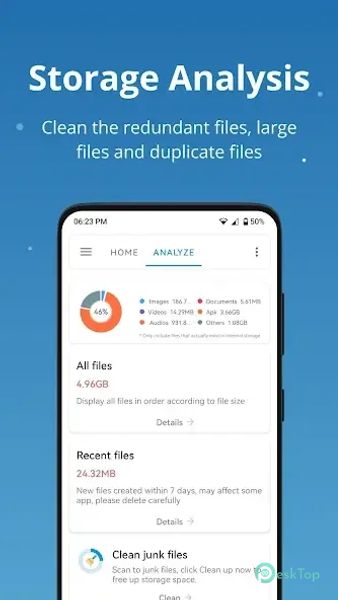
Storage Analysis and Cleanup: Analyze and clean up various files, such as empty files, folders, log files, temporary files, cache files, redundant files, duplicate files, and large files, to free up storage space.
Junk Files Cleaner: Easily find and clean up junk files to improve device performance and free up storage space.
Hidden Files Viewer: View files hidden by the system for comprehensive storage space management.
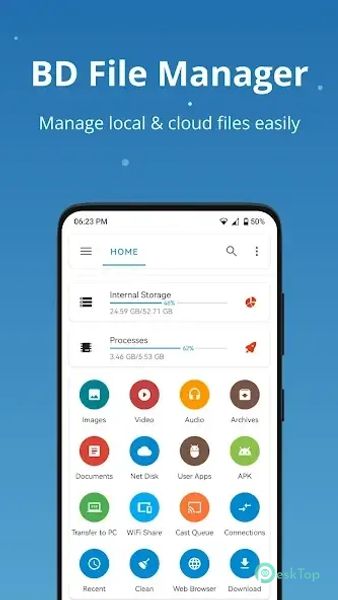
File Management: Manage all files and folders on internal storage, SD card, USB, and OTG, including downloading, organizing, and searching for files.
Application Management: Manage local, user, and system applications, including classification, uninstallation, and backup, and view detailed information about each application.
FTP Access: To manage files easily, access the device storage from a PC using FTP (File Transfer Protocol).
Compress and Decompress Files: Compress files to save storage space or decompress archived files for easy access.
Search and Share Files: Quickly search for files and easily share them with others.
Thumbnails for Photos, Videos, and APK Files: View thumbnails for quick identification and organization of media and application files.
Basic File Operations: Perform everyday file operations such as cutting, copying, deleting, compressing, and extracting files with ease.
Navigation Drawer: Access features and navigate the app quickly using the navigation drawer.
Root Browser: For advanced users, access the device's root directory to manage system files.
Quick Access History and Bookmarks: Access previously viewed files, bookmarks, or search results.
Storage Analysis and Cleanup: Analyze storage space usage and clean up unnecessary files to free up memory and improve device performance.

-
App Size49.54 MB
-
Google Play Link

-
Version Number1.8.9.0.308
-
App Languagemultilanguage
-
Last updatedBefore 2 Month
-
Downloads24
 Volume Styles - Custom control
 GG Mouse Pro
 Simple Launcher - Home Screen
 0Ground
 Arc0
Arc0 Raven Dark Icon Pack