
 Arabic
  English
  Turkish
  Chinese
  Japanese
  Russian
  Spanish
  German
  French
  Hindi
Hindi Download BlockSite - Block Apps & Sites for Android
Download BlockSite - Block Apps & Sites for Android.
BlockSite - Block Apps & Sites Overview
It aims to help users break free from distractions, fostering an environment conducive to focus and productivity. By temporarily blocking apps and websites, individuals can regain control of their digital lives, whether for academic pursuits, remote work, or the desire to cultivate better habits.Features of BlockSite - Block Apps & Sites
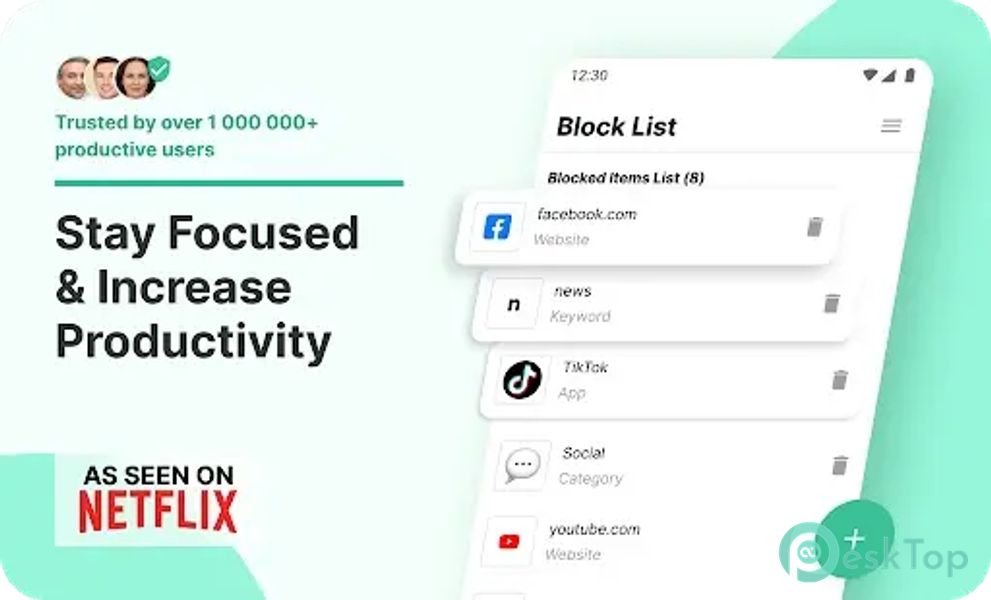
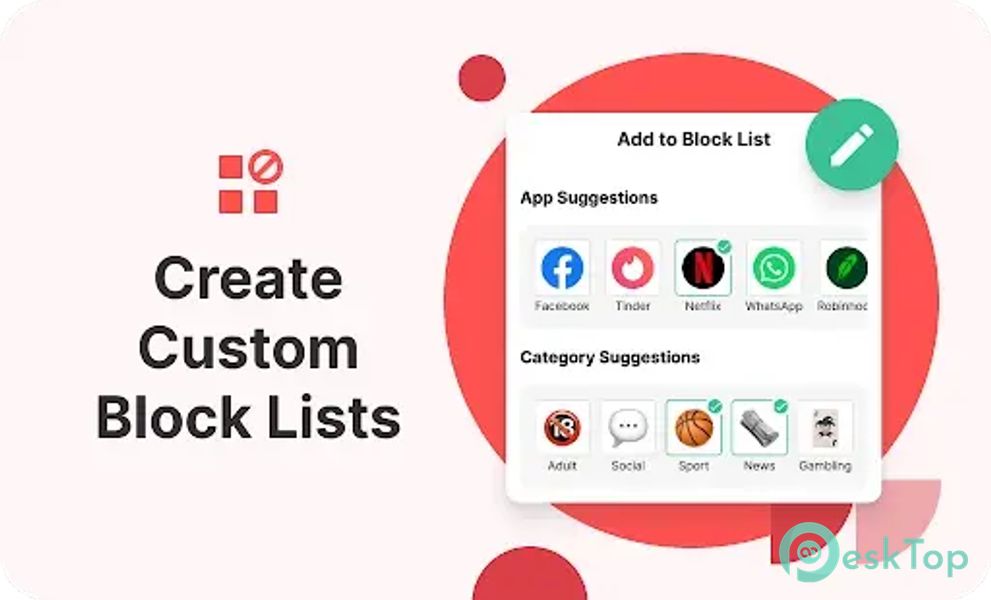
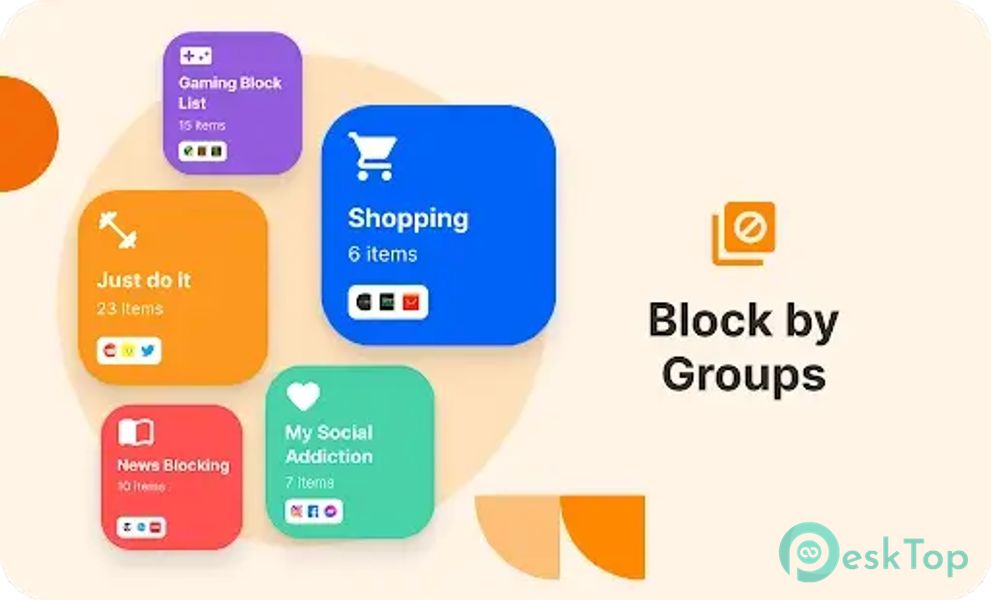
Block Lists: Customize your digital detox by curating block lists tailored to your needs. Remove the most significant distractions and time-wasters from your digital landscape with ease.
Schedule Mode: Take charge of your daily routines with Schedule Mode. Define specific times and days when certain sites and apps are off-limits, ensuring you stay on track with your tasks.
Focus Mode: Embrace the Pomodoro technique with Focus Mode. Break down your work into intervals, setting times to block websites and intervals for unrestricted browsing.
Block by Words: Refine your focus by blocking websites containing specific keywords. For example, block the keyword 'social' to eliminate access to any site with that term in its URL.
Device Sync: Achieve consistency across devices with Device Sync. What you block on your device can seamlessly extend to your computer, providing a unified approach to digital self-discipline.
Insights: Gain valuable insights into your online behavior with the Insights feature. Understand where you spend most of your time and how long you dedicate to each site, empowering you to make informed decisions about your digital habits.
Redirect Mode: In the event of attempting to access a blocked app or website, Redirect Mode offers an alternative redirection, allowing users to return to their focused state swiftly. For instance, redirecting from a blocked YouTube attempt to your email.
Category Blocking: Streamline the blocking process by utilizing Category Blocking. Block entire categories of websites and apps with a single click, encompassing adult content, social media, shopping, news, sports, and gambling.
Password Protection: Enhance your focus with an additional layer of security through Password Protection. Safeguard your settings and blocked pages with a password, minimizing the temptation to circumvent your chosen restrictions.
Custom Block Pages: Personalize your blocking experience with Custom Block Pages. Choose what you see when attempting to access a blocked website – whether it's a humorous meme or a photo of your loved ones, the decision is yours.
Uninstall Prevention: Augment your protection by preventing unintentional uninstallation of the BlockSite app. This extra layer ensures a consistent commitment to your digital detox.

-
App Size30.45 MB
-
Google Play LinkNot available
-
Version Number2.10.1.9761
-
App Languagemultilanguage
-
Last updatedBefore 3 Month
-
Downloads6
 Volume Styles - Custom control
 GG Mouse Pro
 Simple Launcher - Home Screen
 0Ground
 Arc0
Arc0 Raven Dark Icon Pack