
 Arabic
  English
  Turkish
  Chinese
  Japanese
  Russian
  Spanish
  German
  French
  Hindi
Hindi Download Bookmark Folder for Android
Download Bookmark Folder for Android.
Bookmark Folder Overview
Bookmark management app: Let's manage bookmarks by folder You do NOT need to add bookmarks to a new browser again when you change the browser you use Recommended for those who want to use multiple browsers because it is possible to specify the launching browser for each bookmarkFeatures of Bookmark Folder
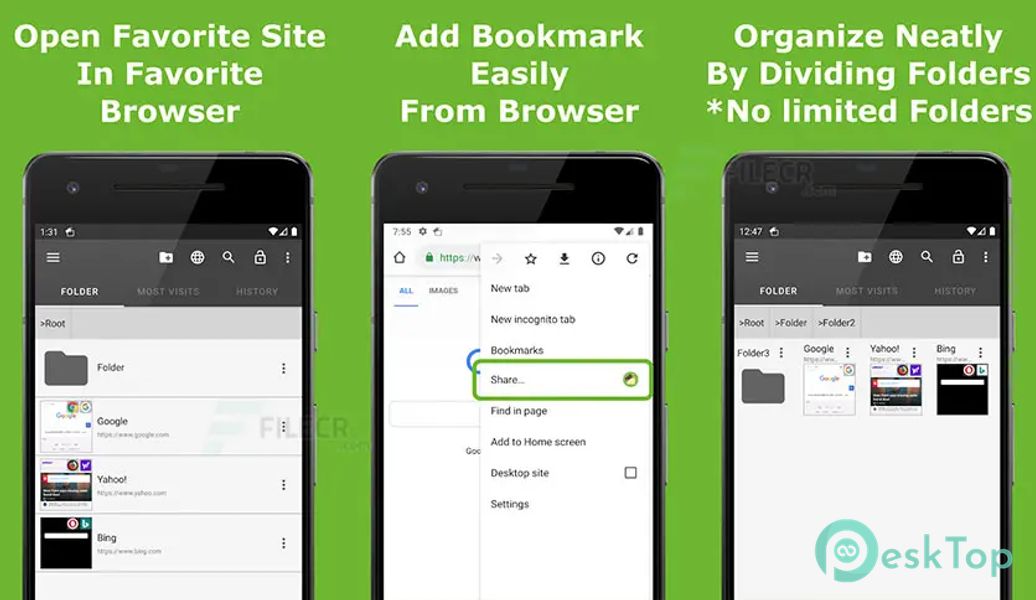
Easy organize bookmarks:
You can manage bookmarks by folder
No limit on the folder level
It's easy to find the web page you want to view because the app adds a favicon and thumbnail of the web pages
You can easily add a bookmark using your browser's "Share" menu
You can sort in any order by dragging the bookmark
Customize:
It is possible to specify the launching browser for each bookmark
You can select a view type of bookmark: a List or Grid
You can customize various settings to suit your taste, e.g., background color, text color, icon size, etc
You can launch this app anytime from the status bar icon
Safe backup:
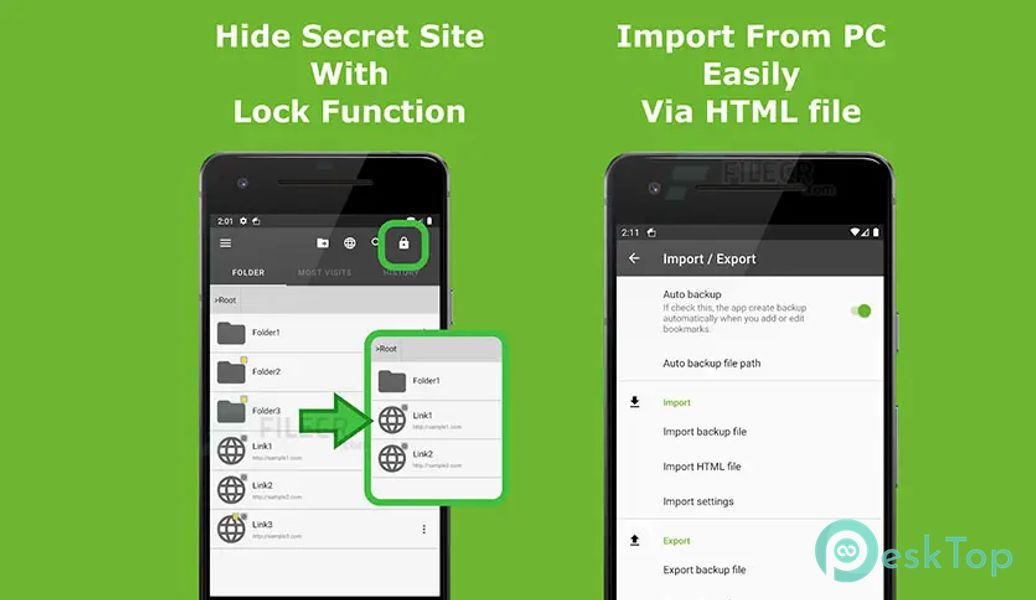
You can create a backup file of bookmarks
The automatic backup feature is okay even if you forgot to create a backup
Easy to move when changing your device:
You can import bookmarks from the default browser. (Android 5 or less is supported.)
You can import an HTML bookmark file created by a browser on pc
You can quickly move bookmarks to a new device by transferring a backup file to a new device

-
App Size37.61 MB
-
Google Play Link

-
Version Number5.5.0
-
App Languagemultilanguage
-
Last updatedBefore 1 Year
-
Downloads20
 Volume Styles - Custom control
 GG Mouse Pro
 Simple Launcher - Home Screen
 0Ground
 Arc0
Arc0 Raven Dark Icon Pack