
 Arabic
  English
  Turkish
  Chinese
  Japanese
  Russian
  Spanish
  German
  French
  Hindi
Hindi Download Brand Analog Clock-7 for Android
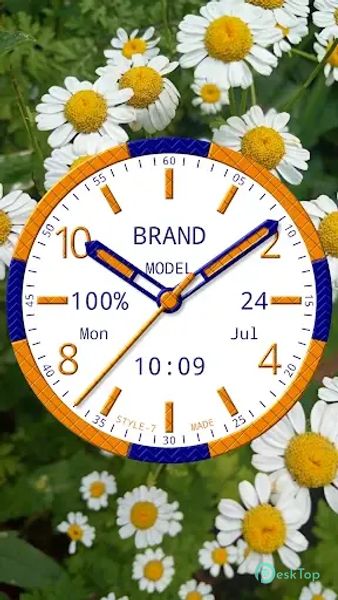
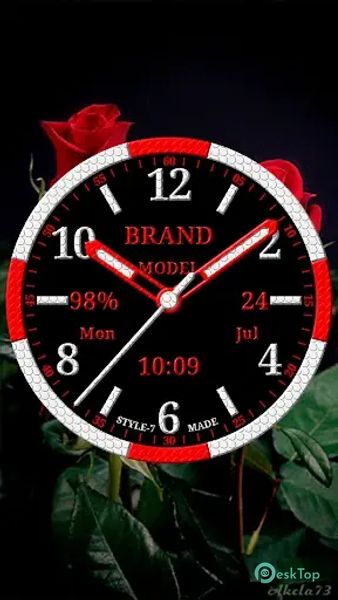
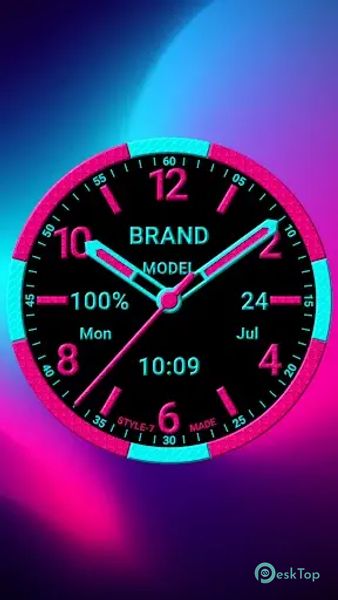
Download Brand Analog Clock-7 for Android.
Brand Analog Clock-7 Overview
This modern, stylish analog clock is a versatile option, offering a wide range of customizable features. It includes seven types of primary and secondary color themes, seven types of dials, and the ability to use textures for added realism. In addition to displaying the time, it shows the current date, month, day of the week, battery charge (excluding the app widget), and digital clock. The clock can signal the current time by voice with a double tap on the app window or Live Wallpaper. It also offers scheduling features for voice hints and additional text and sounds the time according to a schedule. The clock can be used as a Live Wallpaper, topmost or overlay clock, or app widget, with options to customize the size, position, background image, or color.Features of Brand Analog Clock-7
Customizable Clock Widgets: Choose from various analog clock designs and customize them to match your style.
Alarm Clock Functionality: Set alarms directly from the app and customize alarm tones.
Weather Information: Get real-time weather updates displayed on your home screen.
Battery Saving Mode: Optimize the app to conserve battery life.
Multiple Time Zone Support: Keep track of time in different time zones.
Widget Resizing: Resize widgets to fit your home screen layout.
Background Customization: Change the background of the clock widgets to match your wallpaper.
Analog and Digital Clocks: Choose between analog and digital clock designs.
Easy to Use: The app features a user-friendly interface that makes it easy to customize your clock widgets.

-
App Size4.91 MB
-
Google Play LinkNot available
-
Version Numberv3.1
-
App Languagemultilanguage
-
Last updatedBefore 10 Month
-
Downloads3
 Volume Styles - Custom control
 GG Mouse Pro
 Simple Launcher - Home Screen
 0Ground
 Arc0
Arc0 Raven Dark Icon Pack