
 Arabic
  English
  Turkish
  Chinese
  Japanese
  Russian
  Spanish
  German
  French
  Hindi
Hindi Download Control Center - Control Styles for Android
Download Control Center - Control Styles for Android.
Control Center - Control Styles Overview
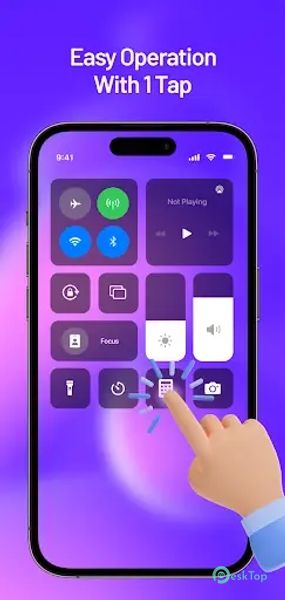
The app transforms the user experience by introducing a revolutionary control dashboard style, eliminating the need for tedious navigation through menus. Its intuitive interface and customizable options offer quick access to commonly used controls and shortcuts, simplifying tasks such as adjusting screen brightness, toggling airplane mode, managing network settings, and controlling media playback. The innovative design ensures that essential functions are at the user's fingertips, enhancing efficiency and convenience. Customizable button placement, personalized screen orientation, and app organization provide users with a tailored and streamlined experience. It redefines how users interact, making device management more accessible and user-friendly.Features of Control Center - Control Styles
Brightness & Volume Settings: Easily adjust screen brightness and volume levels for an optimal viewing and listening experience. It puts these essential controls within reach, eliminating the need to navigate multiple menus.
Airplane Mode: Toggle airplane mode on or off with a single tap for quick access. This feature is crucial for users who frequently switch between flight mode and regular usage.
Wifi & Network Settings: Quickly access wifi networks and adjust other network settings with a combined toggle or button. It streamlines the process of managing connectivity on your device.
Bluetooth Setting: Enable or turn off Bluetooth connectivity effortlessly using the dedicated Bluetooth toggle. This feature ensures that your device's connectivity is always within your control.
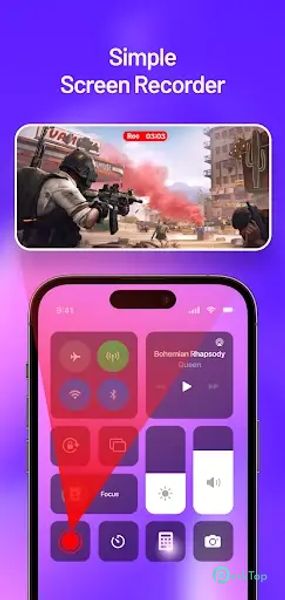
Screen Recorder: Initiate and stop screen recording directly from the control panel. The Screen Recorder feature makes capturing your device's screen activities quick and convenient.
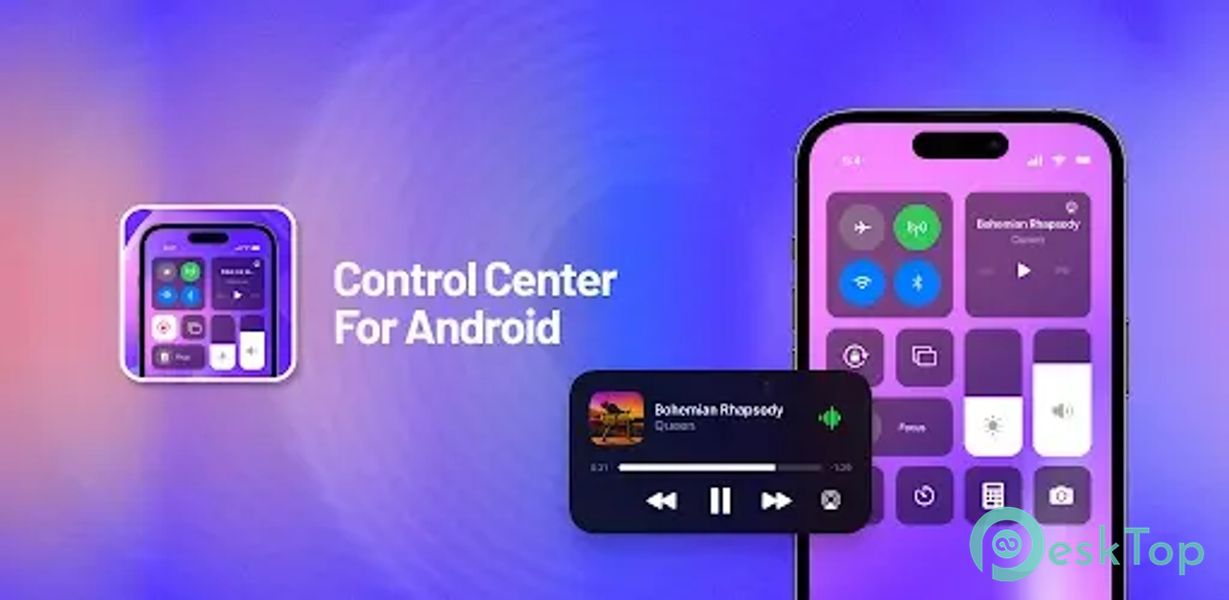
Music Player: Take command of your music playback with controls for play, pause, skip, and volume adjustment. It transforms your Android device into a music powerhouse with easy access to playback settings.
Flashlight: Toggle the flashlight on and off with a dedicated button. This quick-access feature is invaluable in situations where instant illumination is required.
Calculator Shortcut: Launch the calculator app directly from the control settings. It simplifies accessing essential apps by providing shortcuts for commonly used functions.
Camera Shortcut: Access the camera app instantly for capturing photos or videos. The Camera Shortcut ensures you never miss a moment by speeding up the camera's launch.

-
App Size30.84 MB
-
Google Play LinkNot available
-
Version Number1.0.1
-
App Languagemultilanguage
-
Last updatedBefore 9 Month
-
Downloads7
 Volume Styles - Custom control
 GG Mouse Pro
 Simple Launcher - Home Screen
 0Ground
 Arc0
Arc0 Raven Dark Icon Pack