
 Arabic
  English
  Turkish
  Chinese
  Japanese
  Russian
  Spanish
  German
  French
  Hindi
Hindi Download Edge Screen Assistive Touch for Android
Download Edge Screen Assistive Touch for Android.
Edge Screen Assistive Touch Overview
Assistive tools are crucial in enhancing accessibility and user experience on mobile devices. One remarkable tool is the Edge Screen Assistive Touch PR for Android, developed by Assistive Tool - Studio. This innovative application offers a range of features designed to give users easy access to various functions and controls. This article will explore key features, system requirements, and frequently asked questions about Edge Scr Assistive Touch PR for Android.Features of Edge Screen Assistive Touch
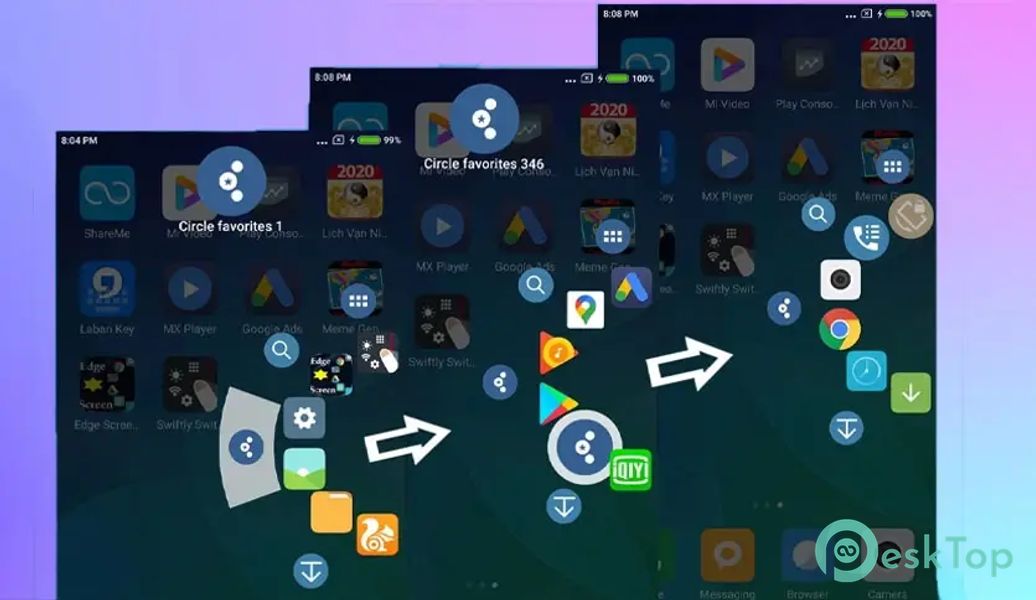
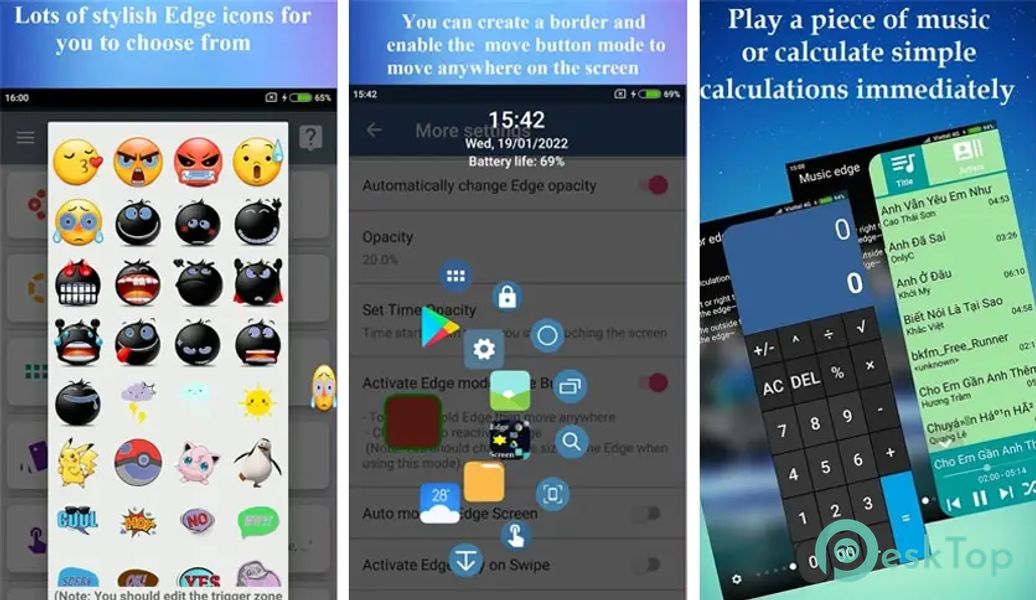
Customizable Edge Screen: The application offers a highly customizable edge screen that can be accessed by swiping from the edge of the screen. Users can personalize the edged screen with their preferred shortcuts, favorite apps, and frequently used actions, such as taking screenshots, adjusting volume, or launching specific apps.
Quick Access Toolbox: Edge Screen Assistive Touch PR provides a quick access toolbox that can be accessed from the edged screen. The toolbox includes essential tools like a calculator, flashlight, compass, and magnifier, allowing users to quickly access these functions without navigating multiple menus.
Gesture Control: This feature allows users to perform various device actions by drawing specific gestures on the edged screen. For example, drawing the letter "C" can activate the camera, while drawing an "M" can launch the music player. These customizable gestures provide a convenient and efficient way to control the device.
Floating Assistive Touch Button: Edge Screen Assistive Touch PR offers a floating assistive touch button that can be moved anywhere on the screen. This button provides quick access to essential functions like home, back, recent apps, and notifications. Users can resize and customize the button according to their preferences.
One-Handed Mode: With the one-handed mode feature, users can efficiently operate their devices with a single hand. The application allows the screen to be resized and moved to a more accessible position, making it easier to reach all screen parts with just one hand.

-
App Size30.82 MB
-
Google Play LinkNot available
-
Version Number5.1.1
-
App Languagemultilanguage
-
Last updatedBefore 10 Month
-
Downloads8
 Volume Styles - Custom control
 GG Mouse Pro
 Simple Launcher - Home Screen
 0Ground
 Arc0
Arc0 Raven Dark Icon Pack