
 Arabic
  English
  Turkish
  Chinese
  Japanese
  Russian
  Spanish
  German
  French
  Hindi
Hindi Download GameKeyboard for Android
Download GameKeyboard for Android.
GameKeyboard Overview
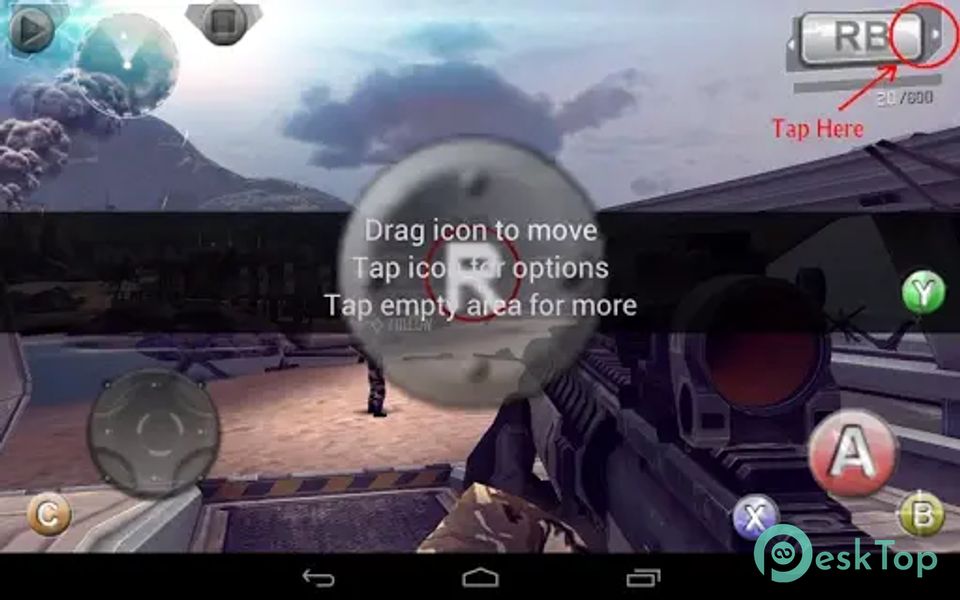
GameKeyboard+ is a general-purpose mapping tool that caters to gamers who crave more control and versatility when playing games on their Android devices. This app allows you to bridge the gap between different input methods, enabling you to play games in the way that suits you best. Whether you prefer the tactile feel of physical keys or the convenience of a touchscreen, GameKeyboard+ empowers you to customize your gaming experience.Features of GameKeyboard
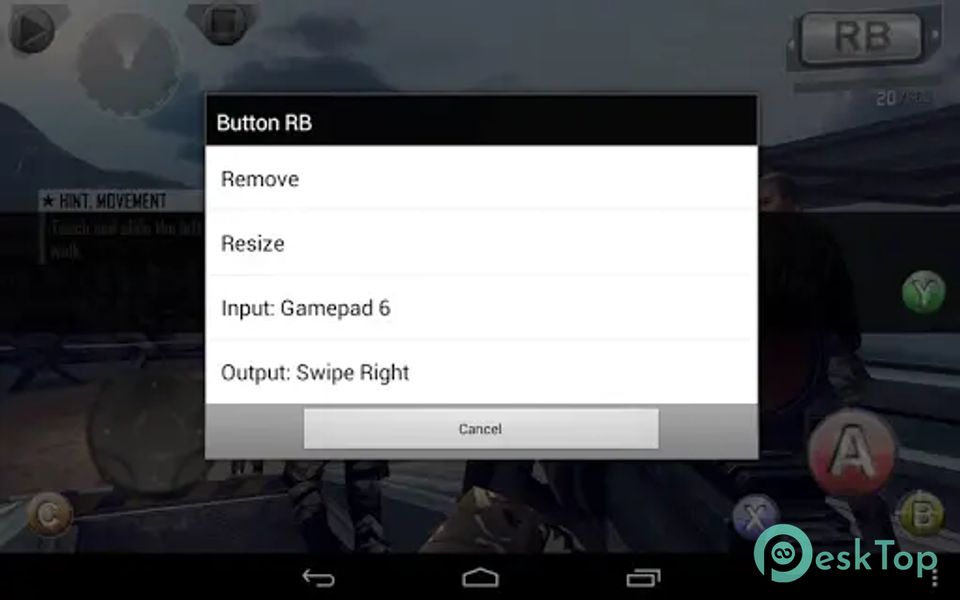
Onscreen Gamepad: Enjoy an onscreen gamepad with multi-touch support, a 4/8-way d-pad, up to 12 game buttons, and 2 analog sticks. The button layout is fully resizable and customizable, and you can configure button mappings to suit your preferences.
Re-map Physical Keys: Customize your physical keyboard to work seamlessly with your games. Re-map keys to create a more intuitive gaming experience.
Save Key/Button Mappings: Save your key/button mappings to profiles to easily switch between game configurations.
Full QWERTY Keyboard: Access a full QWERTY keyboard within the app, which can be incredibly useful for in-game text input or navigating menus.
Create Macros: Create macros to perform actions like autofire, combo keys, action sequences, and text input with a single button press, giving you an edge in your games.
Emulate Touchscreen Actions: Even if your device lacks a touchscreen, GameKeyboard+ can emulate touchscreen actions, making it compatible with Android TV Boxes (requires root).
Emulate Real Analog Joystick: For devices with root access and OS joystick support, you can emulate a real analog joystick, providing a more precise control experience.
Emulate Virtual Mouse: With root access, you can emulate a virtual mouse, allowing for more versatile control options.
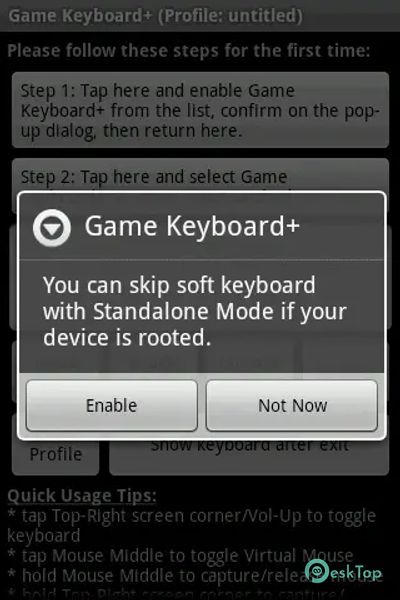
"Standalone" Mode: In this mode, you can bypass the need to switch to a soft keyboard (requires root).
Controller Compatibility: GameKeyboard+ supports various controllers, allowing you to control games with various input methods, including a touchscreen, accelerometer, mouse (requires root), OS-compatible USB keyboard/controller, etc.

-
App Size357.49 KB
-
Google Play LinkNot available
-
Version Number6.2.2
-
App Languagemultilanguage
-
Last updatedBefore 8 Month
-
Downloads54
 Volume Styles - Custom control
 GG Mouse Pro
 Simple Launcher - Home Screen
 0Ground
 Arc0
Arc0 Raven Dark Icon Pack