
 Arabic
  English
  Turkish
  Chinese
  Japanese
  Russian
  Spanish
  German
  French
  Hindi
Hindi Download gReader | Feedly | News | RSS for Android
Download gReader | Feedly | News | RSS for Android.
gReader | Feedly | News | RSS Overview
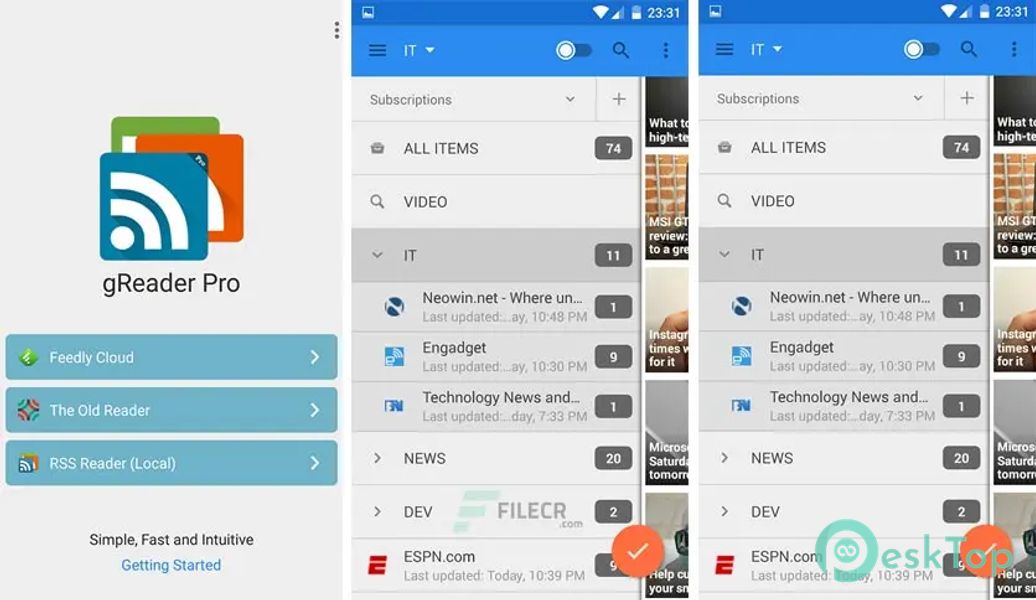
It is a simple, fast and intuitive feed/rss reader for Feedly and The Old Reader, featuring beautiful themes, podcast support and full offline support. Moreover, Read all your rss/feed news in one place, where keeping up with your favorite websites is as easy as checking your email.Features of gReader | Feedly | News | RSS
Synchronization: Use it at home, at your office, or anywhere you go and keep your feeds, tags and shared items synched in one place
2-Way Sync: Synchronize your read items between it and Feedly / The Old Reader. Keep your articles up-to-date
Auto synchronization: Always have the latest news on your device
Offline Reading: Reading full article content without internet connection
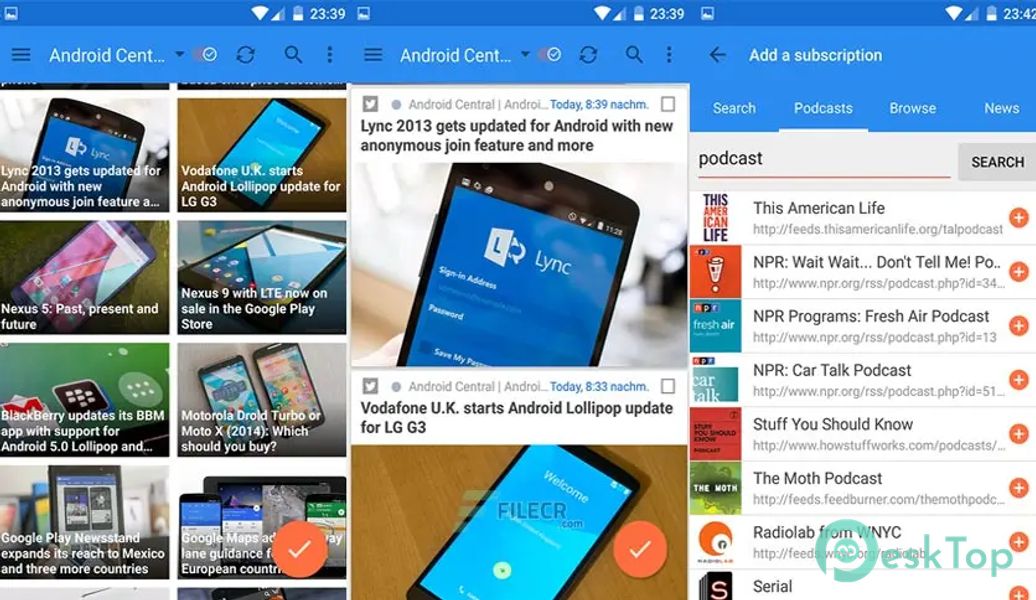
Podcast support: Download or stream your favorite podcast with it
User Interface: Simple, fast and intuitive
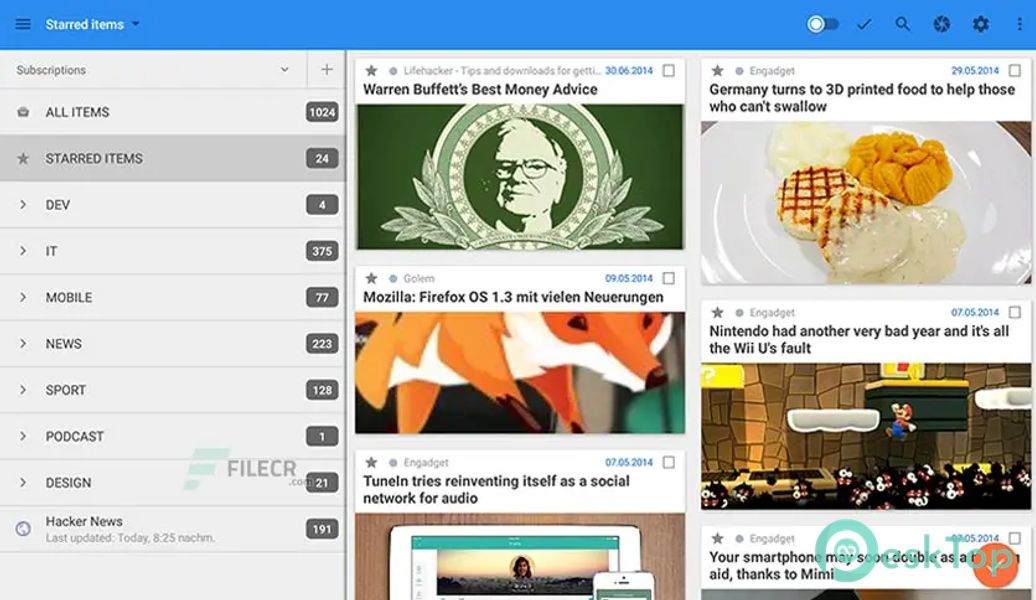
Tablet-Optimized: Read your news more comfortable on a tablet
Themes: Light, Green, Sepia, Black and Dark
Night Mode: Read your articles with white font on black background. Save battery and increase readability in the night
Mark read on scroll: Mark articles as read while scrolling
Voice-Reading (Text-To-Speech): Listen to your news
Search Filters: Search and filter keywords, save search results
Folders / Tags support: Organize your feeds into folders/tags
Notification: Keep informed of the latest news
Share articles via Email, Facebook, Twitter, Google+
Services: Translation, Mobilizer (Google, Instapaper, Readability)
Save to Pocket (Read it later) / Instapaper / Readability
List view: List, Grid or Card
Sort: by newest, by oldest, by feed
Quick and Swipe actions: faster access to useful functions
Rich article list (snippet and thumbnail)
Widget: Icon widget with unread badge
Easy Reading: Reading mode view, inverse webpage color
Fullscreen mode: Enlarge your reading space
HTTPS connection: Use Http Secure to get your feeds
Backup/Restore: Backup/Restore your preferences

-
App Size10.31 MB
-
Google Play LinkNot available
-
Version Numberv5.2.2-424
-
App Languagemultilanguage
-
Last updatedBefore 1 Year
-
Downloads33
 Digital Sky: Weather, Radar
 Rainbow Weather: Storm Radar
 Earthquake Network Pro
 Local Weather Alerts – Widget
 Tomorrow.io - Weather Forecast
 NOAA Marine Weather