
 Arabic
  English
  Turkish
  Chinese
  Japanese
  Russian
  Spanish
  German
  French
  Hindi
Hindi Download MediaCrop: Photo Editor for Android
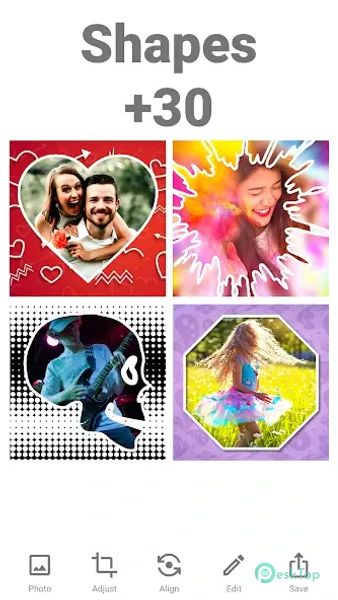
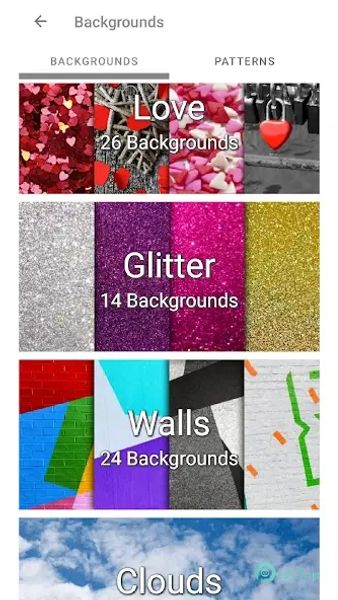
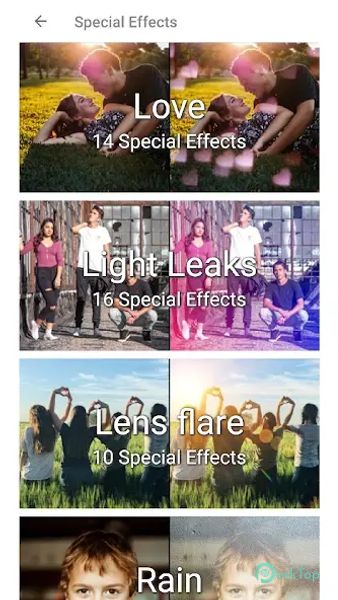
Download MediaCrop: Photo Editor for Android.
MediaCrop: Photo Editor Overview
Have you ever searched for a photo-editing application integrated into your smart mobile device that offers an exceptional editing experience? If so, this is the perfect option to add to your app collection. This app simplifies the entire process by providing various features for editing images quickly, enhancing photos, creating stunning social media posts, and creating personalized creations. You can edit your pictures without losing quality with user-friendly tools and a vast collection of backgrounds and frames.Features of MediaCrop: Photo Editor
Simple Design: It offers an intuitive interface, making it easy for users to edit images.
Social Media Ready: Create posts, stories, and profile pictures for Instagram, Facebook, and LinkedIn.
Over 1500 Backgrounds: Choose from a massive collection of backgrounds to enhance your photos.
600+ Frames: Apply stylish frames to make your images stand out.
Profile Picture Adjustments: Resize profile photos without cropping out essential details.
Quick Editing: Edit and publish photos within minutes with simple and fast tools.
High-Quality Exports: Save images in high resolution without losing quality.
Custom Invitations: Design invitations for special occasions with ease.
Free to Use: The basic version has premium features in the MOD version.
Ad-Free Experience: Enjoy editing without interruptions in the unlocked MOD version.

-
App Size23.85 MB
-
Google Play LinkNot available
-
Version Number5.7.20
-
App Languagemultilanguage
-
Last updatedBefore 5 Month
-
Downloads31
 MediaCrop: Photo Editor
 AI Background - Pokecut Studio
 Genius Art: Image AI Generator
 Cartoon Photo Editor - ToonTap
 Mandala Maker 360
 Photo Resizer: Crop, Resize, Share Images in Batch