
 Arabic
  English
  Turkish
  Chinese
  Japanese
  Russian
  Spanish
  German
  French
  Hindi
Hindi Download MediaMonkey for Android
Download MediaMonkey for Android.
MediaMonkey Overview
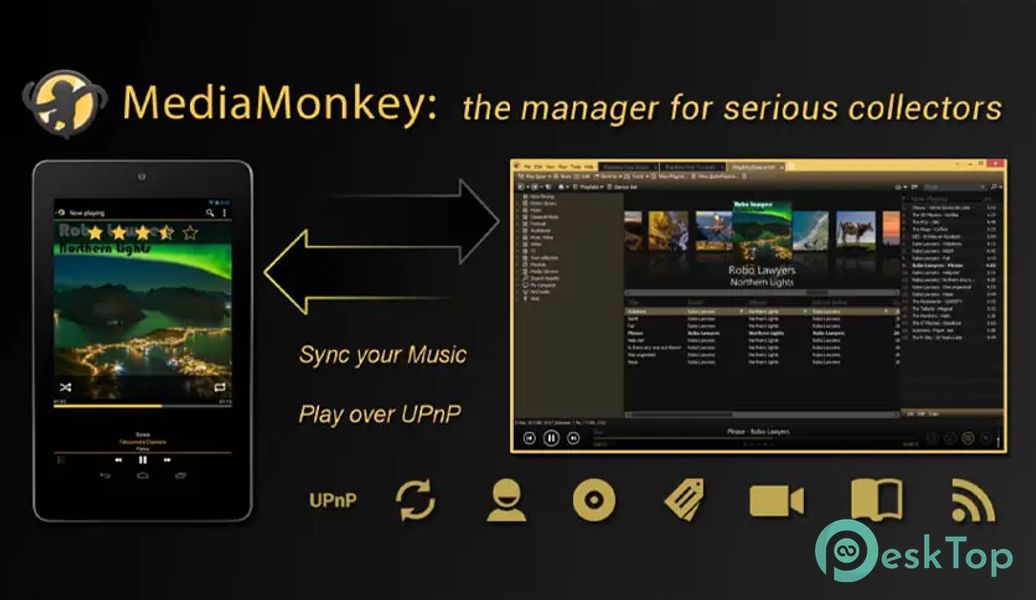
A media player for serious collectors that can sync your collection between your phone and your Windows PC. It helps you navigate, manage and sync extensive music collections.Features of MediaMonkey
Sync with this app for Windows (Playlists, media including file info, ratings, lyrics, play history, etc.)
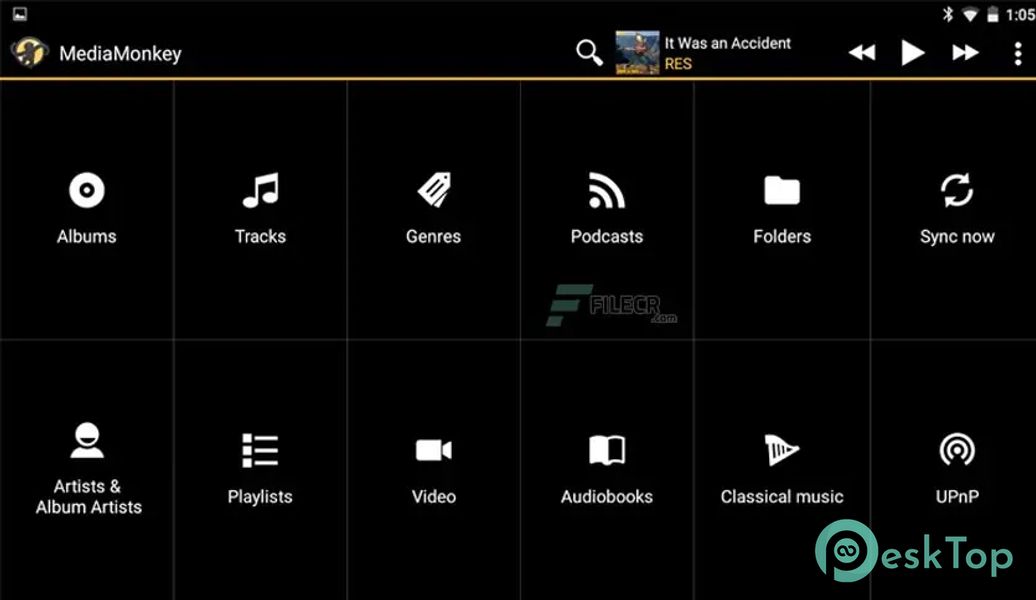
Manage and sync Music, Classical music, Audiobooks, Podcasts, Video, etc
Navigate by Artist, Album, Composer, Genre, Playlist, Folder, etc.) with support for multiple attributes (e.g., Genre=Rock; Alternative)
Play any content supported by your device (it relies on system codecs), with replay gain (volume leveling), an equalizer, and a sleep timer
Bookmarking for large files (e.g., Audiobooks, videos)
Access, play, and download media from UPnP/DLNA servers
Player widgets for the home screen or lock screen
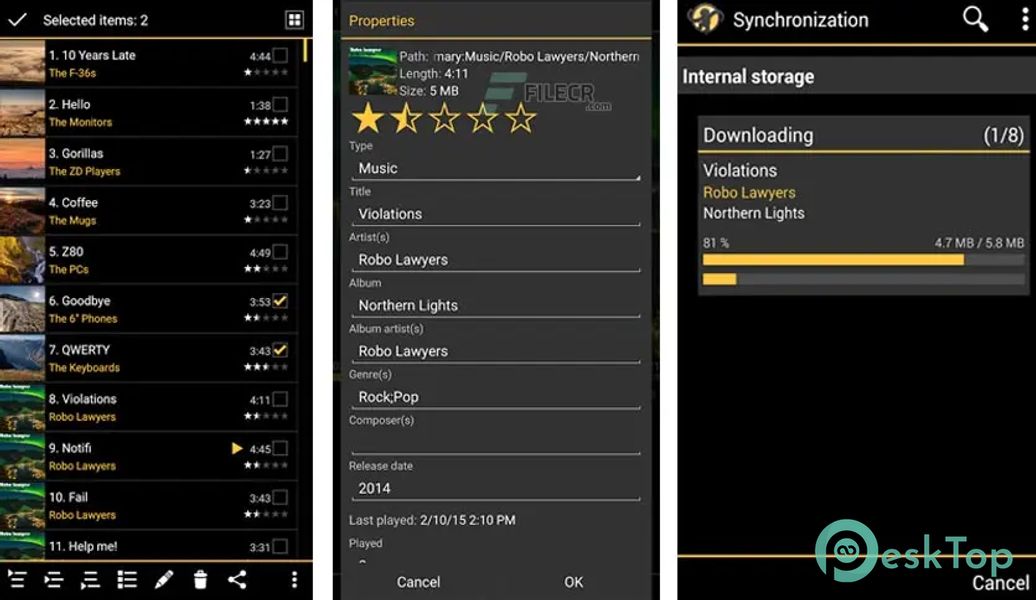
Edit properties for single/multiple files
Manage single/multiple files (e.g., play, queue, playlist management, delete, use as a ringtone, share)
Playlist management with hierarchy
Now Playing views: Album Art / Tracklist views
Compatible with third-party scribblers (Simple Last. FM, Scrobble Droid, Last. FM)
Compatible with Beats audio on HTC devices
Full-library search

-
App Size72.26 MB
-
Google Play LinkNot available
-
Version Number2.1.2.1304
-
App Languagemultilanguage
-
Last updatedBefore 4 Month
-
Downloads20
 Volume Styles - Custom control
 GG Mouse Pro
 Simple Launcher - Home Screen
 0Ground
 Arc0
Arc0 Raven Dark Icon Pack