
 Arabic
  English
  Turkish
  Chinese
  Japanese
  Russian
  Spanish
  German
  French
  Hindi
Hindi Download Mobile Remotely Mouse Keyboard for Android
Download Mobile Remotely Mouse Keyboard for Android.
Mobile Remotely Mouse Keyboard Overview
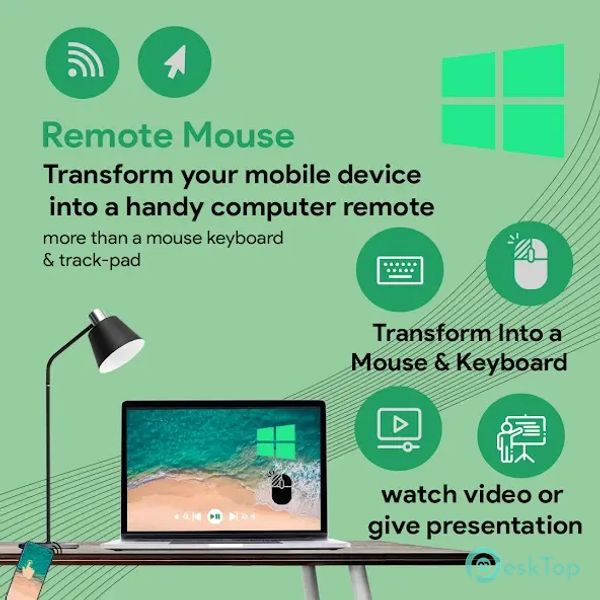
The app provides an easy way to connect your phone to your computer, transforming your device into a remote mouse and keyboard. It’s perfect for anyone who frequently uses their laptop from a distance or needs a quick way to control their PC from their phone. This app is convenient for presentations, browsing, and remote media control. With seamless connection over a local network, you can share data between your PC and mobile, control your computer’s media, and browse files easily, making this a highly versatile tool for PC users on the go.Features of Mobile Remotely Mouse Keyboard
Remote Mouse Control: Easily control your PC’s cursor with your phone as a wireless mouse.
Keyboard Sharing: Type from your mobile to your PC, making typing long documents easy.
Trackpad Functionality: Use your phone as a smooth, responsive trackpad.
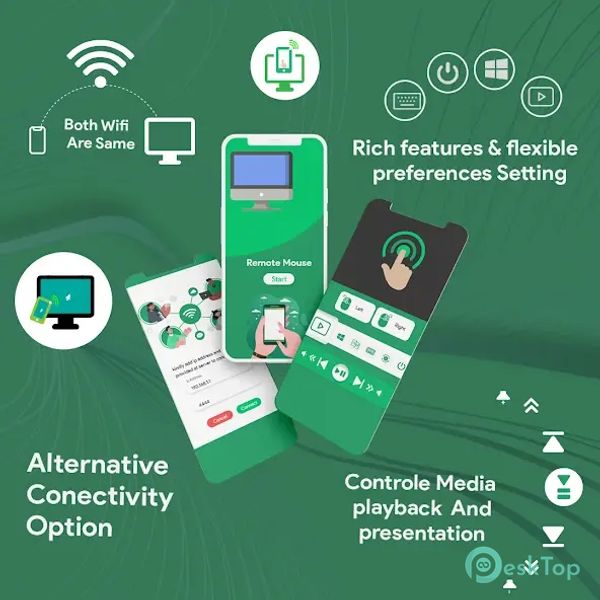
Media Player Control: Remotely manage your computer's media playback, pause, and adjust volume.
File Browser: Access and browse your PC’s files from your Android device.
Remote Desktop (RDP) Panel: Access the desktop panel remotely for seamless desktop control.
Connection Over Local Network: Connect effortlessly over a local network without additional software.
Customizable DPI: Adjust the mouse sensitivity to suit your preferences.
Secure Connection: Keeps your connection safe over the local network with encryption options.
User-Friendly Interface: The intuitive layout makes switching between controls and features easy.

-
App Size22.04 MB
-
Google Play Link

-
Version Number1.5
-
App Languagemultilanguage
-
Last updatedBefore 11 Month
-
Downloads10
 Volume Styles - Custom control
 GG Mouse Pro
 Simple Launcher - Home Screen
 0Ground
 Arc0
Arc0 Raven Dark Icon Pack