
 Arabic
  English
  Turkish
  Chinese
  Japanese
  Russian
  Spanish
  German
  French
  Hindi
Hindi Download My Notes – Notepad for Android
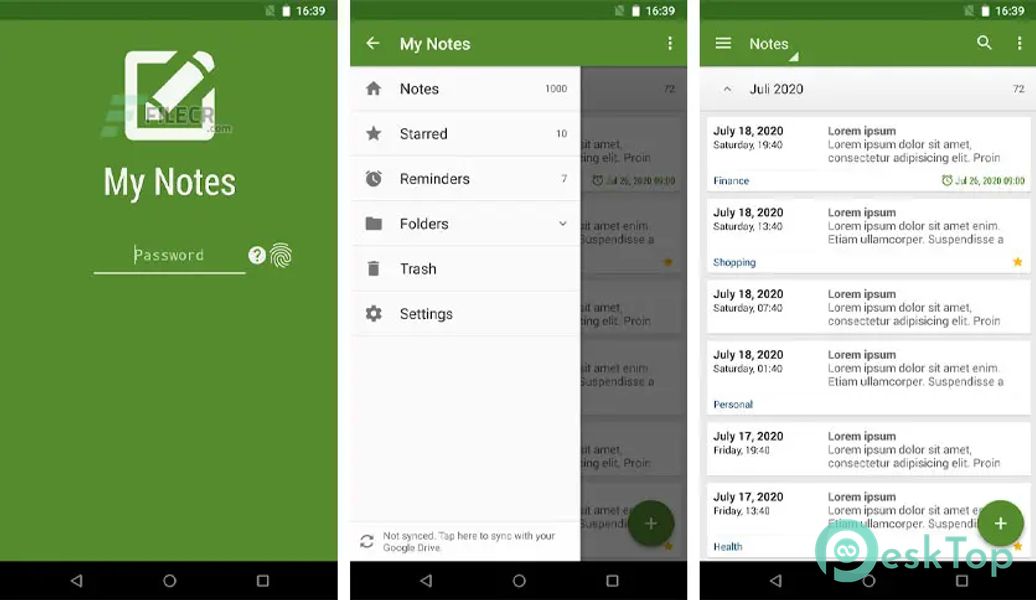
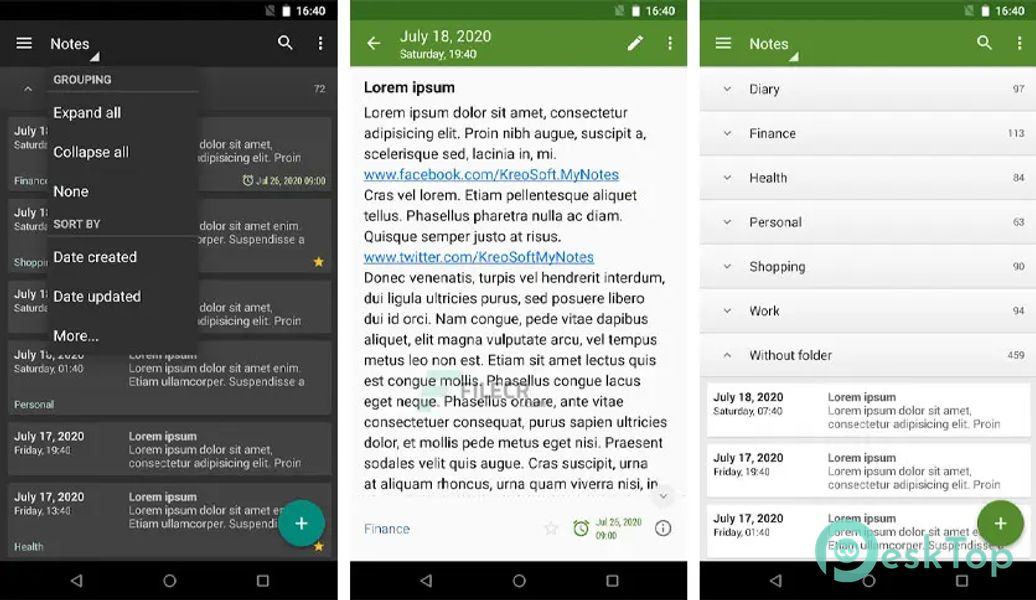
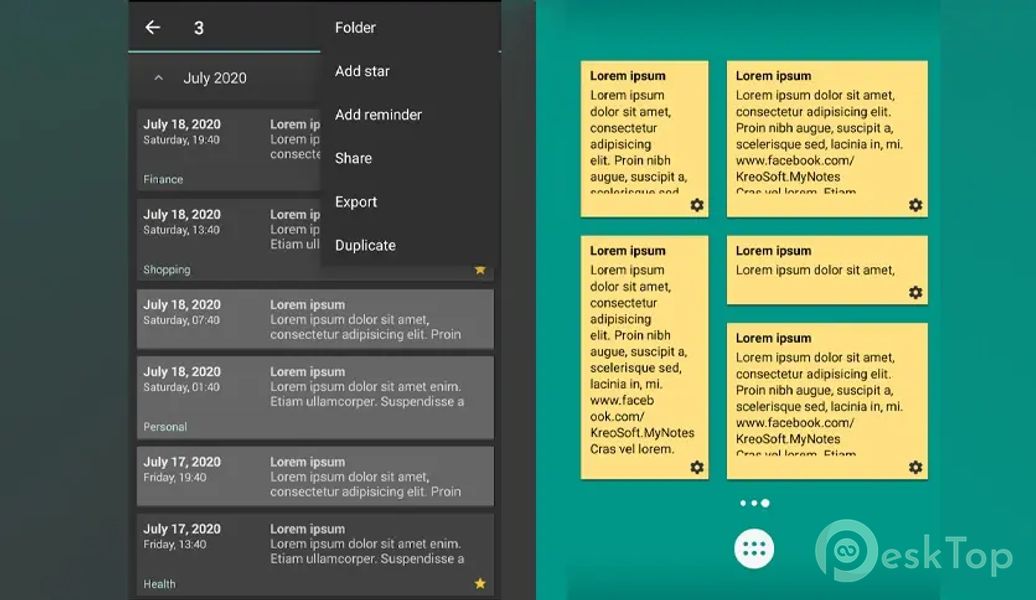
Download My Notes – Notepad for Android.
My Notes – Notepad Overview
This is an easy-to-use, intuitive, fast, elegant, and secure notepad with cloud syncing (Google Drive). This app can be a notepad, notebook, journal, agenda, or diary.Features of My Notes – Notepad
App lock (Password or PIN + Fingerprint)
Save, browse, search and share notes on your smartphone and tablet
Organize notes by folders
Sort notes by date created, date updated, title, and folder
Add reminders
Manage folders
Navigate between notes in a horizontal position
Manage backups
Export (Text file and HTML)
Sync notes via Google Drive between all Android devices you use
Keep your notes safe in the cloud
Store and display thousands of notes without any performance penalty
Store large notes
Dark theme
Theme color
Widgets
English language
Comments

4.91 MB
App Details
-
App Size4.91 MB
-
Google Play LinkNot available
-
Version Numberv2.2.1
-
App Languagemultilanguage
-
Last updatedBefore 5 Month
-
Downloads10
 Passwords — Safe-In-Cloud
 Multi Calculator Premium
 Adobe Acrobat Reader: Edit PDF
 All Document Reader - Edit PDF
 Next AI - No limit to ask
 Pomotimer - Study & Work Timer