
 Arabic
  English
  Turkish
  Chinese
  Japanese
  Russian
  Spanish
  German
  French
  Hindi
Hindi Download Neutron Music Player for Android
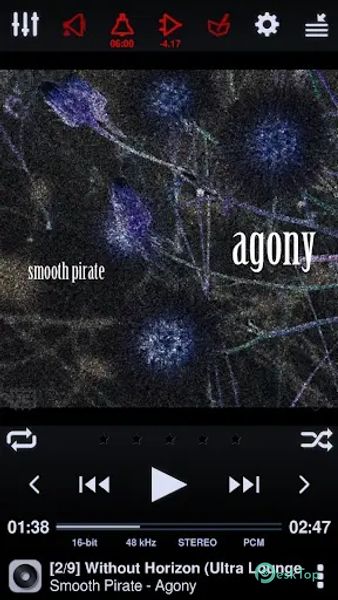
Download Neutron Music Player for Android.
Neutron Music Player Overview
It is more than just your average music player for Android. It boasts an in-house developed 32/64-bit audio engine that operates independently of the OS's music player API, which results in a truly unique and audiophile-friendly experience.Features of Neutron Music Player
Hi-Res Audio Processing: It supports 32/64-bit hi-res audio processing (HD audio), ensuring that you enjoy your music in the best possible quality.
Platform-Independent Decoding: It operates independently of the OS and platform, allowing for the purest audio playback experience.
Hi-Res Audio Support: It supports Hi-Res Audio DACs from various manufacturers, including iBasso, Cayin, Fiio, HiBy, Shanling, and Sony.
Bit-Perfect Playback: This player ensures bit-perfect playback, meaning you hear your music exactly as intended.
DSD Support: Native DSD support, direct or DoP, is included, making it perfect for audiophiles.
Versatile Format Support: It plays all audio formats, including DFF, DSF, ISO SACD/DVD, MOD, IM, XM, S3M, SPEEX, and more.
Extensive Playlist Support: It supports a wide range of playlist formats, including CUE, M3U, PLS, ASX, RAM, XSPF, and WPL.
Network Music Sources: Access your music from various sources, including SMB/CIFS network devices, UPnP/DLNA media servers, SFTP servers, FTP servers, and WebDAV servers.
Chromecast and UPnP/DLNA: It allows you to output audio to Chromecast and UPnP/DLNA Media Renderers with support for high-quality audio and DSP effects.
USB DAC Support: You can connect your USB DAC through a USB OTG adapter for a high-quality audio experience.
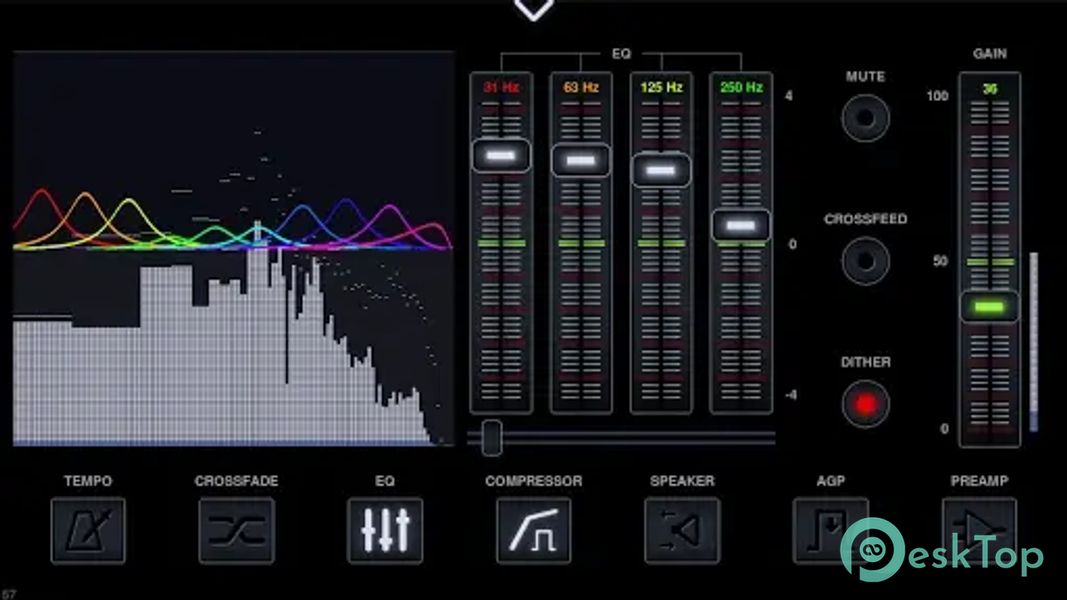
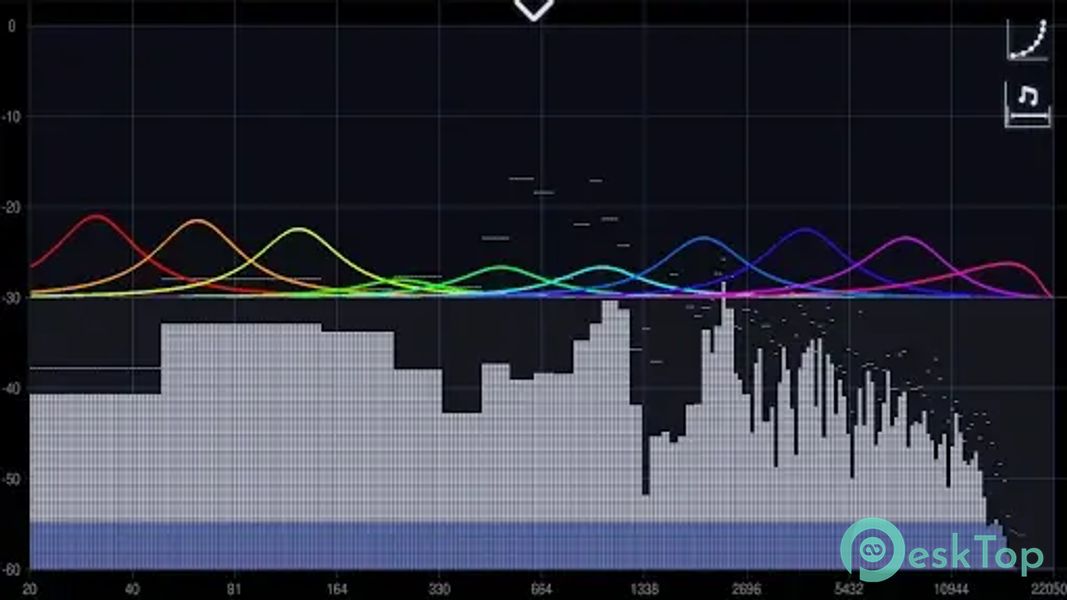
DSP Effects: The player offers a range of DSP effects, including a parametric equalizer, graphic EQ mode, frequency response correction, surround sound, crossfeed, and more.
Library Management: Organize your music with ease, grouping by album, artist, composer, genre, year, rating, and folder.
Tag Editing: It supports tag editing for various audio formats, allowing you to keep your library organized.
Android Auto: Enjoy your music seamlessly in your car with Android Auto support.

-
App Size19.58 MB
-
Google Play Link

-
Version Number2.23.3
-
App Languagemultilanguage
-
Last updatedBefore 1 Year
-
Downloads618
 Simple Audiobook Player Pro
 Smart MP3 Tag Editor
 Stellio - Music and mp3 Player
 TPlayer - All Format Video Player
 Power Ampache 2
 AudioScape