
 Arabic
  English
  Turkish
  Chinese
  Japanese
  Russian
  Spanish
  German
  French
  Hindi
Hindi Download ShadowIcons for Solid Explorer for Android
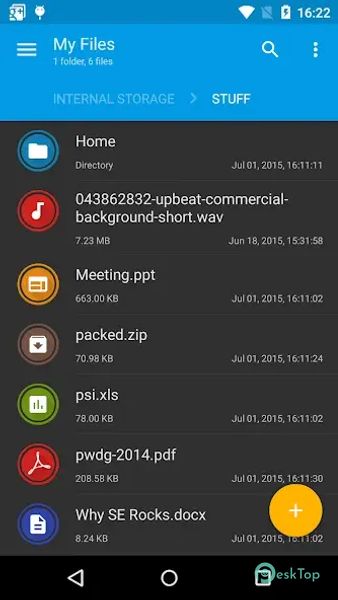
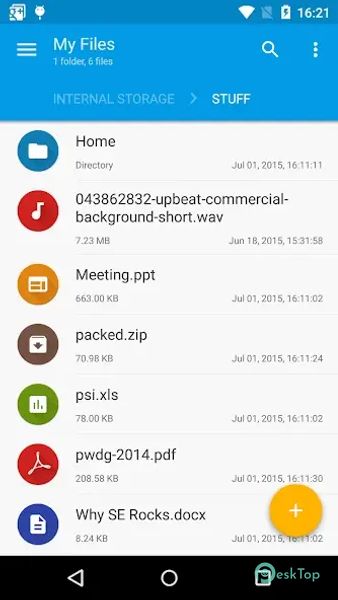
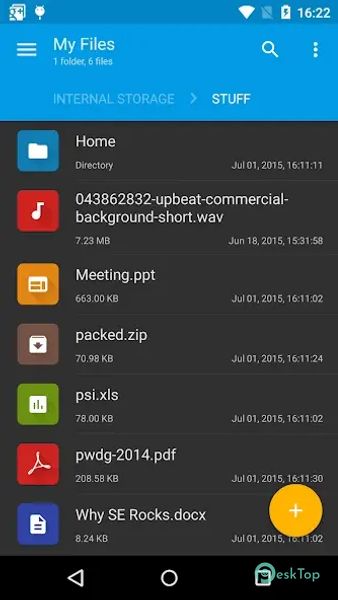
Download ShadowIcons for Solid Explorer for Android.
ShadowIcons for Solid Explorer Overview
It is designed to add aesthetic value to the popular app file manager. By installing this package, users gain access to three new icon sets that can personalize the appearance of their file management interface. This is particularly useful for those who prefer a more visually appealing and organized file system. The installation process is simple. Once the package is installed, users can activate the new icon sets by navigating to the settings menu in the app and selecting the desired icon set from the "Icon sets" section. This adds a layer of customization that can make managing files more enjoyable and visually pleasing.Features of ShadowIcons for Solid Explorer
Three Additional Icon Sets: Enhance your app with three unique icon sets for a more personalized look.
Easy Activation: Activate the new icon sets through the app settings with just a few taps.
Enhanced Visual Appeal: Make your file manager more visually appealing with stylish icons.
Customization Options: Choose the best icon set that fits your style and preference.
User-Friendly Interface: Simple and intuitive interface for easy navigation and activation of icon sets.
Ad-Free Experience: Enjoy an uninterrupted and ad-free experience with the MOD version.
Compatibility: Designed to work seamlessly with the app.
Regular Updates: Receive updates and new icon sets to keep your file manager fresh and up-to-date.

-
App Size226.25 KB
-
Google Play LinkNot available
-
Version Number1.2
-
App Languagemultilanguage
-
Last updatedBefore 11 Month
-
Downloads0
 Volume Styles - Custom control
 GG Mouse Pro
 Simple Launcher - Home Screen
 0Ground
 Arc0
Arc0 Raven Dark Icon Pack