
 Arabic
  English
  Turkish
  Chinese
  Japanese
  Russian
  Spanish
  German
  French
  Hindi
Hindi Download Steam Link / Steam Remote Play for Android
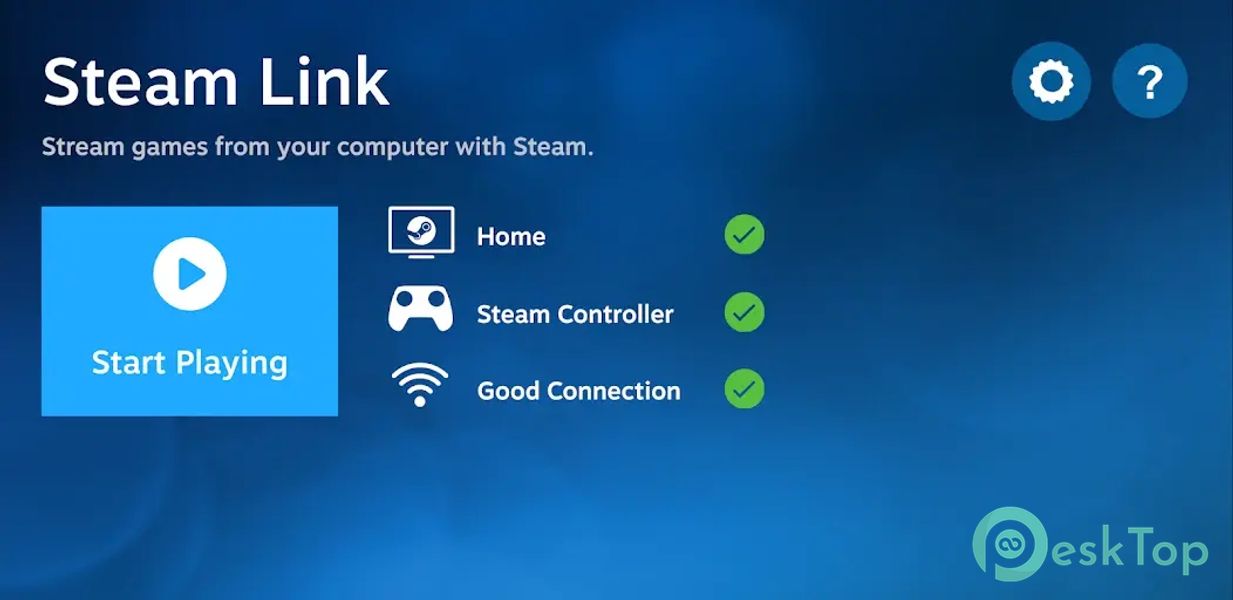
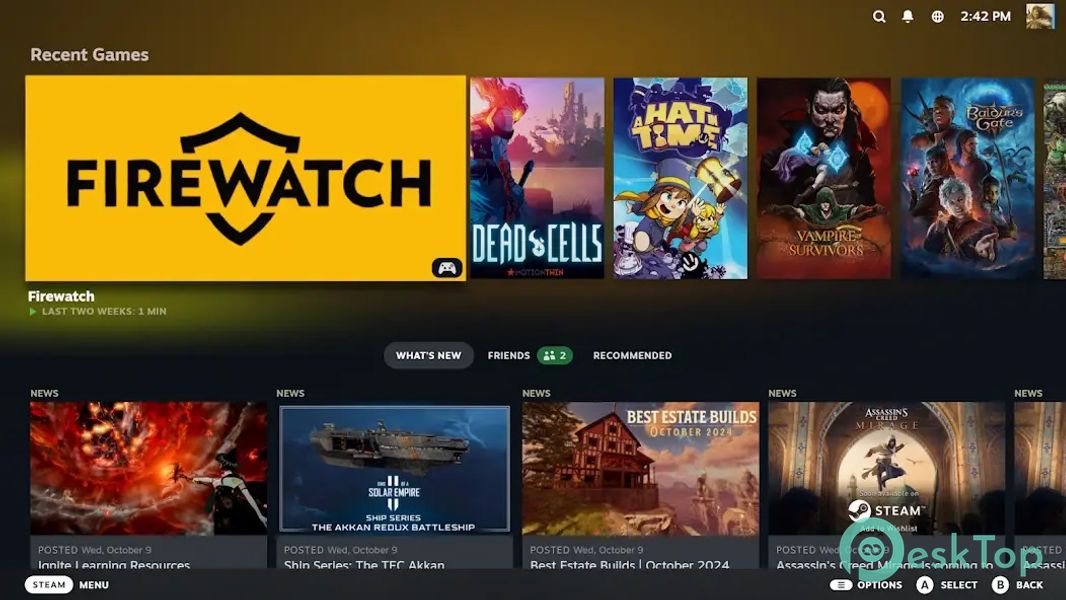
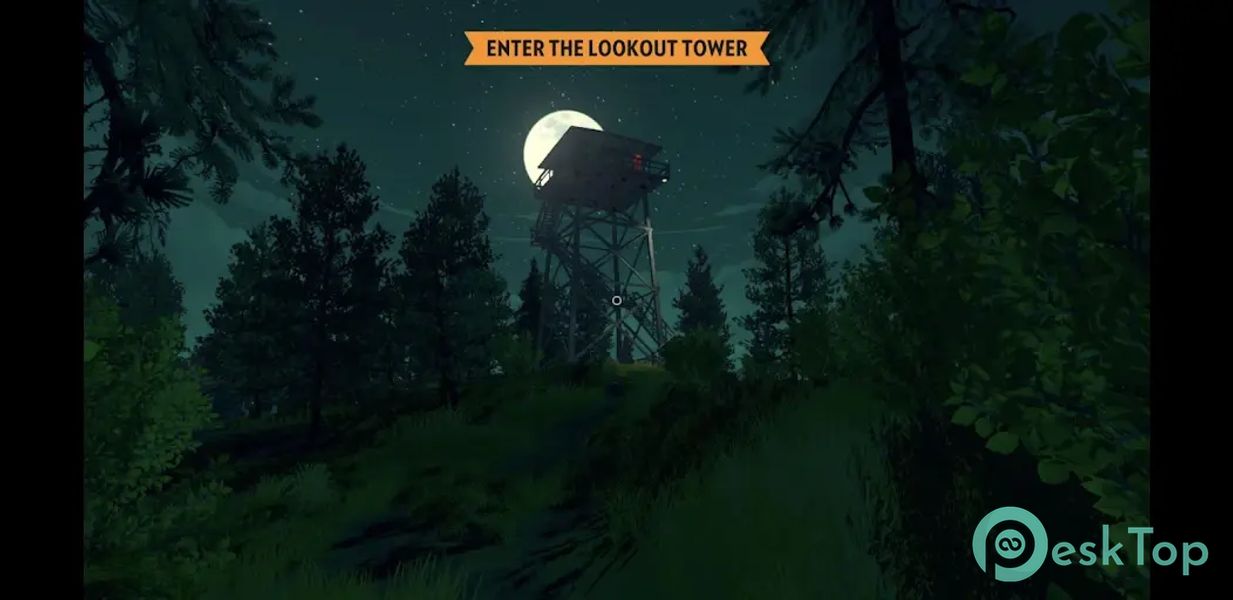
Download Steam Link / Steam Remote Play for Android.
Steam Link / Steam Remote Play Overview
This powerful streaming solution helps you enjoy your PC games on almost any screen you own. Whether it is a mobile phone, smart TV, VR headset, or another PC, it mirrors your gaming session in real time. Instead of being stuck in front of one computer, you can move freely around your home and still access your full game library. The software connects devices on the same local network. Once linked, it streams video and audio from your main PC to another device while sending your controller inputs back instantly. It feels like stretching a long, invisible cable from your gaming rig to wherever you are sitting. How It Works The tool uses your local network to transmit gameplay from one computer to another device. First, you install and open Steam on your main PC. Then, you launch the app on your secondary device. Both devices must be on the same network for the smoothest experience. After pairing, it automatically detects your library. You select a game, press play, and the stream begins. The main PC handles all heavy processing, while your other device simply displays the output and sends back your controls. It is like having a remote window into your gaming machine.Features of Steam Link / Steam Remote Play
Stream Beyond Just Gaming
Although designed primarily for gaming, the software is not limited to that use. You can also use it to remotely control your entire desktop. This means you can open files, browse the web, or run applications from another room.
If you want to show a presentation on a TV, access creative tools from your couch, or manage downloads without sitting at your desk, it handles those tasks smoothly. Think of it as a wireless extension of your computer screen.
Device Compatibility
One of its biggest strengths is flexibility. It supports Android devices, smart TVs, VR headsets, and even other PCs. As long as the device can run the app and connect to your network, you can stream to it.
You can plug in a controller to your mobile phone or TV for a console-like feel. For VR users, it opens up immersive streaming on a powerful PC. It removes location constraints and lets you play wherever you feel comfortable.
Controller and Input Support
The tool supports many types of controllers. You can connect standard gamepads or Bluetooth controllers, or use touch controls on mobile devices. It adapts to different input methods without complicated setup.
If you prefer a keyboard and a mouse, you can use them on another PC. Responsiveness largely depends on network quality, but with a stable connection, it feels surprisingly direct and natural.
Performance and Network Tips
For the best results, a strong, stable local network is essential. A wired Ethernet connection on your main PC improves streaming quality. A fast WiFi network also works well, especially on modern routers.
Lower network latency means smoother gameplay and fewer delays. You can adjust streaming settings to balance video quality and performance. If your network is strong, you can push higher resolutions and frame rates. If it is weaker, lowering settings ensures stable gameplay.
Easy Setup Process
Setting up the software is simple. Install Steam on your main PC if it is not already installed. Then download and install the app on your secondary device. Open both, and the system will guide you through pairing.
Once connected, your library appears instantly. From there, you just choose a game and start playing. No complex configurations are required for most users. It feels almost automatic.
Use Cases at Home
Imagine starting a game at your desk and then continuing it on your TV in the living room. Or playing on your tablet while relaxing in bed. The software makes this shift seamless.
Families can also benefit. A single powerful PC can stream to multiple devices simultaneously, reducing the need for additional hardware. It turns your home into a flexible gaming space without needing separate systems for each room.
Security and Local Streaming
Because it primarily operates on the same local network, your data remains within your home environment. The streaming connection remains secure under normal home network setups.
You can also sign in to your account securely and manage your library just as you would on your main PC. It keeps your progress, achievements, and settings synced.
System Requirements and Technical Details
Operating System: Windows 11 / 10 / 8.1 / 7
Processor: Minimum 1 GHz Processor (2.4 GHz recommended)
RAM: 2GB (4GB or more recommended)
Free Hard Disk Space: 200MB or more is recommended

-
App Size125.52 MB
-
Google Play LinkNot available
-
Version Number1.3.19
-
App Languagemultilanguage
-
Last updatedBefore 6 Month
-
Downloads7
 STEEZY - Learn How To Dance
 NostalgiaManiaPro
 StarTV Stream
 Spiritual Aesthetic Wallpaper
 Islamic Wallpaper
 Emoji Wallpaper