
 Arabic
  English
  Turkish
  Chinese
  Japanese
  Russian
  Spanish
  German
  French
  Hindi
Hindi Download Storage Space & Analyzer for Android
Download Storage Space & Analyzer for Android.
Storage Space & Analyzer Overview
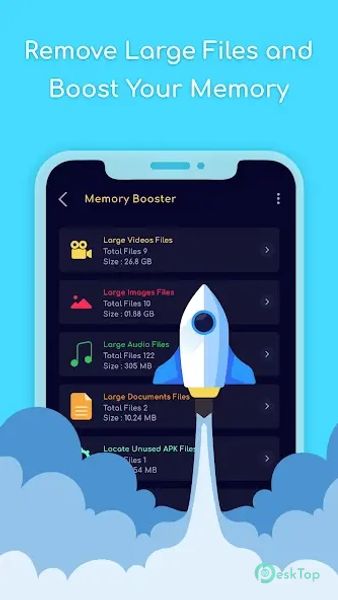
It is a powerful tool designed to help Android users optimize their storage. By scanning internal and external memory, the app identifies large or unused files that can be safely removed. This functionality is handy for those frequently encountering storage limitations and needing a straightforward solution to reclaim valuable space. With its intuitive interface, it provides users with a clear overview of their device’s storage status. It displays detailed information about memory usage, helping users make informed decisions about which files to delete. This streamlined approach makes it easy to keep your device running smoothly without the hassle of manual file management.Features of Storage Space & Analyzer
Comprehensive Storage Analysis: The app scans both internal and external storage, providing a complete overview of available memory and identifying files that can be deleted.
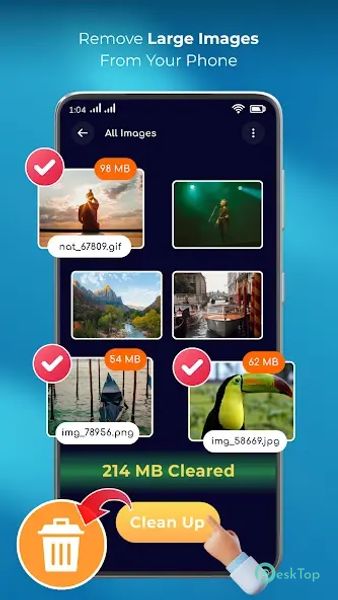
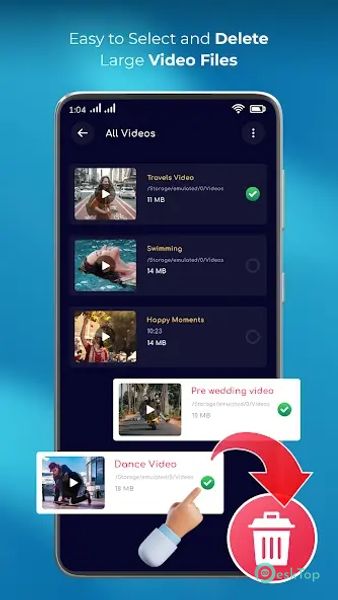
Significant File Detection: Quickly locate and review large files that are taking up considerable space so you can decide whether to keep or remove them.
Unused File Finder: Automatically identifies files that haven’t been accessed for a long time, helping you free up space by removing these outdated files.
Detailed Memory Breakdown: This feature provides a detailed breakdown of storage usage by categories such as apps, photos, videos, and more, making it easier to manage your files.
User-Friendly Interface: This product features a simple and intuitive design that makes it easy to navigate through different storage management options.
One-Tap Cleanup: Allows users to clean up quickly with a single tap, clearing unnecessary files and freeing up space effortlessly.
Storage Notifications: This service sends alerts when storage is running low so you can take action before running out of space.
Safe Deletion: This feature ensures that files deleted through the app are moved to a recycle bin first, allowing you to recover them if needed.
Customizable Settings: This option allows you to customize the app’s settings according to your preferences, including choosing which types of files to scan and delete.
Performance Optimization: Improves your device’s performance by freeing up space and ensuring it operates efficiently.

-
App Size11.96 MB
-
Google Play LinkNot available
-
Version Number1.8
-
App Languagemultilanguage
-
Last updatedBefore 11 Month
-
Downloads4
 Volume Styles - Custom control
 GG Mouse Pro
 Simple Launcher - Home Screen
 0Ground
 Arc0
Arc0 Raven Dark Icon Pack