
 Arabic
  English
  Turkish
  Chinese
  Japanese
  Russian
  Spanish
  German
  French
  Hindi
Hindi Download UNIVER English Tenses for Android
Download UNIVER English Tenses for Android.
UNIVER English Tenses Overview
This is an easy way to learn English Tenses. Active & Passive English Tenses (21) + Future in the Past Tenses (4). Bright, successful, funny, easy-to-remember Examples, Exercises, Explanations, Trainers and Tests.Features of UNIVER English Tenses
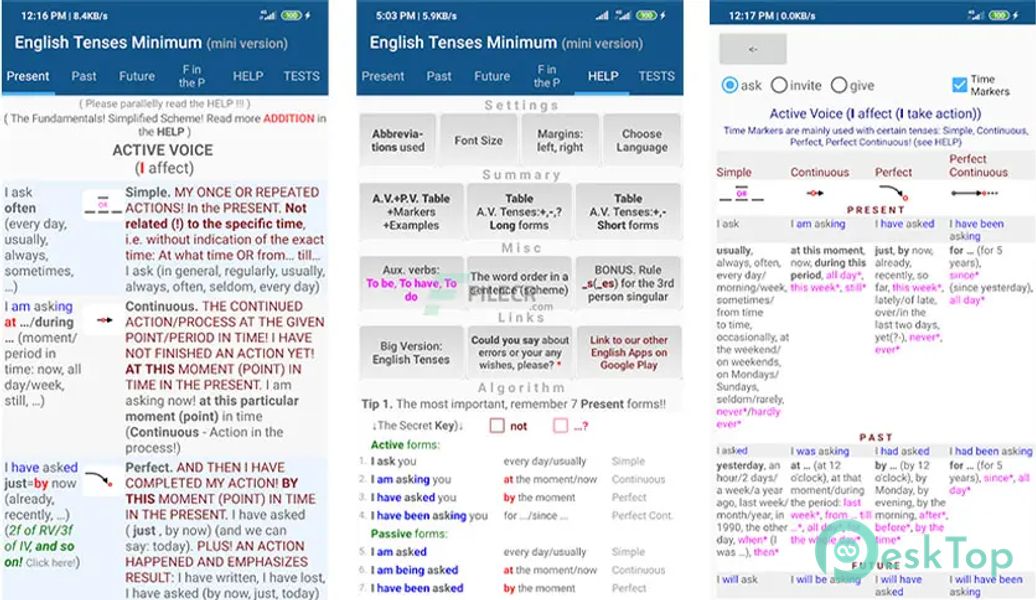
Secret Key - to remember All English Tenses at once
Time Markers - words-companions-hints
Trainer (live table of cards) for learning irregular verbs
Forms of an auxiliary verb: To Be, To Have, To Do
Rule _s/_es
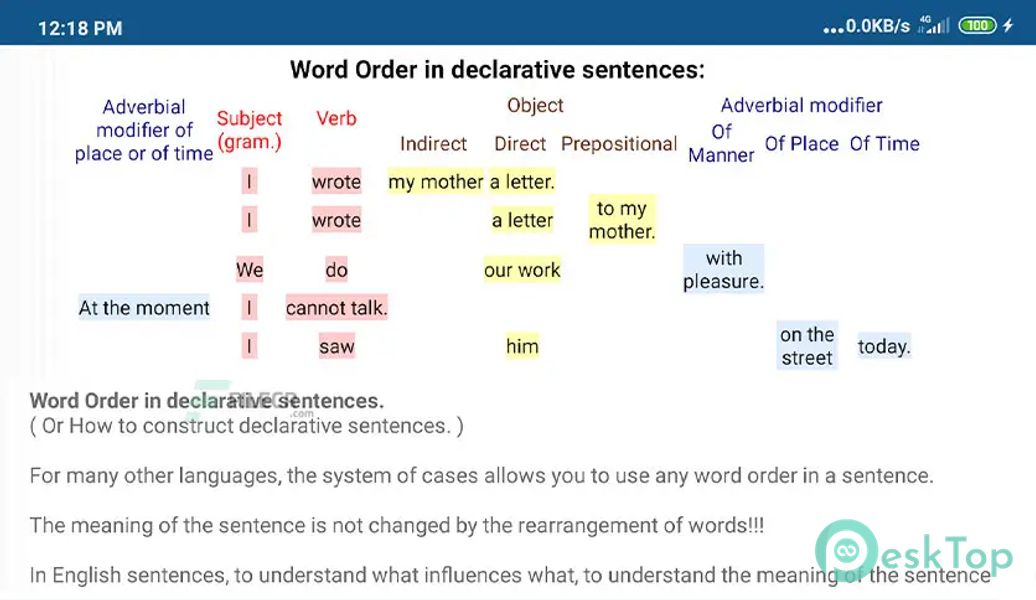
The Word Order in a sentence - to learn to speak
Many tests in the form of tables with functions of the Training Simulator and Exam
This app is handy for beginners and foreigners
Summary Table of key examples of Tenses with unfolding - collapsing Time Markers and Explanations
Colorful Pivot Table of the Formulas of Tenses
Comments

4.64 MB
App Details
-
App Size4.64 MB
-
Google Play LinkNot available
-
Version Numberv5.2
-
App Languagemultilanguage
-
Last updatedBefore 1 Year
-
Downloads17
 Al QURAN
 Photomath
 STAS: Preschool Education Kids
 Ling: Easy Language Learning
 Todaii: Learn English
 AI Assistant - Chat with