
 Arabic
  English
  Turkish
  Chinese
  Japanese
  Russian
  Spanish
  German
  French
  Hindi
Hindi Download Battle.net 1.0 for Windows
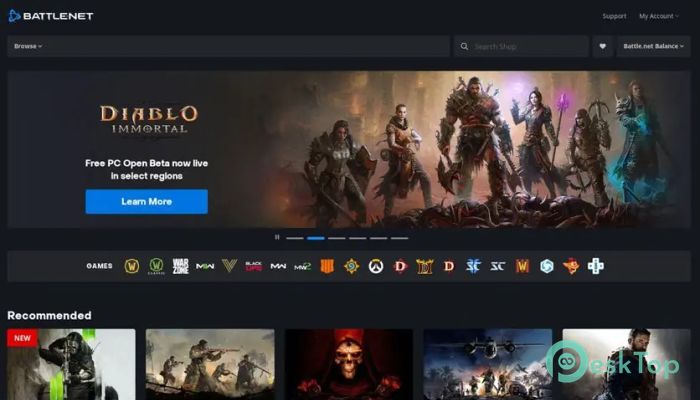
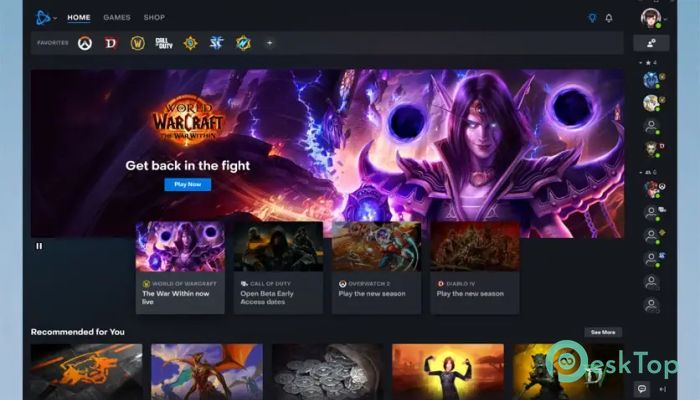
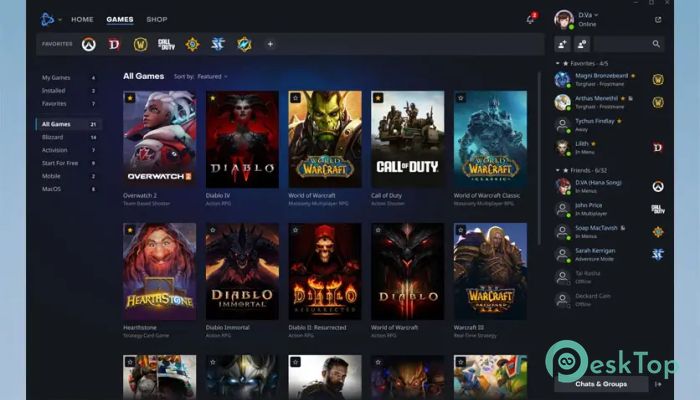
Download Battle.net 1.0 for Windows.
Battle.net Overview
This desktop platform acts like a digital meeting point where games, friends, and updates live under one roof. It keeps everything organized so you can jump into play without wasting time searching for files or updates. From installing titles to chatting with friends, everything flows smoothly in one place.Features of Battle.net
A central place for your games
Instead of juggling multiple launchers, it gathers supported titles into a clean library. You can install new releases, update existing ones, and launch them with a single click. Think of it as a bookshelf where every game is neatly arranged and always ready to open.
Easy social connection
The built-in friends system makes staying in touch simple. You can see who is online, what they are playing, and send messages instantly. It feels like a virtual gaming lounge where friends drop in, chat, and team up before diving into action.
Fast updates and downloads
The software applies patches quietly in the background, keeping games up to date without manual effort. Smart download management lets you pause, resume, or schedule updates, which is helpful when internet speed or time is limited.
News and exclusive offers
Latest announcements, events, and special deals appear directly inside the app. This keeps players informed without requiring them to browse multiple websites. It is like having a gaming newspaper delivered directly to your desktop.
Strong focus on security
Account protection features help keep profiles safe. Options like two-step verification add an extra layer of security, reducing the risk of unauthorized access and keeping progress and purchases secure.
Clean and beginner-friendly interface
The layout is simple and welcoming. Menus are easy to understand, even for first-time users. Everything is clearly labeled, so finding games, friends, or settings is never confusing.
Performance and stability
Designed to run efficiently in the background, it uses minimal system resources. This ensures games get the power they need while the launcher stays responsive and lightweight.
Cloud-based convenience
Your account settings, friend list, and library stay synced. Sign in on another computer, and everything feels familiar, like picking up your backpack and continuing the journey from where you left off.
System Requirements and Technical Details
Operating System: Windows 11 / 10 / 8.1 / 7
Processor: Minimum 1 GHz Processor (2.4 GHz recommended)
RAM: 2GB (4GB or more recommended)
Free Hard Disk Space: 200MB or more is recommended

-
Program size1.80 MB
-
Version1.0
-
Program languagemultilanguage
-
Last updatedBefore 8 Month
-
Downloads10
 ExtraMAME
 ChessBase Fritz
 ChessBase
 Dragonrise Games YoloX
 Vortex
 NCSOFT PURPLE