
 Arabic
  English
  Turkish
  Chinese
  Japanese
  Russian
  Spanish
  German
  French
  Hindi
Hindi Download BIMware MASTER EC2 Reinforcement 15.2.0 for Windows
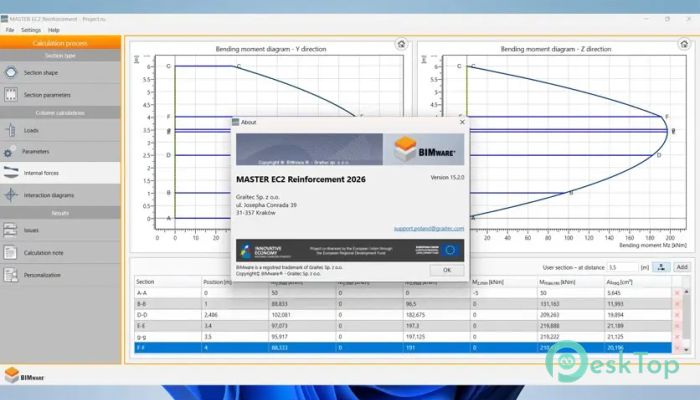
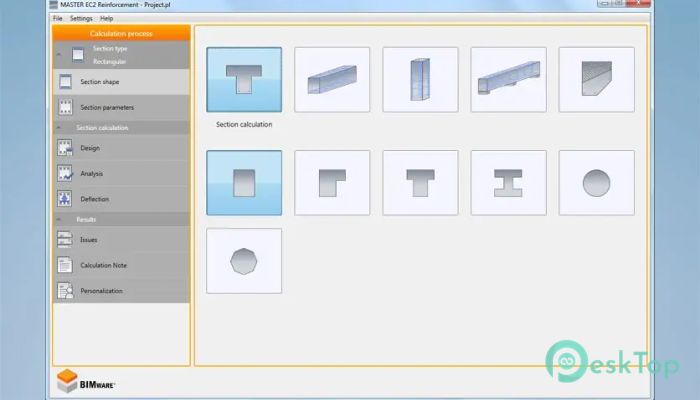
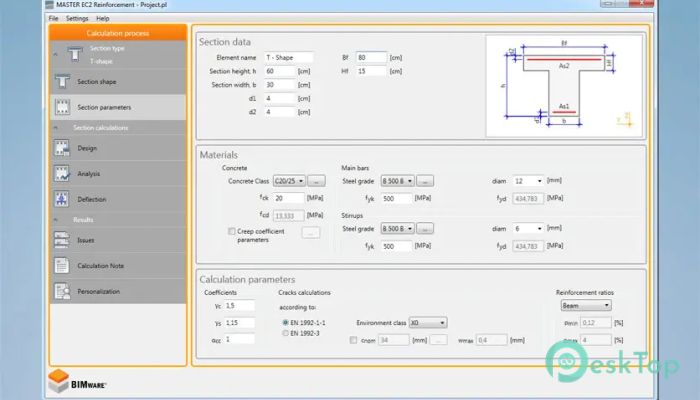
Download BIMware MASTER EC2 Reinforcement 15.2.0 for Windows.
BIMware MASTER EC2 Reinforcement Overview
It is built for structural engineers who deal with reinforced concrete on a daily basis. It focuses on calculations for concrete sections, beams, and columns in accordance with Eurocode 2. The goal is simple: reduce manual effort, avoid calculation errors, and make the design process smoother. It works like a reliable calculator that never gets tired, even when designs become complex.Features of BIMware MASTER EC2 Reinforcement
Purpose and Core Functionality
The software is dedicated to calculating the required reinforcement areas or checking the maximum load capacity of reinforced concrete elements. It handles both simple and complex sections with ease. Instead of juggling formulas and spreadsheets, engineers can rely on it to deliver accurate results quickly. Think of it as a digital assistant that handles the heavy math while you focus on design decisions.
Support for Beams and Columns
One of its strong points is support for RC beams and columns. It allows analysis under different loading conditions while complying with Eurocode requirements. The tool evaluates bending, axial forces, and combined actions in a clear, structured manner. This makes it suitable for everyday design tasks as well as detailed verification work.
Expertise Module Explained
The Expertise module is where the software truly shines. It lets users verify reinforced concrete sections of almost any shape. Reinforcement can be defined freely, without being limited to standard layouts. This flexibility feels like working with clay instead of rigid blocks, allowing engineers to adapt calculations to real-world scenarios rather than forcing designs into predefined templates.
Handling Arbitrary Section Shapes
Not all concrete sections are rectangular or circular. The software understands this reality and allows arbitrary geometry. Complex shapes can be defined and checked with the same confidence as simple ones. This feature is especially useful in modern architecture, where structural elements often follow unconventional forms.
Accurate Reinforcement Verification
Verification is not just about numbers; it is about trust. The tool checks whether the defined reinforcement meets code requirements and highlights critical results. It feels similar to having a second engineer review your work, catching issues before they become costly mistakes on site.
Eurocode 2 Compliance
The calculations are based on Eurocode 2, which is widely used across many regions. This ensures results are aligned with accepted standards. Engineers do not need to constantly cross-check clauses, as the logic is already embedded into the software, saving time and mental effort.
User-Friendly Workflow
The interface is designed to be straightforward. Inputs are logically organized, and results are presented clearly. Even complex checks feel manageable because the workflow guides users step by step. It is like following a well-marked road instead of navigating through a dense forest.
Time-Saving Benefits
Manual reinforcement calculations can be time-consuming and repetitive. The software significantly speeds up this process. By automating calculations, it frees up valuable hours that can be spent refining designs or coordinating with project teams.
Practical Use in Real Projects
In real engineering projects, deadlines are tight, and accuracy is critical. This solution fits well into daily design routines. It can be used during early design stages to test ideas or later for final verification. Its flexibility makes it useful across different phases of a project.
Clear and Detailed Output
Results are presented in a way that is easy to understand and document. Engineers can quickly interpret whether a section passes or fails checks. This clarity helps when preparing reports or explaining decisions to colleagues and clients.
Learning Curve and Accessibility
Despite its advanced capabilities, the learning curve is reasonable. Engineers familiar with reinforced concrete concepts will feel comfortable quickly. It does not overwhelm users with unnecessary options, keeping the focus on what matters most.
System Requirements and Technical Details
Operating System: Windows 11 / 10 / 8.1 / 7
Processor: Minimum 1 GHz Processor (2.4 GHz recommended)
RAM: 2GB (4GB or more recommended)
Free Hard Disk Space: 200MB or more is recommended

-
Program size63.65 MB
-
Version15.2.0
-
Program languagemultilanguage
-
Last updatedBefore 8 Month
-
Downloads37
 Autodesk 3DS MAX
 Autodesk AutoCAD Electrical
 Autodesk Maya
 Autodesk AutoCAD Architecture
 Autodesk AutoCAD Map 3D
 Autodesk AutoCAD Plant 3D