
 Arabic
  English
  Turkish
  Chinese
  Japanese
  Russian
  Spanish
  German
  French
  Hindi
Hindi Download Clutchd 0.1.0 for Windows
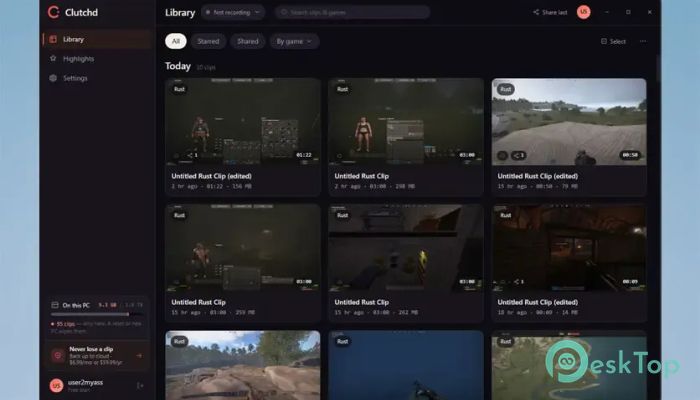
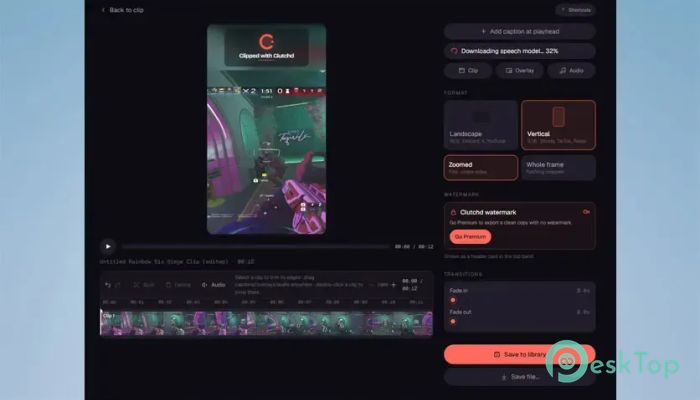
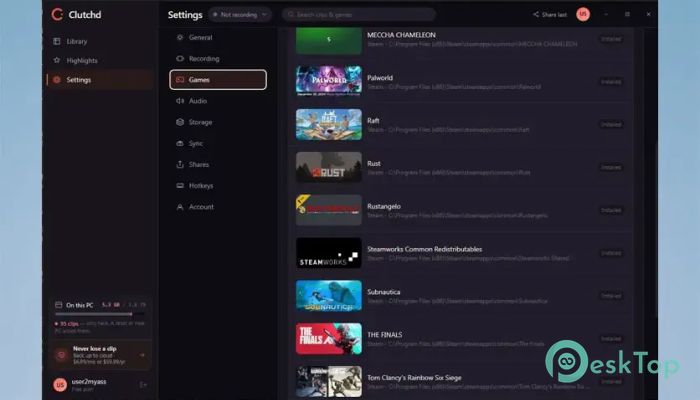
Download Clutchd 0.1.0 for Windows.
Clutchd Overview
Missing an incredible gaming moment because you forgot to start recording can be frustrating. This software solves that problem by constantly keeping the last part of your gameplay in memory, ready to save whenever something exciting happens. Instead of recording long videos, it captures only the moments that matter. The tool runs quietly in the background while using your GPU's hardware encoder for efficient performance. When you press the assigned hotkey, it instantly saves the buffered gameplay to your storage without interrupting your game or causing annoying frame drops.Features of Clutchd
Instant Replay Recording
The biggest advantage of the software is its instant replay system. It continuously keeps your recent gameplay ready to save without filling your hard drive with hours of unnecessary footage. Whether you score an amazing goal, land a perfect headshot, or pull off an impossible clutch, you simply press the hotkey, and the clip is saved immediately.
This approach feels like having a rewind button for your games. Instead of predicting when something exciting will happen, you simply save it after the action is over.
Custom Replay Length
Everyone plays differently, so the tool lets you decide how much gameplay to store in the replay buffer. You can keep the last 30 seconds, extend it to 1 minute or 2 minutes, or choose another duration that better fits your gaming style.
This flexibility makes it useful for different genres. Fast-paced shooters may only need short clips, while strategy or racing games often benefit from longer replay times.
Simple Hotkey Controls
Saving clips couldn't be easier. By default, the replay is saved with the F8 key, but you are free to change it to almost any keyboard shortcut that feels comfortable during gameplay.
There is no need to pause the game, switch windows, or navigate through menus. One quick press is enough to capture the moment forever.
GPU Hardware Encoding
The software uses your graphics card's hardware encoder to efficiently handle video buffering. This method reduces the workload on your processor and keeps gaming performance smooth, even while replay recording stays active.
Since most of the work is handled by the GPU, you can continue playing without noticeable lag, stuttering, or dropped frames. It works quietly behind the scenes while you stay focused on winning.
Minimal Performance Impact
Unlike many traditional recording programs, the tool is designed with performance as the highest priority. It avoids heavy background processes and unnecessary features that often consume valuable system resources.
The result is a lightweight experience that lets gamers enjoy high frame rates while still capturing every memorable highlight. It feels almost invisible until you actually need it.
Quick Clip Saving
Once the replay hotkey is pressed, the buffered footage is instantly written to your storage. There is no lengthy processing time or complicated export procedure before the clip becomes available.
This makes it easy to review your best plays, edit them later, or share them with friends on your favorite platforms.
Clean and Distraction-Free Experience
Many recording applications include live-streaming tools, advertisements, social feeds, and complex dashboards. This software takes a different approach by focusing solely on instant replay recording.
Its clean interface makes setup quick and simple, allowing both beginners and experienced gamers to start capturing highlights within minutes.
Perfect for Competitive Gaming
Competitive matches are often decided in seconds. Incredible plays can happen unexpectedly, making manual recording almost impossible. The software ensures those unforgettable moments are never lost.
Whether you play first-person shooters, racing games, sports titles, battle royale games, or multiplayer adventures, it helps preserve every exciting victory without getting in your way.
System Requirements and Technical Details
Operating System: Windows 11 / 10
Processor: Minimum 1 GHz Processor (2.4 GHz recommended)
RAM: 2GB (4GB or more recommended)
Free Hard Disk Space: 200MB or more is recommended

-
Program size9.82 MB
-
Version0.1.0
-
Program languagemultilanguage
-
Last updatedBefore 3 Month
-
Downloads3
 ExtraMAME
 ChessBase Fritz
 ChessBase
 Dragonrise Games YoloX
 Vortex
 NCSOFT PURPLE