
 Arabic
  English
  Turkish
  Chinese
  Japanese
  Russian
  Spanish
  German
  French
  Hindi
Hindi Download Cygwin 1.0 for Windows
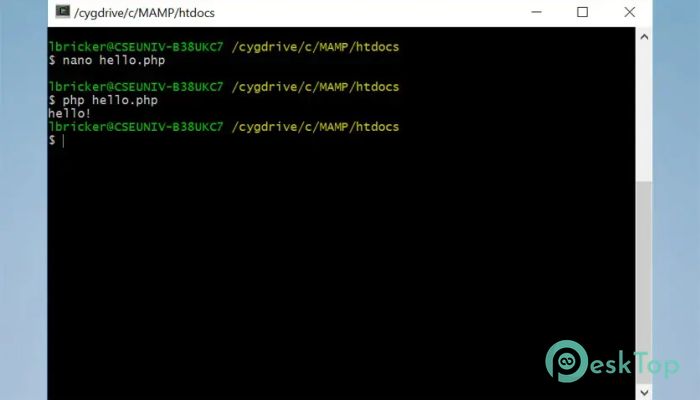
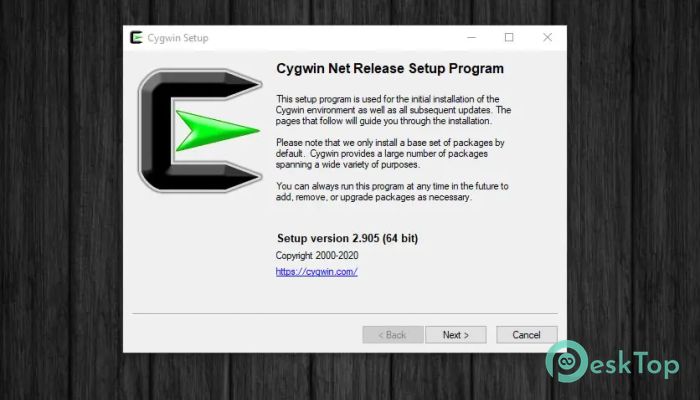
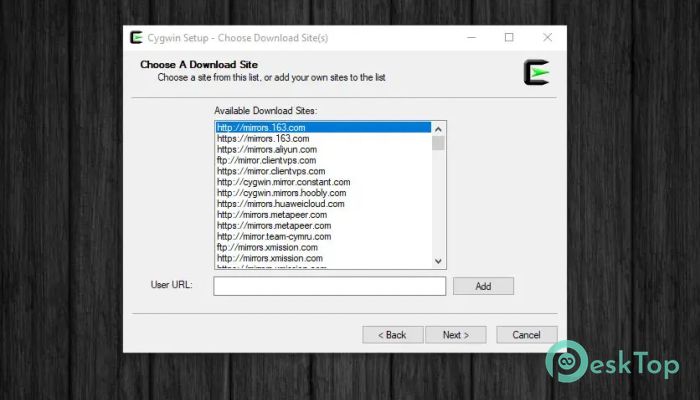
Download Cygwin 1.0 for Windows.
Cygwin Overview
This software serves as a bridge between Windows and familiar Unix-style tools. It provides access to thousands of open-source packages, enabling developers and system administrators to work more efficiently. With its flexible structure, it supports customization, scripting, and a smooth command-line experience.Features of Cygwin
Provides a Unix-like environment on Windows
Supports thousands of open-source packages
Offers strong POSIX compatibility through its core library
Makes porting Unix applications efficient and straightforward
Includes multiple shells such as bash, zsh, and tcsh
Integrates smoothly with native Windows applications
Offers an optional X server for running graphical applications
Provides development tools, headers, and libraries
Enables building GNU and BSD software on Windows
Offers flexible package management and updates
How It Works
The tool relies on its core POSIX-compatibility layer, the Cygwin library. This layer translates Unix-style commands and system calls into something Windows can understand. Because of this powerful integration, most Unix applications run with little to no modification. You get a familiar command-line experience, complete with packages, shells, compilers, and utilities.
Supported Tools and Packages
The software includes thousands of popular tools from GNU, BSD, and other open-source communities. These tools cover development, networking, file manipulation, system monitoring, and more. Whether you need compilers, editors, scripting languages, version control systems, or graphical applications, everything is available through the package manager.
Developer Benefits
For developers, the platform feels like a toolbox complete with ready-to-use components. You can build Windows console applications, GUI applications, or command-line utilities using a wide range of POSIX APIs. It reduces manual setup time while making cross-platform compatibility easier. Many programming workflows become smoother thanks to native integration of libraries, headers, and compilers.
Shell Environment
The tool includes multiple shells, allowing users to choose their preferred command-line interface. Bash, zsh, and tcsh are included, providing a familiar Linux-style environment. These shells help users automate tasks, create scripts, and interact with thousands of utilities available in the distribution.
Simplified Software Porting
One of the most significant advantages of this platform is the ease of software porting. Since it supports major GNU and BSD tools, developers can compile software directly on Windows without rewriting code. This convenience saves time and delivers consistent results across systems.
System Requirements and Technical Details
Operating System: Windows 11 / 10 / 8.1
Processor: Minimum 1 GHz Processor (2.4 GHz recommended)
RAM: 2GB (4GB or more recommended)
Free Hard Disk Space: 200MB or more is recommended

-
Program size1.47 MB
-
Version1.0
-
Program languagemultilanguage
-
Last updatedBefore 9 Month
-
Downloads16
 Reuschtools ClassicMenu
 AI Aquarium Screensaver
  Rainmeter
 Rainlendar Pro
 N-Button Pro
 Stardock DeskScapes