
 Arabic
  English
  Turkish
  Chinese
  Japanese
  Russian
  Spanish
  German
  French
  Hindi
Hindi Download DeskFX Free Audio Enhancer Software 1.0 for Windows
Download DeskFX Free Audio Enhancer Software 1.0 for Windows.
DeskFX Free Audio Enhancer Software Overview
This audio solution is designed for users who want better sound without complex settings. It works quietly in the background and improves everything you play, whether it is music, movies, online videos, or voice calls. Think of it as a sound technician sitting next to your PC, adjusting levels in real time so your ears get the best result. The interface is clean and user-friendly, making it suitable for beginners and advanced users alike. You do not need deep audio knowledge to get started. A few adjustments can instantly make dull or flat sound feel clearer and more alive.Features of DeskFX Free Audio Enhancer Software
Enhance Sound Quality in Real Time
The software enhances audio playback through your system. Instead of editing files one by one, it works live with your audio hardware. This means every song, video, or game benefits instantly. It is like tuning a radio until the signal becomes crisp and strong.
You can improve clarity, adjust balance, and reduce unwanted noise. These small changes add up and create a noticeable difference, especially when using headphones or external speakers.
Powerful Audio Effects Made Simple
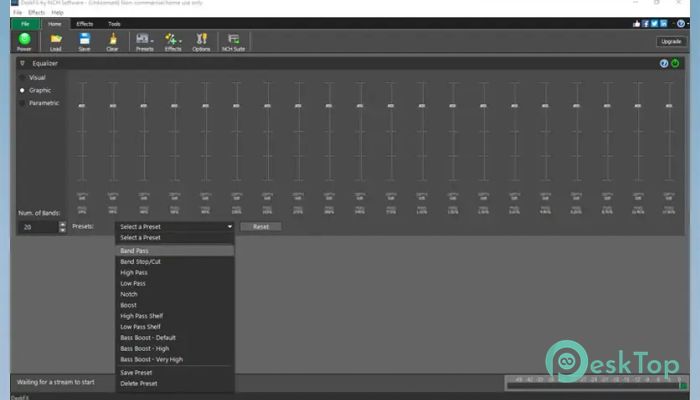
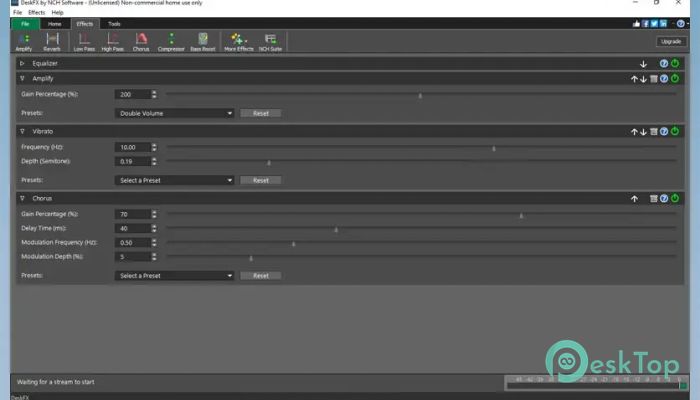
It comes with a range of sound effects that help shape your listening experience. Equalizer controls let you fine-tune bass, mids, and highs to your preference. If you enjoy deep bass, you can boost it. If clear vocals matter more, you can adjust frequencies to highlight them.
Effects are applied smoothly without distortion. Everything feels natural, as if the sound was recorded that way from the start.
Perfect for Music, Movies, and Games
Different content needs different sound settings. Music often needs balance, movies need depth, and games need clarity for effects and dialogue. This tool adapts well to all of them.
You can quickly switch settings based on your task. One moment you are enjoying music, the next you are watching a movie, and the sound still feels just right.
Full Control Over Audio Hardware
One of the strongest features is the control it gives over speakers and headphones. Instead of relying only on default system settings, you get more detailed options. This helps unlock the true potential of your audio hardware.
Even basic speakers can sound better when properly tuned. It is like cleaning a dusty window and suddenly seeing everything clearly.
Lightweight and Easy on System Resources
The software is designed to be efficient. It runs smoothly without slowing down your PC. You can keep it active while working, gaming, or streaming without worrying about performance issues.
Installation is quick, and updates are simple. Once set up, it quietly does its job in the background.
User-Friendly Interface
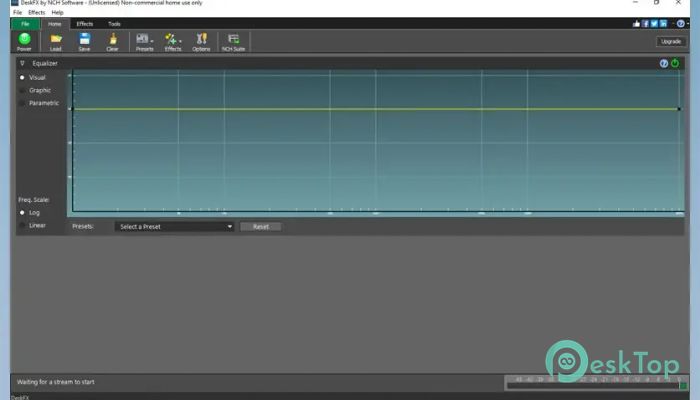
The layout is straightforward and easy to understand. Sliders, presets, and controls are clearly labeled. You do not feel lost or overwhelmed.
This simplicity encourages experimentation. You can try different settings, listen to the changes, and keep the one that sounds best to you.
Great Choice for Everyday Users
This solution is not just for audio professionals. It is ideal for everyday users who want better sound without complexity. Whether you attend online meetings, enjoy podcasts, or relax with music, these activities improve the overall experience.
Once you hear the difference, it becomes hard to go back to plain system audio.
System Requirements and Technical Details
Operating System: Windows 11 / 10 / 8.1 / 7
Processor: Minimum 1 GHz Processor (2.4 GHz recommended)
RAM: 2GB (4GB or more recommended)
Free Hard Disk Space: 200MB or more is recommended

-
Program size377.01 KB
-
Version1.0
-
Program languagemultilanguage
-
Last updatedBefore 8 Month
-
Downloads19
 Teletone Audio Prism Plate
 Stryde Audio Swayed
  Electric Smudge SnappySnap
 PSPaudioware PSP Flare
 DW Soundworks Gretsch USA Custom Expansion Pack
 Sonic Academy V4lve