
 Arabic
  English
  Turkish
  Chinese
  Japanese
  Russian
  Spanish
  German
  French
  Hindi
Hindi Download ePSXe 1.0 for Windows
Download ePSXe 1.0 for Windows.
ePSXe Overview
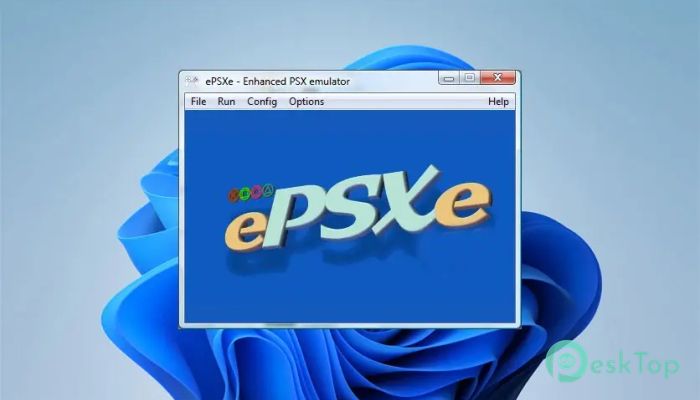
This emulator is widely known for turning a Windows computer into a virtual PlayStation console. It supports classic game discs and digital images, delivering stable performance and accurate sound. Many gamers still prefer it because it focuses on compatibility, speed, and simple configuration without unnecessary complications.Features of ePSXe
Purpose and Core Functionality
The main goal of this software is to recreate the original PlayStation environment on a PC. It reads game discs and image files and translates console instructions into something a computer can understand. Think of it as a translator between old console hardware and modern operating systems.
Support for Modern File Formats
One of its most significant improvements is support for ISO files in CHD format. This format helps reduce file size without losing game data. It feels like compressing a large suitcase into a neat travel bag while keeping everything inside safe and usable.
High-Resolution and DPI Awareness
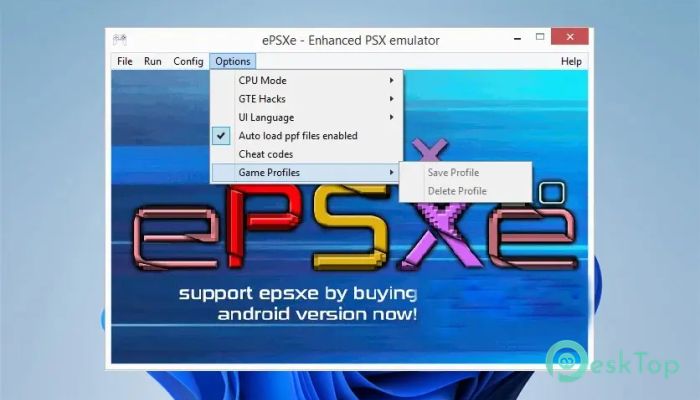
It now includes DPI Awareness, which can be enabled from the options menu. This feature ensures the display looks clean on high-resolution screens. Without it, games may appear blurry or incorrectly scaled. With it enabled, visuals stay sharp, even on large monitors.
Improved Stability and Configuration Handling
A known issue that caused sudden shutdowns during configuration loading has been resolved. Previously, if specific values, such as overclock settings, were missing, the emulator could close unexpectedly. This fix makes startup smoother and removes frustrating crashes.
Enhanced Audio Experience
Sound quality has received noticeable attention. The SPUCORE system now manages volume and reverb more accurately. Games such as Ghost in the Shell, Dino Crisis 1 and 2, Wipeout, DW7, and DQ4 benefit from more apparent effects and balanced audio levels.
Gameplay Performance and Accuracy
Running classic games feels natural and responsive. Controls react quickly, and frame pacing stays steady. It feels like playing on the original console, only with the added comfort of modern hardware and customizable settings.
User-Friendly Interface
The interface keeps things simple. Menus are easy to understand, and options are logically placed. New users can get started quickly, while experienced players can fine-tune settings for better visuals and audio.
Compatibility with PlayStation Classics
It supports a wide range of titles from the original PlayStation library. Whether someone enjoys action games, role-playing adventures, or racing classics, compatibility remains strong. This makes it a trusted choice for revisiting old favorites.
Controller and Input Support
Gamepads, keyboards, and other input devices work smoothly. Mapping buttons feels intuitive, allowing players to recreate the original controller layout or customize it for comfort.
Lightweight and Efficient Design
The software does not demand heavy system resources. It runs well on older machines while still leveraging newer hardware. This balance makes it accessible to a broad audience.
System Requirements and Technical Details
Operating System: Windows 11 / 10 / 8.1 / 7
Processor: Minimum 1 GHz Processor (2.4 GHz recommended)
RAM: 2GB (4GB or more recommended)
Free Hard Disk Space: 200MB or more is recommended

-
Program size1.48 MB
-
Version1.0
-
Program languagemultilanguage
-
Last updatedBefore 9 Month
-
Downloads45
 ExtraMAME
 ChessBase Fritz
 ChessBase
 Dragonrise Games YoloX
 Vortex
 NCSOFT PURPLE