
 Arabic
  English
  Turkish
  Chinese
  Japanese
  Russian
  Spanish
  German
  French
  Hindi
Hindi Download Esko XMP 26.03.2 for Windows
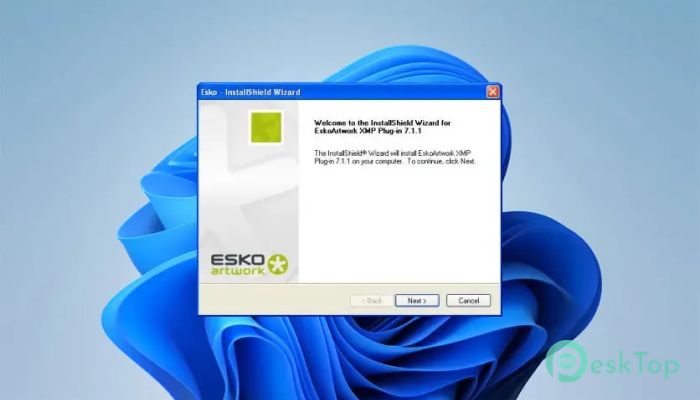
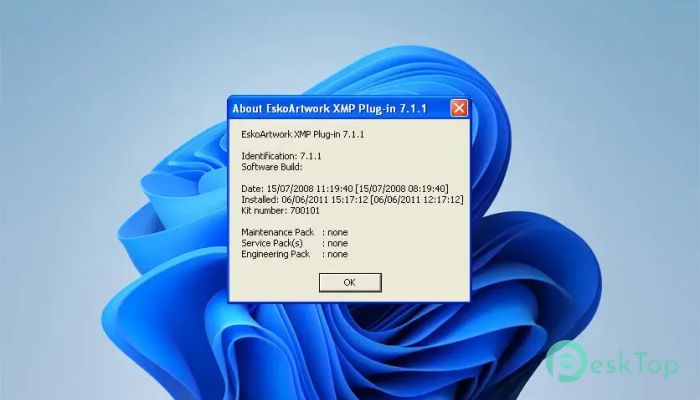
Download Esko XMP 26.03.2 for Windows.
Esko XMP Overview
It is a lightweight, useful plug-in designed for users who work with PDF files created using Esko software. It allows Adobe Acrobat DC and Adobe Acrobat Reader DC to display the extra tool metadata embedded in these documents. Without this plug-in, much of the valuable production information remains hidden. The software acts like a window into the hidden details of a PDF. Instead of opening a file and seeing only its pages, you can also inspect the important metadata that was added during the production process. This makes document verification faster and helps users better understand each file.Features of Esko XMP
Easy Metadata Viewing
The main purpose of the tool is simple. It enables users to view tool metadata stored inside PDF documents created with Esko applications. This information can include production details, workflow information, document properties, and other valuable data that helps users understand how a file was created.
Rather than searching through different applications, everything can be viewed directly inside Adobe Acrobat or Adobe Acrobat Reader. This saves time and keeps your workflow smooth.
Works with Adobe Acrobat
The software is fully compatible with Adobe Acrobat DC and Adobe Acrobat Reader DC. Once installed, it integrates seamlessly with these applications without altering the standard PDF viewing experience.
You can continue to open PDF documents as usual while accessing additional metadata when available. It feels like adding a powerful magnifying glass to your existing PDF reader.
Perfect for Esko Workflows
If you regularly receive PDF files from Esko solutions, this plug-in becomes an essential companion. It allows operators, designers, quality control teams, and print professionals to inspect metadata without needing the original authoring software.
This makes collaboration easier because everyone involved can review the same document and verify important production details before moving to the next stage.
Simple Installation Process
The installation is quick and requires very little effort. After installing the plug-in, it automatically works alongside supported Adobe applications. There are no complicated settings or difficult configurations to complete.
This straightforward setup makes it suitable for both beginners and experienced professionals. Even users with limited technical knowledge can start using it within minutes.
Improves Document Verification
Checking document information is an important part of many printing and packaging workflows. The tool helps users verify that PDF files contain the correct metadata before production begins.
By making hidden information visible, it reduces confusion and minimizes the chance of using incorrect files. Think of it as reading the label on a package before opening it—you instantly know what's inside.
Lightweight and Efficient
Unlike large production software, this plug-in focuses on one important task. Because of its lightweight design, it installs quickly and runs efficiently without slowing down Adobe Acrobat or Reader.
Its small footprint makes it an excellent addition to systems that only need metadata viewing rather than full editing capabilities.
Helpful for Teams
Many production environments involve several departments working on the same project. Designers, prepress operators, reviewers, and customers often need to inspect PDF files during different stages.
The software allows everyone to access the same metadata, improving communication and reducing misunderstandings. This shared visibility helps projects move forward with greater confidence.
Reliable Metadata Access
Metadata often contains valuable technical information that isn't visible on the document pages themselves. The plug-in presents this information in an organized way, making it easier to review and understand.
Whether you're checking production settings or confirming document details, it provides reliable access to embedded information whenever it is available.
Free and Convenient
One of the biggest advantages is that the plug-in is available free of charge. Users can enhance their PDF viewing experience without purchasing additional software.
This makes it a practical choice for businesses and individuals who work with Esko-generated PDF files and simply need to inspect embedded metadata.
System Requirements and Technical Details
Operating System: Windows 11 / 10 / 8.1 / 7
Processor: Minimum 1 GHz Processor (2.4 GHz recommended)
RAM: 2GB (4GB or more recommended)
Free Hard Disk Space: 200MB or more is recommended

-
Program size58.29 MB
-
Version26.03.2
-
Program languagemultilanguage
-
Last updatedBefore 3 Month
-
Downloads13
 CoolUtils PDF Combine
 NAPS2 - Not Another PDF Scanner
 FocusWriter
 Atlantis Word Processor
 AI Offline OCR Scanner Pro
 Xappex XL-Connector