
 Arabic
  English
  Turkish
  Chinese
  Japanese
  Russian
  Spanish
  German
  French
  Hindi
Hindi Download HaneWin DHCP Server 3.1.28 for Windows
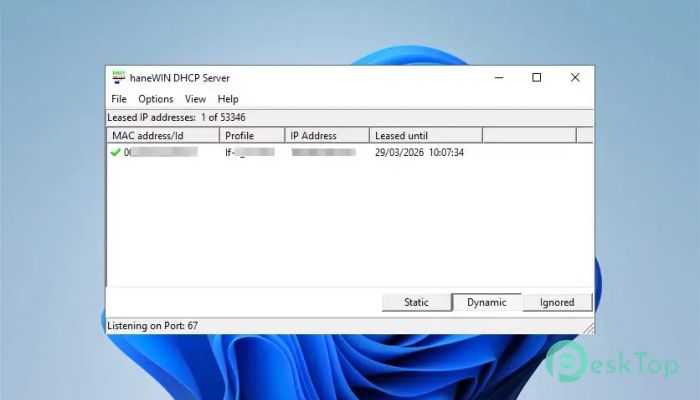
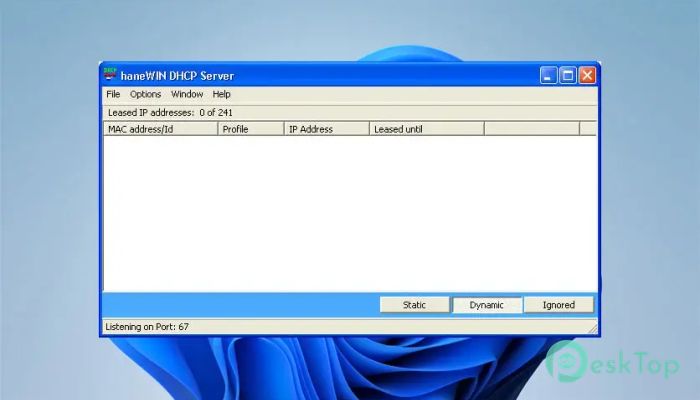
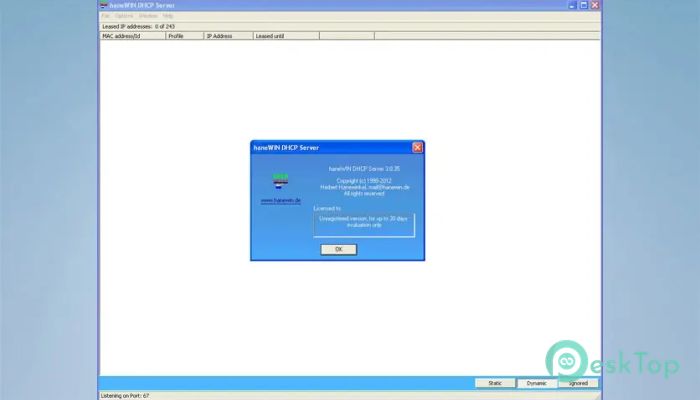
Download HaneWin DHCP Server 3.1.28 for Windows.
HaneWin DHCP Server Overview
This software is a powerful, flexible DHCP and BOOTP server for Windows systems. It follows RFC 2131 standards and offers dynamic IP assignment along with advanced configuration capabilities. The tool is built for administrators who want a simple yet highly customizable network management solution. It provides automatic IP address allocation, making network management easier and more organized. Instead of manually assigning IP addresses, the software handles everything in the background. This saves time, reduces errors, and improves overall network efficiency. The tool also supports predefined profiles and static IP address assignments. This means administrators can assign specific IP addresses to known devices using MAC addresses or identifiers. It works like giving reserved seats to important guests in a conference hall, ensuring every device always gets the correct network configuration.Features of HaneWin DHCP Server
Dynamic IP Address Assignment
Managing IP addresses manually can be difficult, especially in large networks. The software automatically assigns IP addresses to connected devices. This dynamic allocation helps avoid IP conflicts and ensures smooth communication across the network.
It also supports static IP assignments for known devices. Administrators can define hardware addresses and assign specific IP addresses to them. This is particularly useful for printers, servers, and network equipment that require fixed IP addresses.
With this capability, network administrators gain complete control over address management. It makes networks more predictable, stable, and easier to maintain.
Support for DHCP and BOOTP Standards
The software fully complies with RFC 2131 standards for DHCP and BOOTP servers. This ensures compatibility with a wide range of devices and operating systems. Whether the network includes Windows, Linux, or embedded systems, everything works smoothly.
It supports all DHCP and BOOTP options without limiting the number of clients. This makes it suitable for both small offices and large enterprise environments. The flexibility allows administrators to expand networks without worrying about restrictions.
Multithreaded TFTP Server Integration
The tool includes a built-in multithreaded TFTP server. This enables secure, reliable file downloads across the network. It becomes especially useful when deploying operating systems, updating firmware, or managing network boot environments.
The multithreaded architecture ensures multiple clients can download files simultaneously. This improves speed and reduces waiting time. It works like multiple checkout counters in a store, allowing several customers to complete tasks at once.
Multiple Interface Support
Modern networks often require handling multiple interfaces. The software supports up to 32 interfaces on multi-homed servers. Each interface can have its own dynamic IP address pool.
This flexibility makes it ideal for organizations with segmented networks. Administrators can manage separate subnets easily. Each network segment can have its own configuration without interfering with others.
This feature improves scalability and simplifies complex network setups. It also enhances performance and stability.
Advanced Address Assignment Options
The software provides multiple ways to assign addresses and parameters. These options give administrators better control over network configuration.
Address assignment can be based on:
Hardware address
Hardware address range
Server interface
Client identifier
Vendor or user class
Relay IP address
Relay Agent Information
This flexibility allows networks to adapt to various requirements. It also makes the configuration more precise and efficient.
Background Service Operation
The server runs as a native Windows service. This allows it to operate quietly in the background without interrupting users. Once configured, it continues working automatically.
A control panel applet is also included for interactive access. Administrators can easily manage settings, monitor activity, and adjust configurations. This combination of automation and control makes network management simple.
No Client Limitation
The software does not limit the number of clients. This makes it suitable for growing networks. Whether there are ten devices or thousands, performance remains stable.
This scalability ensures the network infrastructure remains future-ready. It eliminates the need for frequent upgrades or replacements.
Reliable Network Performance
Stability is essential for network services. The tool is designed to provide consistent performance. It manages address allocation efficiently and reduces downtime.
Its lightweight design ensures minimal resource usage. Even older systems can run it without performance issues. This makes it a practical solution for various environments.
Easy Configuration and Management
The software offers straightforward configuration options. Administrators can quickly set up address pools, define rules, and monitor clients.
The intuitive interface simplifies management tasks. It reduces the learning curve and helps administrators focus on other important tasks.
Security and Control
Network security is an important factor. The tool provides controlled access and reliable configuration handling. Administrators can define trusted interfaces and manage relay information.
This level of control helps prevent unauthorized access. It also ensures devices receive the correct network settings.
System Requirements and Technical Details
Operating System: Windows 11 / 10 / 8.1 / 7
Processor: Minimum 1 GHz Processor (2.4 GHz recommended)
RAM: 2GB (4GB or more recommended)
Free Hard Disk Space: 200MB or more is recommended

-
Program size1.08 MB
-
Version3.1.28
-
Program languagemultilanguage
-
Last updatedBefore 6 Month
-
Downloads32
 RealVNC VNC Server Enterprise
 CrushFTP
 Reqable
 AnyDesk
 AmneziaVPN
 CurrPorts