
 Arabic
  English
  Turkish
  Chinese
  Japanese
  Russian
  Spanish
  German
  French
  Hindi
Hindi Download KillerPDF 1.7.0 for Windows
Download KillerPDF 1.7.0 for Windows.
KillerPDF Overview
It is a powerful yet easy-to-use PDF editing solution designed for anyone who works with digital documents. Whether you need to read files, edit text, fill out forms, or organize pages, it provides everything in one clean workspace. Instead of juggling multiple programs, you can complete every PDF task from a single application. The software combines speed with flexibility, making it suitable for students, office workers, teachers, businesses, and home users. From opening password-protected files to converting scanned pages into editable text using OCR, it helps you finish your work faster while keeping everything organized.Features of KillerPDF
Complete PDF Editing Solution
The software includes all the essential tools needed for everyday PDF editing. You can modify existing text directly inside a document without converting it into another format. This makes correcting mistakes, updating reports, or editing contracts quick and simple.
Instead of creating a new document from scratch, you can update existing files with just a few clicks. It saves valuable time and keeps your workflow smooth from beginning to end.
Multiple Viewing Modes
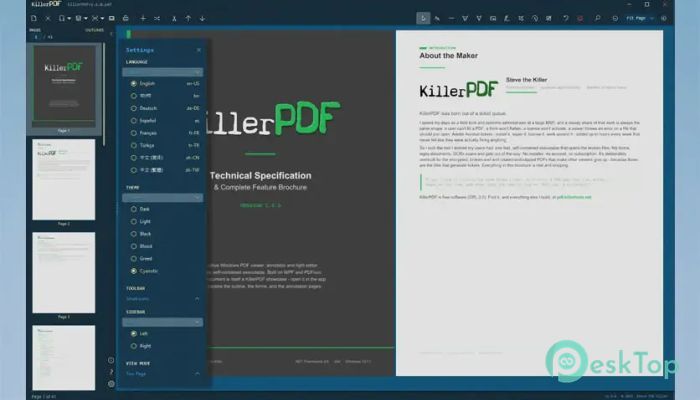
Reading documents becomes much more comfortable thanks to several viewing modes. Whether you prefer a single-page layout, continuous scrolling, or side-by-side comparison, the tool adapts to your working style.
It also supports unlimited tabs, allowing you to keep multiple PDF files open at the same time. Switching between projects feels as easy as browsing websites in a modern web browser.
Advanced Annotation Tools
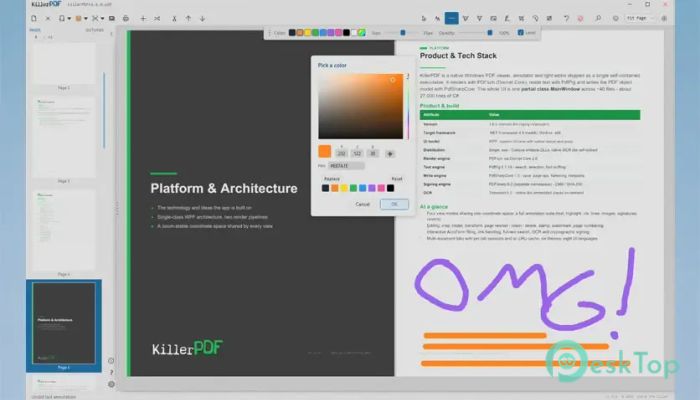
Reviewing documents is simple with the built-in annotation features. You can highlight important text, underline key points, add comments, draw freehand sketches, or insert different shapes wherever needed.
These tools are especially useful when reviewing reports, checking assignments, or collaborating with coworkers. Instead of printing documents for notes, everything can be done digitally.
OCR for Scanned Documents
One of the most valuable features is Optical Character Recognition (OCR). This technology converts scanned pages and image-based PDFs into searchable and editable documents.
Rather than typing everything manually, the software recognizes printed text automatically. This feature saves countless hours when working with old records, invoices, books, or scanned paperwork.
Merge, Split, and Organize PDFs
Managing large collections of PDF files becomes effortless. The software lets you combine multiple documents into one file or split a large document into smaller sections.
You can also rearrange pages, remove unnecessary ones, crop content, and transform page layouts. These options help keep files organized without using extra software.
Fill Forms and Add Digital Signatures
Many businesses rely on PDF forms for contracts and applications. The tool allows you to complete forms directly on your computer without printing anything.
You can also insert digital signatures, making it easy to approve agreements, sign official documents, or complete paperwork remotely. This creates a faster and more convenient workflow.
Watermarks, Page Numbers, and Stamps
Professional documents often require additional markings for branding or organization. The software allows you to insert watermarks, page numbers, and custom stamps in just a few clicks.
These features are perfect for preparing reports, company documents, educational material, or confidential files while maintaining a polished appearance.
Open Password-Protected PDFs
Working with secured documents is simple because the tool supports opening password-protected PDF files. Once authorized, you can view and edit the contents without unnecessary complications.
This makes it much easier to handle confidential business reports, legal documents, and personal records while maintaining document security.
Flexible Printing and Flattening
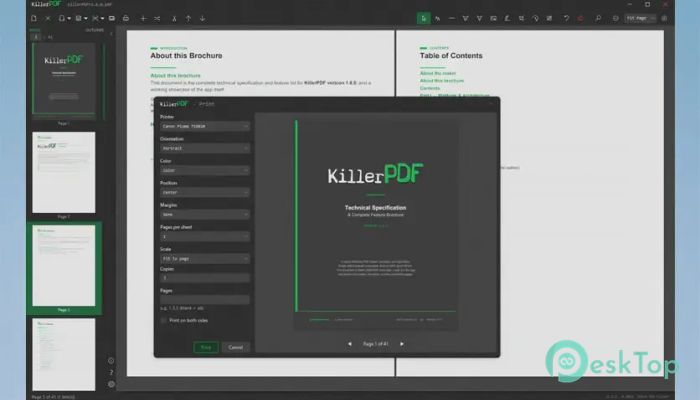
Printing options provide complete control over page size, layout, scaling, and output quality. Whether printing a single page or an entire document, everything can be adjusted before sending it to the printer.
The software can also flatten PDFs, permanently combining annotations, signatures, and form fields into the document. This ensures that recipients see the file exactly as intended.
Simple Interface with Powerful Performance
Despite offering many advanced features, the interface remains clean and beginner-friendly. Every tool is neatly organized, making navigation straightforward even for first-time users.
The software performs smoothly with both small documents and large PDF collections. Its responsive design helps users complete tasks efficiently without slowing down their workflow.
System Requirements and Technical Details
Operating System: Windows 11 / 10
Processor: Minimum 1 GHz Processor (2.4 GHz recommended)
RAM: 2GB (4GB or more recommended)
Free Hard Disk Space: 200MB or more is recommended

-
Program size10.52 MB
-
Version1.7.0
-
Program languagemultilanguage
-
Last updatedBefore 2 Month
-
Downloads17
 CoolUtils PDF Combine
 NAPS2 - Not Another PDF Scanner
 FocusWriter
 Atlantis Word Processor
 AI Offline OCR Scanner Pro
 Xappex XL-Connector