
 Arabic
  English
  Turkish
  Chinese
  Japanese
  Russian
  Spanish
  German
  French
  Hindi
Hindi Download Moonlight Game Streaming 6.1.0 for Windows
Download Moonlight Game Streaming 6.1.0 for Windows.
Moonlight Game Streaming Overview
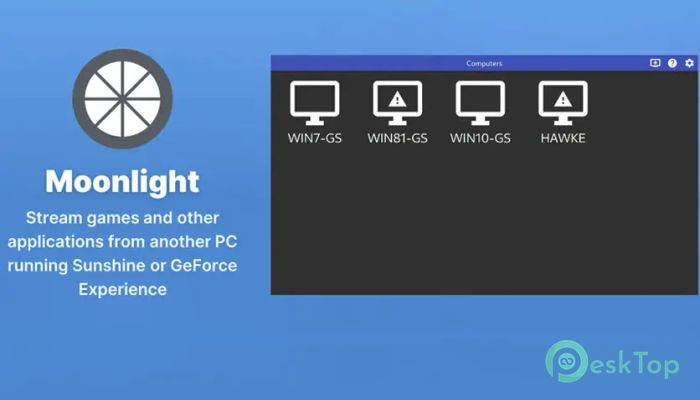
This software is an open-source implementation of NVIDIA GameStream technology, originally created for NVIDIA Shield devices. It allows users to stream games directly from a powerful gaming PC to another device over a local network or the internet. Think of it like carrying your gaming rig in your pocket, without the weight or heat. It focuses on speed, clarity, and low delay. By using modern video encoding and efficient network handling, it delivers a responsive gaming experience that feels close to playing directly on your main system. This makes it a strong option for gamers who want flexibility without losing quality. What Makes It Stand Out The tool is designed with performance in mind. It uses hardware acceleration to keep latency low and visuals sharp. Even fast-paced games like shooters or racing titles feel responsive when the connection is stable. Another strong point is its open source nature. Because the code is public, developers and enthusiasts constantly improve stability, compatibility, and features. This community-driven approach keeps the software fresh and reliable over time.Features of Moonlight Game Streaming
Remote Gaming Without Compromise
It allows you to access your full PC game library remotely. Whether you are at home on another screen or away from your desk, you can launch games as if you were sitting in front of your main computer.
The experience feels like streaming a high-quality video, but with full control. Your inputs are sent back instantly, while the video stream updates in real time. It is similar to having a long invisible cable connecting your PC to your device.
High Quality Streaming Experience
Visual quality is a major focus here. The software supports high resolutions and high frame rates, depending on your hardware and network. Colors stay rich, motion stays smooth, and compression artifacts are kept to a minimum.
Audio is also transmitted clearly, keeping sound effects and music in sync with on-screen action. With the right setup, it feels immersive rather than like a basic screen share.
Flexible Device Support
It works with a wide range of client devices, including Windows PCs and laptops, as well as other supported platforms. This flexibility means you can turn almost any compatible device into a gaming screen.
You are not locked into one ecosystem. As long as your main PC can run games smoothly, the streaming client can handle the rest. This freedom makes it appealing for users with mixed hardware setups.
Simple Setup and Control
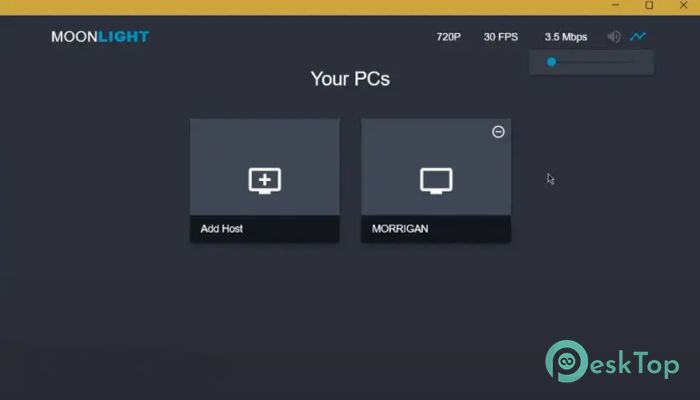
Setting things up is straightforward. Once the main PC is prepared, the client connects and lists available games. Launching a title is usually just a click away.
Controller support is handled well, letting you use common gamepads without extra configuration. Keyboard and mouse input are also supported, giving you multiple ways to play depending on the game.
Optimized for Low Latency
Latency is the biggest concern in game streaming, and this tool addresses it carefully. By relying on efficient encoding and direct network communication, it keeps delays as low as possible.
On a strong local network, the delay can be so small that it feels nearly instant. Even over the internet, performance remains playable with a decent connection.
Security and Open Source Trust
Because it is open source, security is easier to verify. The community can review how connections and data are handled, reducing hidden risks.
This transparency builds trust, especially for users who care about privacy and long-term reliability. Updates are frequent, and issues are often addressed quickly.
Ideal Use Cases
It works great for playing games from another room, streaming to a lightweight laptop, or enjoying PC titles while traveling. It is also useful for households where one powerful PC serves multiple screens.
Instead of installing games on every device, you rely on one main system. This saves storage space and keeps everything centralized.
System Requirements and Technical Details
Operating System: Windows 11 / 10 / 8.1 / 7
Processor: Minimum 1 GHz Processor (2.4 GHz recommended)
RAM: 2GB (4GB or more recommended)
Free Hard Disk Space: 200MB or more is recommended

-
Program size40.46 MB
-
Version6.1.0
-
Program languagemultilanguage
-
Last updatedBefore 8 Month
-
Downloads8
 ExtraMAME
 ChessBase Fritz
 ChessBase
 Dragonrise Games YoloX
 Vortex
 NCSOFT PURPLE