
 Arabic
  English
  Turkish
  Chinese
  Japanese
  Russian
  Spanish
  German
  French
  Hindi
Hindi Download NoiseWorks VoiceAssist 1.0.10 for Windows
Download NoiseWorks VoiceAssist 1.0.10 for Windows.
NoiseWorks VoiceAssist Overview
This solution focuses on making the voice sound clear, natural, and professional without complex setups. It brings multiple audio-correction tools into a single, simple interface, helping creators fix common recording problems in minutes rather than hours. From noisy backgrounds to uneven volume levels, everything feels manageable and under full control.Features of NoiseWorks VoiceAssist
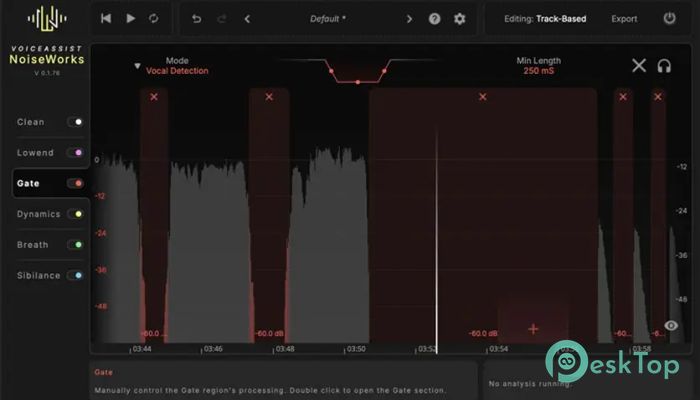
AI-Powered Denoising Made Simple
Background noise can ruin an otherwise great recording. This software uses intelligent noise reduction to remove hums, static, and environmental noise while preserving the voice. Think of it like wiping dust off a glass window without scratching the surface. The result stays clean, sharp, and comfortable to listen to.
Clear Speech with Dereverberation
Echo and room reverb often sneak into recordings, especially in untreated spaces. The built-in dereverberation tool reduces that hollow effect and brings speech closer to the listener. It feels like moving from a large empty hall into a quiet studio, making conversations sound direct and personal.
Recovering Lost Frequencies
Poor microphones or compressed audio can strip away important voice details. The frequency recovery feature helps restore missing tones and adds life back into dull recordings. It fills gaps naturally, giving speech a fuller, more balanced presence without sounding artificial.
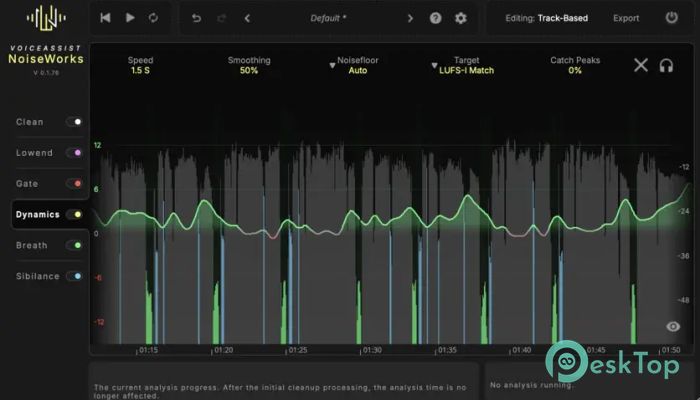
Automatic Leveling for Balanced Audio
Uneven volume is one of the most common issues in voice tracks. This tool balances loud and soft parts to ensure consistency. No more sudden jumps that make listeners reach for the volume knob. It keeps audio steady, smooth, and easy on the ears.
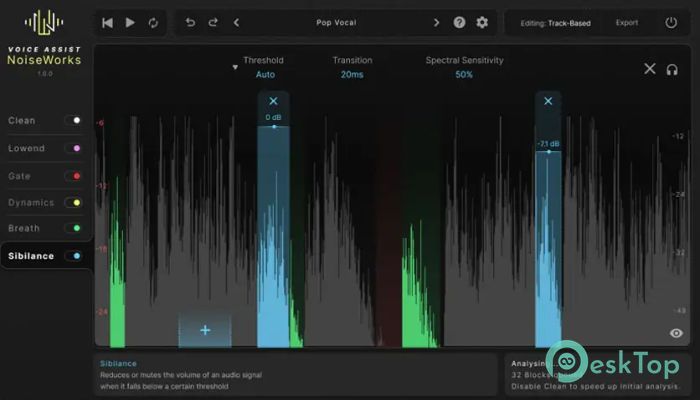
Breath and Sibilance Control
Breathing sounds and harsh “s” tones can distract listeners. Dedicated controls help reduce these issues gently, without removing natural speech character. It works like a subtle editor that knows when to step in and when to stay out of the way.
Full Control with Adjustable Settings
Even though automation handles the heavy lifting, everything stays adjustable. Sliders and parameters enable fine-tuning based on personal preferences or project requirements. This balance between automation and manual control makes the workflow flexible and comfortable for both beginners and experienced users.
Streamlined Daily Workflow
Instead of jumping between multiple plugins, everything sits in one place. This saves time and keeps focus on creativity rather than technical fixes. It feels like having a compact toolbox where every tool is already laid out and ready to use.
Ideal for Multiple Use Cases
Voice recordings for podcasts, videos, online meetings, tutorials, or narration all benefit from these features. The tool adapts well to different speaking styles and recording environments, making it suitable for a wide range of everyday audio tasks.
System Requirements and Technical Details
Operating System: Windows 11 / 10
Processor: Intel i5 or equivalent AMD processor
RAM: 16GB or more recommended
Free Hard Disk Space: 4GB or more is recommended

-
Program size1.17 GB
-
Version1.0.10
-
Program languagemultilanguage
-
Last updatedBefore 8 Month
-
Downloads764
 Teletone Audio Prism Plate
 Stryde Audio Swayed
  Electric Smudge SnappySnap
 PSPaudioware PSP Flare
 DW Soundworks Gretsch USA Custom Expansion Pack
 Sonic Academy V4lve