
 Arabic
  English
  Turkish
  Chinese
  Japanese
  Russian
  Spanish
  German
  French
  Hindi
Hindi Download OpenVPN Connect 1.0 for Windows
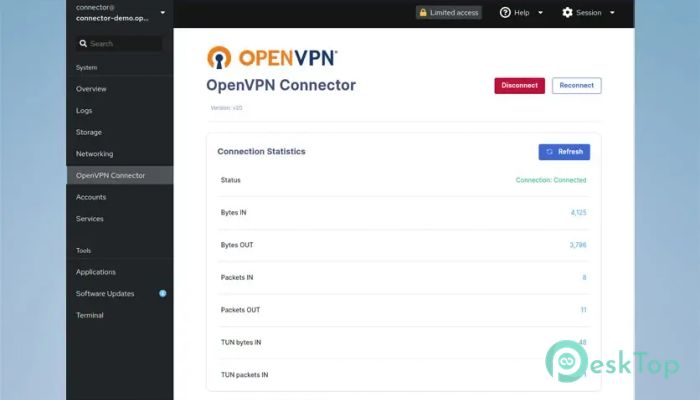
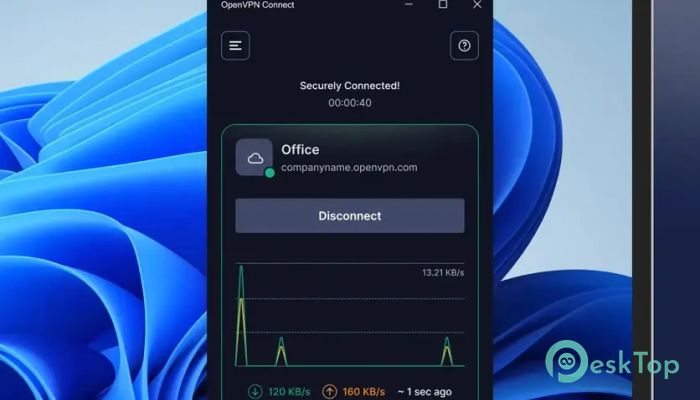
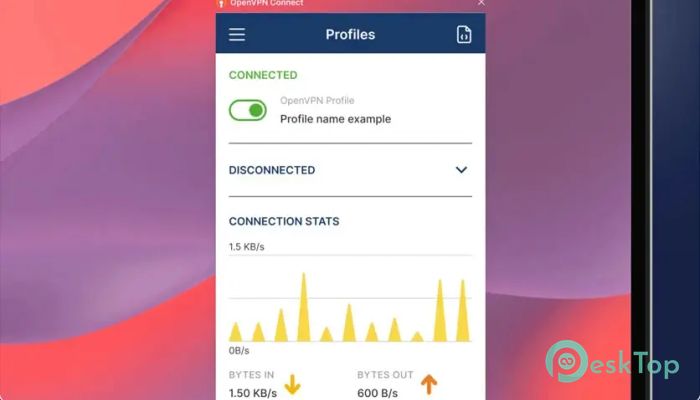
Download OpenVPN Connect 1.0 for Windows.
OpenVPN Connect Overview
This VPN client is known for providing a stable, straightforward way to establish secure connections between devices and remote servers. It is officially maintained by the OpenVPN team, ensuring reliability and consistent performance. The tool allows users to import configuration profiles, connect to cloud networks, and safely access online resources without exposing sensitive information.Features of OpenVPN Connect
Simple Profile Importing
One of the most convenient aspects of the software is its flexible profile importing system. Whether users receive a profile file or a server URL from their IT department, the tool makes the import process smooth and quick. You can easily load an .ovpn file or pull a profile directly from a provided link, making setup fast and beginner-friendly.
Secure Connection Features
The tool focuses strongly on user privacy and connection integrity. It creates encrypted tunnels that protect data from unwanted access. This secure structure is ideal for remote workers, business teams, or individuals who need a trustworthy way to connect to private networks. The VPN client uses proven security standards to ensure every connection remains stable and secure.
User-Friendly Interface
The software features a clean, simple design, allowing even first-time users to navigate it without confusion. Clear icons, connection statuses, and easy buttons make the experience smooth. With a few clicks, anyone can import profiles, manage connections, and monitor VPN activity.
Reliable Performance
It delivers strong connection stability even during heavy usage. The tool manages data efficiently and adapts well to different network types. Whether you are on home WiFi, a public hotspot, or a business network, this VPN client keeps your secure tunnel active without interruptions.
Profile Management
This VPN client supports multiple profiles, making it convenient for users who connect to different servers or companies. Switching between them only takes a moment. This versatility is useful for professionals who work across multiple network environments.
Ideal for Remote Work
The software has become a helpful companion for remote workers. It ensures safe access to office resources, private dashboards, or internal systems without exposing company data. With a stable tunnel, employees can stay productive from any location.
CloudConnexa and Access Server Support
For businesses that rely on CloudConnexa or Access Server, the tool provides simple integration. Users only need the provided URL to import profiles instantly. This reduces setup time and ensures secure access for teams.
Compatibility and Flexibility
The tool works smoothly across different Windows versions and adapts well to various network structures. It supports both file-based and URL-based configuration, making it suitable for businesses, schools, and personal use.
System Requirements and Technical Details
Operating System: Windows 11 / 10 / 8.1 / 7
Processor: Minimum 1 GHz Processor (2.4 GHz recommended)
RAM: 2GB (4GB or more recommended)
Free Hard Disk Space: 200MB or more is recommended

-
Program size108.91 MB
-
Version1.0
-
Program languagemultilanguage
-
Last updatedBefore 10 Month
-
Downloads38
 RealVNC VNC Server Enterprise
 CrushFTP
 Reqable
 AnyDesk
 AmneziaVPN
 CurrPorts