
 Arabic
  English
  Turkish
  Chinese
  Japanese
  Russian
  Spanish
  German
  French
  Hindi
Hindi Download ProDAD Mercalli Plug-Ins Adobe 6.0.678.3 for Windows
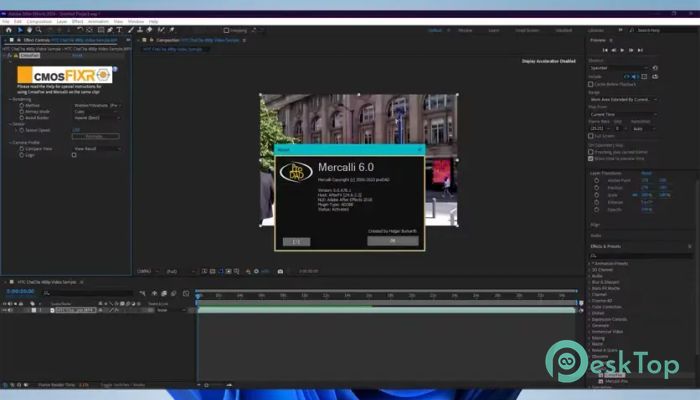
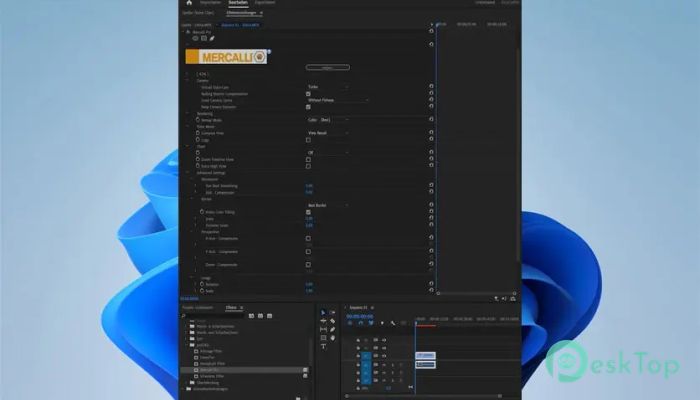
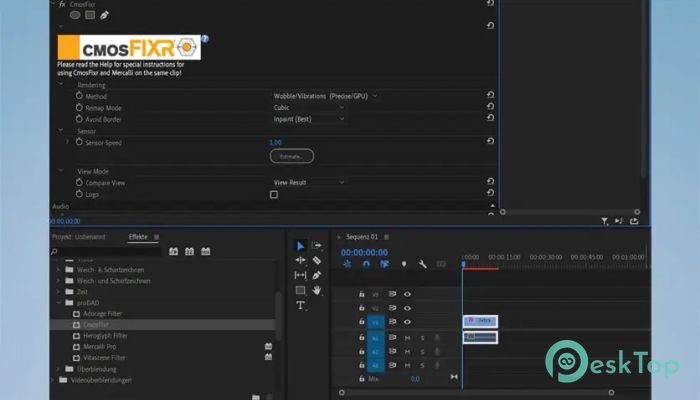
Download ProDAD Mercalli Plug-Ins Adobe 6.0.678.3 for Windows.
ProDAD Mercalli Plug-Ins Adobe Overview
This tool is designed to make video stabilization easier, faster, and more intelligent. It helps creators, editors, and everyday users repair shaky clips, fix rolling shutter issues, and improve overall video clarity with advanced artificial intelligence. Whether you record with a DSLR, action cam, or mobile device, the plug-in gives you the control you need to make your footage smooth and professional.Features of ProDAD Mercalli Plug-Ins Adobe
The software offers a wide range of innovative features that work together to transform unstable videos into polished, steady visuals. Every tool is built with simplicity and speed in mind, making the stabilizing process happen in just a few clicks.
Extremely fast stabilization for shaky videos
Intelligent CMOS and rolling-shutter correction
Modern, easy-to-use interface
Smooth workflow with intuitive controls
Built-in Artificial Intelligence (AI) for automatic correction
Fewer analysis passes are needed than in previous versions
Presets for action cams and commonly used video cameras
Ability to stabilize ultra-wide-angle shots
Option to keep fisheye look for specific scenes
How It Improves Video Quality
The plug-in enhances video quality by correcting common distortions that occur with handheld recording. It quickly analyzes footage and applies adjustments that make your clips look stable, clean, and professionally captured. This is especially helpful for travel footage, sports videos, vlogs, and on-the-go shooting.
Artificial Intelligence Support
One of the most helpful additions is the AI-powered stabilization engine. The AiA system reads each frame and automatically adjusts the stabilizing parameters. This saves time and removes the need for manual fine-tuning. Beginners can achieve great results, while professionals can further refine settings to match their style.
Workflow and Usability
You can use the tool directly inside your Adobe editing environment, making the whole process smoother. It doesn’t require complicated setup, external equipment, or extra knowledge. Drop your video into the timeline, apply the plug-in, and let it analyze the clip. The straightforward design helps you get results instantly.
Real-Time Processing
One standout benefit is its improved speed. Many corrections work nearly in real time, meaning you don’t have to wait long for previews or final rendering. This makes editing faster and more enjoyable, especially when working with many short clips.
Ideal for Various Types of Users
The plug-in is suitable for news reporters, documentary filmmakers, hobby videographers, and YouTube creators. Anyone who captures quick, unexpected moments can rely on this tool to fix footage later. You don’t need to worry about camera shake while recording; the plugin helps you polish everything afterward.
System Requirements and Technical Details
Operating System: Windows 11 / 10 / 8.1 / 7
Processor: Minimum 1 GHz Processor (2.4 GHz recommended)
RAM: 2GB (4GB or more recommended)
Free Hard Disk Space: 200MB or more is recommended
Graphics Card: With 512MB and Shader 3.0
For cmosFIXR: High-performance graphics card with 1GB and Shader 3.0 with super-fast bus.

-
Program size50.15 MB
-
Version6.0.678.3
-
Program languagemultilanguage
-
Last updatedBefore 7 Month
-
Downloads62
 Aescripts Autokroma AfterCodecs
 Boris FX Silhouette
 RE:VisionFX ARRI Film Lab
 Gilisoft Video UniReel
 iFunia Video Editor
 Innovision MaxPRO