
 Arabic
  English
  Turkish
  Chinese
  Japanese
  Russian
  Spanish
  German
  French
  Hindi
Hindi Download Router Password Kracker 8.0 for Windows
Download Router Password Kracker 8.0 for Windows.
Router Password Kracker Overview
This software is built for situations where access to a network device or a protected page is blocked due to forgotten login details. Many routers and modems use HTTP Basic authentication, which prompts for a username and password when you try to access the control panel in a browser. When those details are lost, configuration access becomes impossible. This tool steps in as a recovery companion, helping users regain control without complex technical steps.Features of Router Password Kracker
Support for HTTP BASIC Authentication
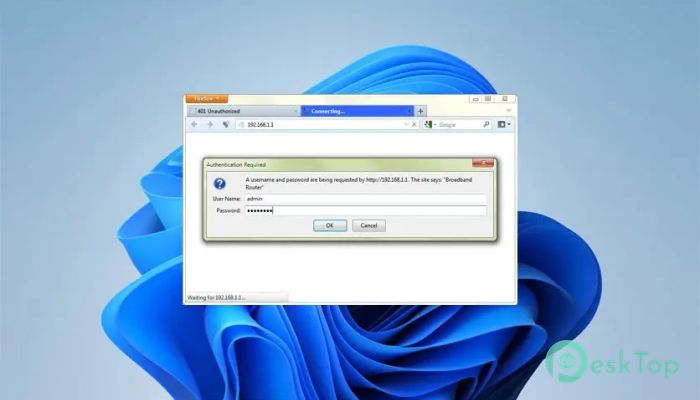
Many network devices and even some restricted websites use HTTP BASIC authentication as their first line of defense. The tool is specifically designed to work with this method. It targets login prompts that appear when accessing modem panels or protected pages, making it useful for both home users and professionals.
Dictionary-Based Recovery Explained Simply
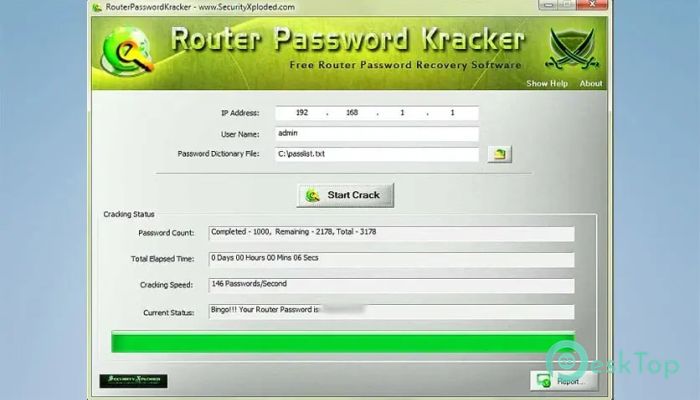
The recovery process relies on a dictionary-based technique. Think of it as flipping through a book of possible keys until one fits the lock. A built-in sample dictionary is included, tailored for common router and modem passwords. Users can also load custom wordlists to improve success rates.
Using Custom Password Lists
For stronger or more complex passwords, the software allows the use of external wordlists. Password lists generated using other tools can be imported easily. This flexibility makes it suitable for testing more robust security configurations without changing the core workflow.
Useful for Security Testing and Analysis
Beyond personal recovery, the tool is helpful for penetration testers and forensic investigators. It allows them to test the strength of authentication systems in a controlled environment. By doing so, weak passwords can be identified and improved before real threats appear.
Clear Statistics and Full Control
During the cracking process, detailed statistics are shown in real time. Users can view progress, attempts, and time spent. If needed, the operation can be stopped instantly. This level of control makes the experience stress-free and transparent.
Simple Interface with Practical Design
The interface is clean and beginner-friendly. There are no confusing menus or hidden options. Each step follows a logical flow, making it easy even for first-time users. The design keeps the focus on the task rather than overwhelming the user.
Detailed Reports for Later Use
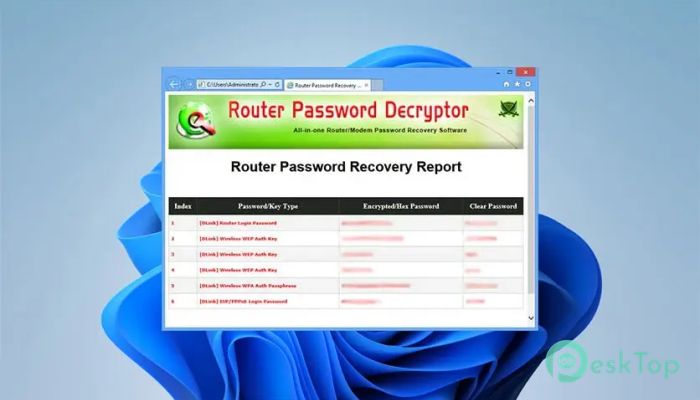
After completing a recovery session, the software can generate reports in HTML, XML, or text formats. These reports are useful for documentation, audits, or future reference. Everything is neatly organized and easy to share.
Compatibility Across Windows Systems
It runs smoothly on both 32-bit and 64-bit Windows systems. From older versions to modern releases, the software maintains stable performance. Installation and uninstallation are handled through a built-in installer, keeping the system clean.
System Requirements and Technical Details
Operating System: Windows 11 / 10 / 8.1 / 7
Processor: Minimum 1 GHz Processor (2.4 GHz recommended)
RAM: 2GB (4GB or more recommended)
Free Hard Disk Space: 200MB or more is recommended

-
Program size1.12 MB
-
Version8.0
-
Program languagemultilanguage
-
Last updatedBefore 7 Month
-
Downloads426
 RealVNC VNC Server Enterprise
 CrushFTP
 Reqable
 AnyDesk
 AmneziaVPN
 CurrPorts