
 Arabic
  English
  Turkish
  Chinese
  Japanese
  Russian
  Spanish
  German
  French
  Hindi
Hindi Download Spectaculator 9.1.0.5068 for Windows
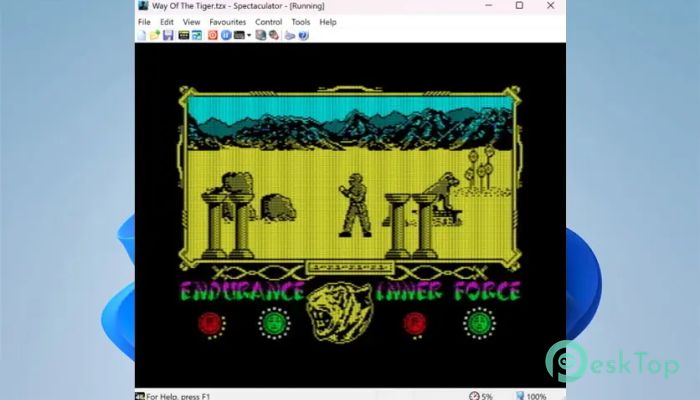
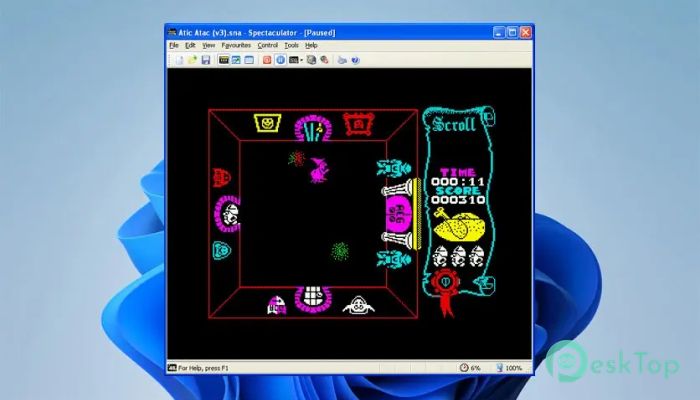
Download Spectaculator 9.1.0.5068 for Windows.
Spectaculator Overview
This software is designed to recreate the original Sinclair ZX Spectrum experience while leveraging today’s hardware. It focuses on accuracy, performance, and comfort, making old-school computing feel natural on new machines. With recent updates, it integrates seamlessly into modern Windows environments without sacrificing the charm of retro visuals.Features of Spectaculator
High DPI and 4K Display Support
One of the most significant improvements is proper support for high-DPI and 4K screens. Instead of being stretched by Windows, the display now scales correctly. This makes everything look clean and sharp, like reading a freshly printed page instead of a blurry photocopy.
Multi-Monitor Friendly Experience
The tool now works smoothly across multiple monitors. You can drag the window to any screen you prefer and switch to full screen on that display. It feels flexible, like moving a book to the most comfortable desk without limitations.
Crisp Graphics on Modern Windows
Older versions relied on Windows scaling, which often caused blurry visuals. The emulator now handles scaling internally, preserving fine details. Scan lines, overlays, and visual effects are clear and well-defined, restoring the authentic feel of classic displays.
Enhanced Debugger Capabilities
A primary focus of this release is the debugger. It has been expanded to help developers and enthusiasts understand programs deeply. Debugging now feels more like using a modern toolkit rather than a basic retro utility.
Debugger Projects for Better Workflow
You can save and load complete debugger sessions using projects. Breakpoints, watches, labels, and comments are stored together, so you can pick up right where you left off without redoing work.
Advanced Breakpoints and Watches
Complex breakpoints allow precise control over program execution. Watches help track memory and variables in real time, making analysis easier and more intuitive.
Inline Assembler and Code Control
The built-in inline assembler lets you write and test code directly. It feels like tuning an engine while it’s running, giving immediate feedback and control.
Bookmarks and Comments
Bookmarks help you jump quickly to important code locations. Comments let you leave notes, making long debugging sessions more transparent and organized.
Memory and Call Stack Inspection
The memory inspector provides a detailed view of system memory. The call stack window shows how functions interact, helping you trace execution paths with confidence.
Screen and Graphics Inspectors
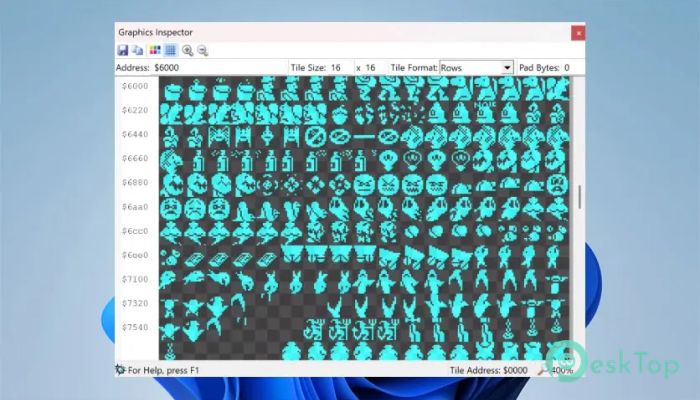
Visual tools like the screen and graphics inspectors make it easier to analyze display output. They are invaluable for understanding how graphics are built and rendered.
System Requirements and Technical Details
Operating System: Windows 11 / 10 / 8.1 / 7
Processor: Minimum 1 GHz Processor (2.4 GHz recommended)
RAM: 2GB (4GB or more recommended)
Free Hard Disk Space: 200MB or more is recommended

-
Program size6.60 MB
-
Version9.1.0.5068
-
Program languagemultilanguage
-
Last updatedBefore 2 Month
-
Downloads131
 ExtraMAME
 ChessBase Fritz
 ChessBase
 Dragonrise Games YoloX
 Vortex
 NCSOFT PURPLE