
 Arabic
  English
  Turkish
  Chinese
  Japanese
  Russian
  Spanish
  German
  French
  Hindi
Hindi Download Tungsten PaperPort Professional 14.80 for Windows
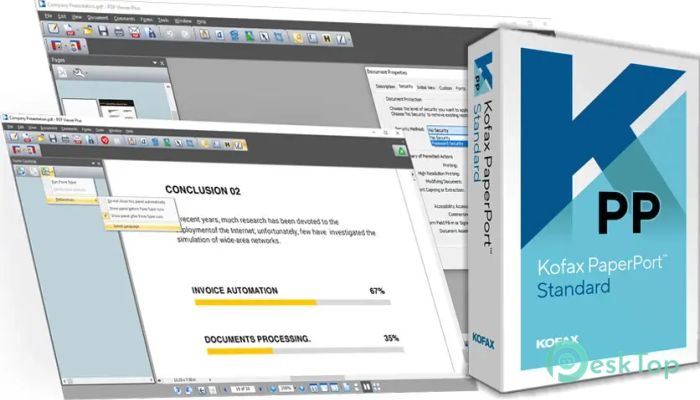
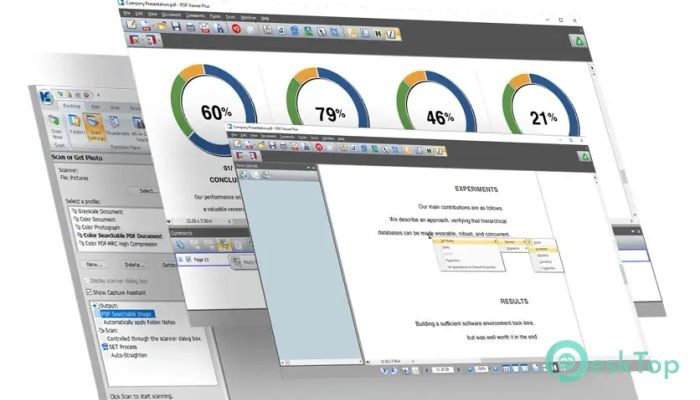
Download Tungsten PaperPort Professional 14.80 for Windows.
Tungsten PaperPort Professional Overview
: Tungsten PaperPort Professional (Kofax PaperPort Professional) for Windows PC is a powerful document management software that streamlines document workflows for individuals and organizations. In this article, we will explore the features and benefits of PaperPort Professional and discuss its system requirements for Windows.Features of Tungsten PaperPort Professional
Streamline Document Management
Tungsten PaperPort Professional offers a range of features that simplify document management. With this software, you can quickly scan, organize, and search for documents, enabling you to find what you need quickly and efficiently. The intuitive interface allows you to create digital filing cabinets, organize documents into folders, and add keywords or metadata for easy categorization and retrieval.
Enhanced Document Scanning and Editing
One of the critical features of PaperPort Professional is its advanced scanning capabilities. The software supports a wide range of scanners, enabling you to digitize paper documents quickly. You can save scanned documents in various file formats, including PDF, JPEG, and TIFF, making them accessible and shareable across different platforms.
Furthermore, the software provides powerful editing tools that modify scanned documents. You can rearrange pages, delete or add pages, and merge multiple documents into one file. This functionality is handy when compiling reports, creating presentations, or collaborating on projects.
Efficient Document Search and Retrieval
Locating specific documents can be time-consuming, especially when dealing with large volumes of data. PaperPort Professional offers robust search capabilities, enabling you to find documents using keywords, metadata, or content within the document. This feature saves you valuable time and ensures you can access the information you need promptly.
The software also includes optical character recognition (OCR) functionality, enabling you to convert scanned documents into editable, searchable text. This feature is particularly beneficial when working with lengthy contracts, research papers, or legal documents, as it enables you to extract and work with text content efficiently.
System Requirements and Technical Details
Operating System: Windows 10, 8, 7 (32-bit or 64-bit)
Processor: 1 GHz or faster (multi-core recommended)
RAM: 2 GB (4 GB or more recommended)
Hard Disk Space: 4 GB for the application files, plus additional space for scanned documents
Display: Minimum 1024 x 768 resolution

-
Program size1.06 GB
-
Version14.80
-
Program languagemultilanguage
-
Last updatedBefore 9 Month
-
Downloads31
 CoolUtils PDF Combine
 NAPS2 - Not Another PDF Scanner
 FocusWriter
 Atlantis Word Processor
 AI Offline OCR Scanner Pro
 Xappex XL-Connector