
 Arabic
  English
  Turkish
  Chinese
  Japanese
  Russian
  Spanish
  German
  French
  Hindi
Hindi Download Unified Remote 1.0 for Windows
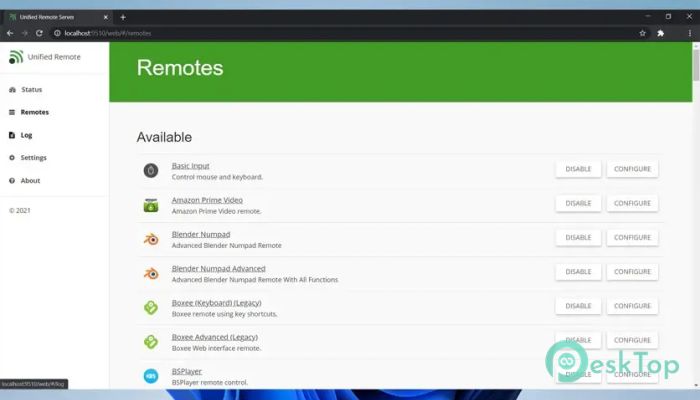
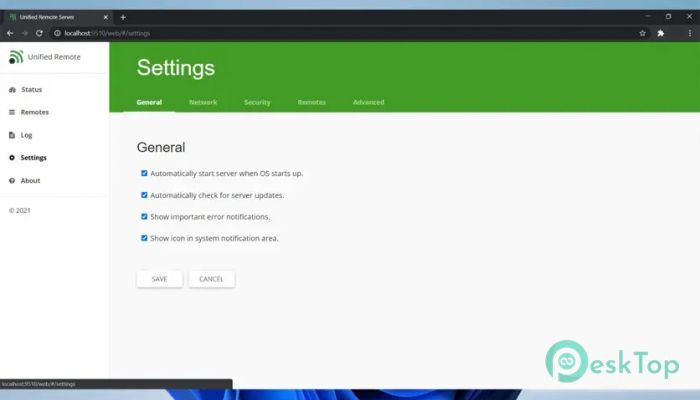
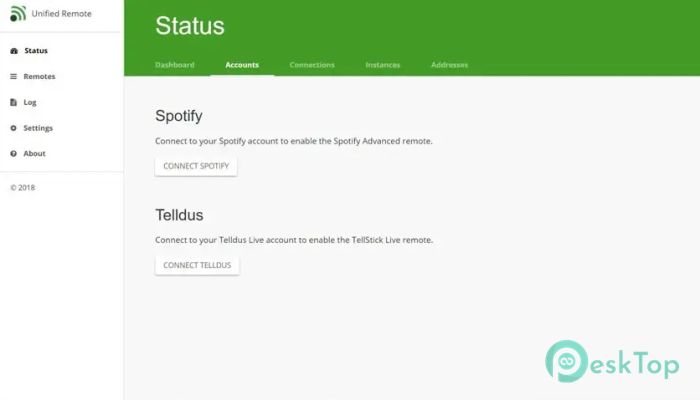
Download Unified Remote 1.0 for Windows.
Unified Remote Overview
This solution is designed to bridge the gap between your PC and your mobile device in a smooth, practical way. Once installed on both systems, it establishes a direct connection via WiFi or Bluetooth, enabling full control without being tied to a desk. It feels like having a wireless keyboard, mouse, and media controller packed into your phone. How It Works in Real Life After setup, your phone becomes an extension of your computer. You can move the cursor, type text, open apps, and even manage presentations from across the room. Think of it like having a TV remote, but instead of channels, you are controlling files, apps, and media on your PC.Features of Unified Remote
Easy Setup and Connection
The installation process is simple and beginner-friendly. You install the desktop server on Windows and the mobile app on your phone. Once both are on the same network, they pair automatically. There is no complex configuration, which makes it suitable even for users who are not tech-savvy.
User-Friendly Interface
The mobile interface is clean and well-organized. Buttons are clearly labeled, and gestures feel natural. Even first-time users can start controlling their computer within minutes. It avoids clutter and focuses on what matters, making the experience smooth and stress-free.
Keyboard and Mouse Control
One of the most useful features is full keyboard and mouse emulation. You can type long texts, use shortcuts, and navigate menus just like a physical keyboard. The touchscreen works as a trackpad, which feels familiar if you've used a laptop touchpad.
Media and Entertainment Control
This tool shines when it comes to media control. You can play, pause, skip tracks, adjust volume, and control video playback without touching your PC. It is perfect for movie nights, music sessions, or when your computer is connected to a TV.
Presentation and Office Use
For professionals and students, it acts like a smart presentation clicker. You can change slides, highlight points, and move freely during presentations. It eliminates the need for extra hardware and helps you stay focused on your audience rather than your keyboard.
Customization and Remote Profiles
It offers different remote profiles for various tasks such as media, file browsing, and system control. You can switch between them depending on what you are doing. This flexibility makes it feel like multiple tools packed into one app.
Security and Stability
Connections are protected with basic security measures to prevent unauthorized access. Once paired, it maintains a stable connection with minimal lag. This reliability is important, especially when using it for work or presentations.
Performance and Resource Usage
The desktop server runs quietly in the background without slowing down your system. It uses minimal resources, so you can keep it running continuously. Even on older machines, performance remains smooth and responsive.
Use Cases for Everyday Users
From controlling music while relaxing on the couch to managing files from another room, it adapts to daily needs easily. It is especially helpful when your PC is connected to a large screen or placed far from your seating area.
Compatibility with Windows Systems
The software supports a wide range of Windows versions, making it accessible for most users. Whether you are using a newer system or an older setup, it integrates without issues and delivers consistent performance.
System Requirements and Technical Details
Operating System: Windows 11 / 10 / 8.1 / 7
Processor: Minimum 1 GHz Processor (2.4 GHz recommended)
RAM: 2GB (4GB or more recommended)
Free Hard Disk Space: 200MB or more is recommended

-
Program size32.94 MB
-
Version1.0
-
Program languagemultilanguage
-
Last updatedBefore 3 Month
-
Downloads51
 MobiKin Eraser for Android
 iMobie AnyTrans for iOS
 Iriun Webcam
 LDPlayer
 Coolmuster Android SMS + Contacts Recovery
  Coolmuster Lab.Fone for Android