
 Arabic
  English
  Turkish
  Chinese
  Japanese
  Russian
  Spanish
  German
  French
  Hindi
Hindi Download WinTools NetGraph 1.8.0.69 for Windows
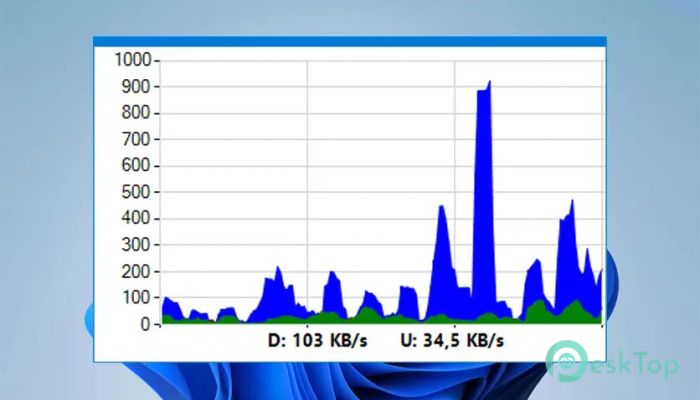
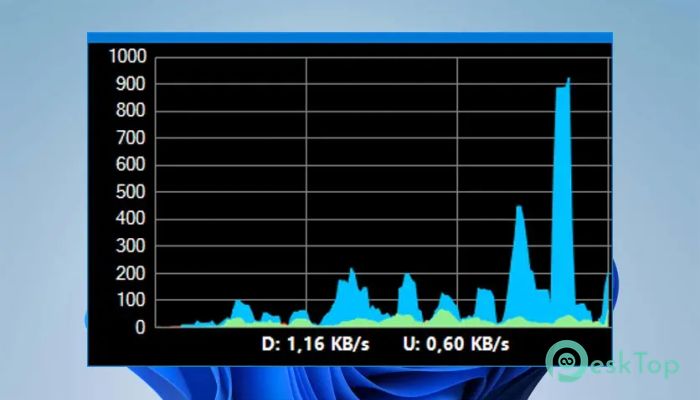
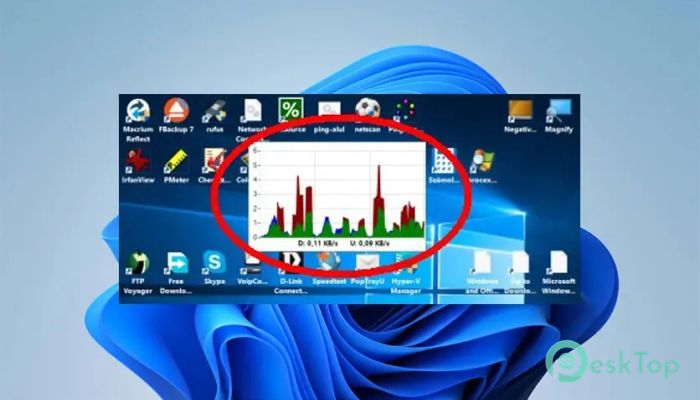
Download WinTools NetGraph 1.8.0.69 for Windows.
WinTools NetGraph Overview
It is a visual network bandwidth monitor designed to provide users with real-time insights into their network usage. Designed for Windows users, this software supports all types of internet connections, including wired, Wi-Fi, and mobile broadband. One of its standout features is its flexible display modes, which offer graphs, numeric statistics, or even progress indicators. Its compact nature, combined with system tray integration, makes it a practical choice for anyone needing network monitoring without clutter.Features of WinTools NetGraph
Visual Display Options
One of the main strengths of the software is its ability to present data effectively. Users can choose how they want to see their network activity—through live graphs, progress bars, or raw numeric values. Even better, you can mix and match these views in different sizes to suit your workspace or preferences. The visual elements help make technical data easier to understand at a glance.
Multiple Network Card Support
For users running more than one network adapter—such as an Ethernet connection alongside Wi-Fi—the tool allows you to select which data source you want to track. This flexibility ensures you're constantly monitoring the correct flow of traffic, especially in environments where multiple networks are active.
Smart System Tray Integration
It doesn’t always have to be on screen. Thanks to the smart tray icon feature, key network stats remain visible even when the full interface is hidden. You can glance at the system tray and get the information you need without opening the full window.
Custom Sampling and Graph Limits
The tool also allows you to control how often data is sampled and what max limits the graph should show. This means you can fine-tune how fast the graph updates and how large or small your data values appear. Whether you're tracking high-bandwidth downloads or monitoring background data usage, these settings help tailor the display to your needs.
Transparency and Click-Through Support
To make sure it doesn’t interfere with your work, the tool can be made transparent and even set to allow click-throughs. This way, you can continue interacting with windows beneath it without needing to minimize or move any of them. It sits on top of everything else without getting in the way.
Handy Ping and Network Info Tools
Beyond monitoring, the software also includes a few handy extras. You can quickly ping multiple IP addresses and view essential information about your current network setup. These features come in handy for quick troubleshooting or diagnostics without needing to open command prompts.
Installation-Free and Lightweight
Perhaps one of the best parts is that the program doesn’t require installation. You just run it, and it works. It’s lightweight, portable, and won’t leave traces on your system. Ideal for tech-savvy users or IT professionals who require mobile tools.
System Requirements and Technical Details
Operating System: Windows 11/10/8.1/8/7
Processor: Minimum 1 GHz Processor (2.4 GHz recommended)
RAM: 2GB (4GB or more recommended)
Free Hard Disk Space: 200MB or more is recommended

-
Program size92.17 KB
-
Version1.8.0.69
-
Program languagemultilanguage
-
Last updatedBefore 10 Month
-
Downloads28
 RealVNC VNC Server Enterprise
 CrushFTP
 Reqable
 AnyDesk
 AmneziaVPN
 CurrPorts