
 Arabic
  English
  Turkish
  Chinese
  Japanese
  Russian
  Spanish
  German
  French
  Hindi
Hindi Download Photo Resize and converter for Android
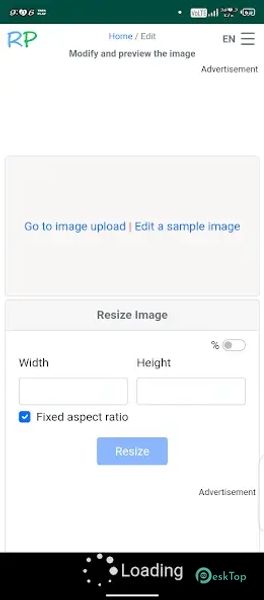
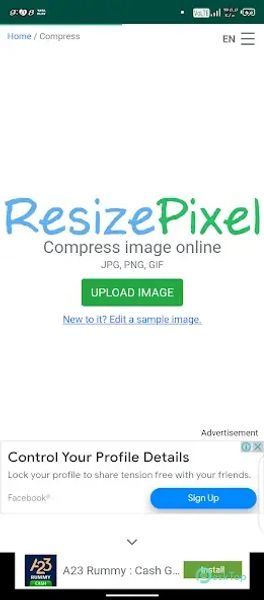

Download Photo Resize and converter for Android.
Photo Resize and converter Overview
It is a simple yet effective image editing tool designed for Android users who need to reduce the size of their photos without losing clarity. Whether you want to save storage space, share images online, or meet specific upload requirements, this app makes the process fast and effortless. The app allows you to resize images by adjusting their dimensions, resolution, and file format. It supports a wide range of formats and provides the ability to compress images to a desired file size. With its user-friendly interface, even beginners can resize and convert photos in just a few taps.Features of Photo Resize and converter
Easy Image Resizing: Adjust the width and height of your photos with precision.
File Size Conversion: Convert image sizes from MB to KB effortlessly.
Multiple Formats Supported: Works with popular image formats like JPEG, PNG, and WEBP.
Compression Options: Reduce file size while keeping acceptable image quality.
Batch Processing: Resize or convert multiple images at once to save time.
Preview Before Saving: Check your resized image before finalizing changes.
Save Original Quality: Option to preserve the original image while creating a resized copy.
Fast Processing: Quickly resize and convert images without long waiting times.
Offline Functionality: Works without an internet connection for privacy and convenience.
Lightweight App: Takes minimal storage space on your device.

-
App Size26.61 MB
-
Google Play LinkNot available
-
Version Number1.0.3
-
App Languagemultilanguage
-
Last updatedBefore 5 Month
-
Downloads5
 MediaCrop: Photo Editor
 AI Background - Pokecut Studio
 Genius Art: Image AI Generator
 Cartoon Photo Editor - ToonTap
 Mandala Maker 360
 Photo Resizer: Crop, Resize, Share Images in Batch