
 Arabic
  English
  Turkish
  Chinese
  Japanese
  Russian
  Spanish
  German
  French
  Hindi
Hindi Download Microsoft Malicious Software Removal Tool 5.139 for Windows
Free download Microsoft Malicious Software Removal Tool 5.139 full version standalone offline installer for Windows PC,
Microsoft Malicious Software Removal Tool Overview
helps remove malicious software from your computers running Windows 11, Windows 10, Windows 8.1, Windows Server 2012 R2, Windows 8, Windows Server 2012, Windows 7, Windows Vista, Windows Server 2008.Features of Microsoft Malicious Software Removal Tool
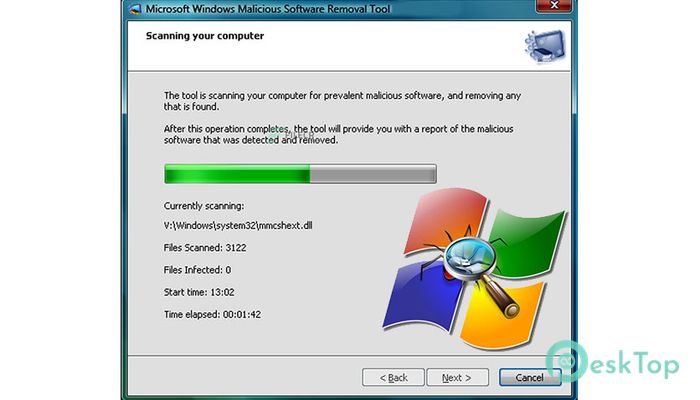
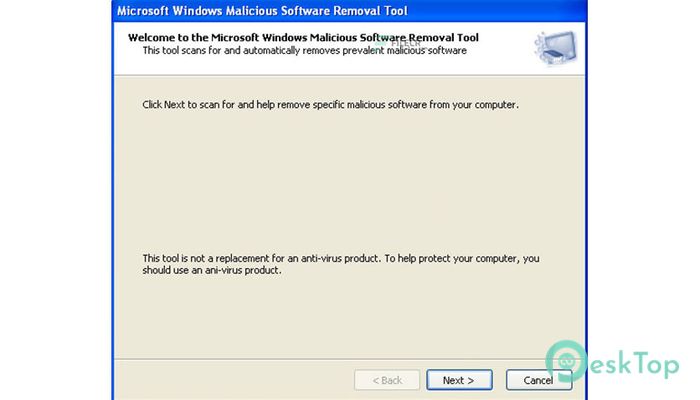
The Microsoft Windows Malicious Software Removal Tool helps remove malicious software from your computers running Windows 11, Windows 10, Windows 8.1, Windows Server 2012 R2, 8, Windows Server 2012, Windows 7, Windows Vista, and Windows Server 2008.
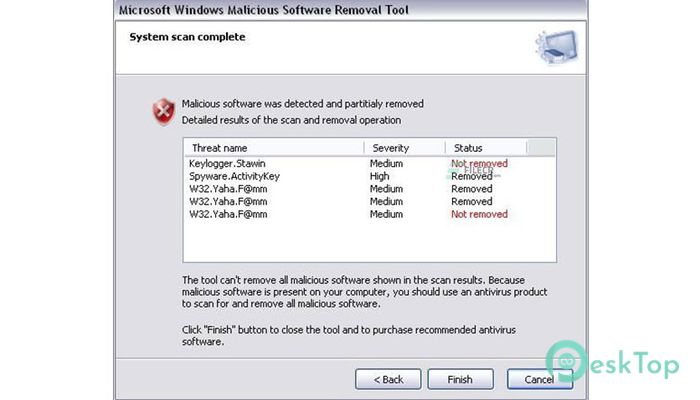
Microsoft releases a new version of the Microsoft Malicious Software Removal Tool monthly. After downloading the tool, it runs once to check your computer for infection by specific, prevalent malicious software (including Blaster, Sasser, and Mydoom) and helps remove any infection it finds.
This article contains information about how the tool differs from an antivirus product, how you can download and run the tool, and what happens when the tool finds malicious software on your computer. The advanced user section includes information for the IT administrator and additional information about managing and running the Malicious Software Removal Tool.
System Requirements and Technical Details
Supported OS: Windows 11, Windows 10, Windows 8.1, Windows 7
RAM (Memory): 2 GB RAM (4 GB recommended)
Free Hard Disk Space: 200 MB or more

-
Program size82.22 MB
-
Version5.139
-
Program languagemultilanguage
-
Last updatedBefore 6 Month
-
Downloads2848
 Trellix Endpoint Security
 Abelssoft KeyDepot 2026
 Bitdefender Antivirus Free
 PDFZilla SecureDrive
 Passbolt
 RoboForm Password Manager