
 Arabic
  English
  Turkish
  Chinese
  Japanese
  Russian
  Spanish
  German
  French
  Hindi
Hindi Download Alacritty 0.16.1 for Windows
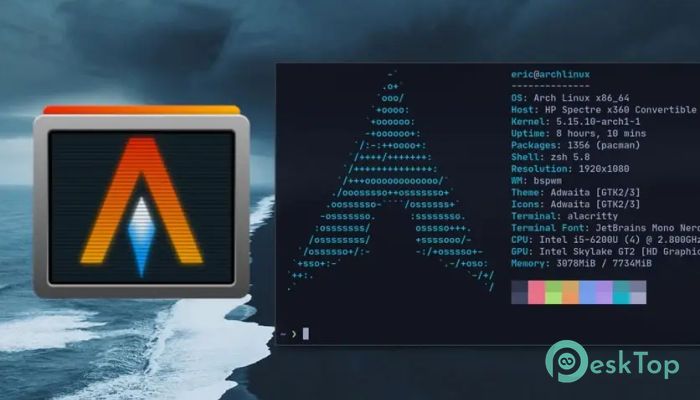
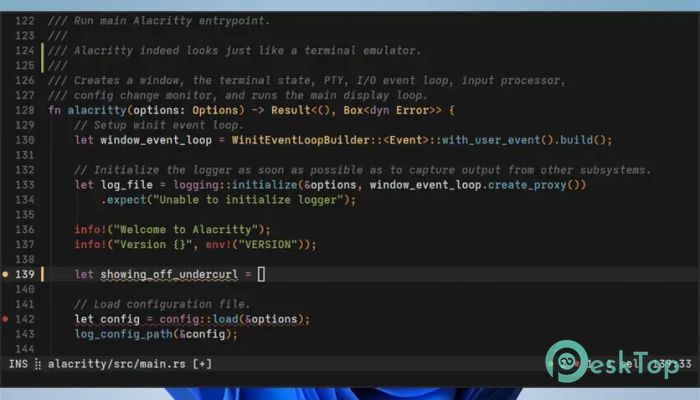
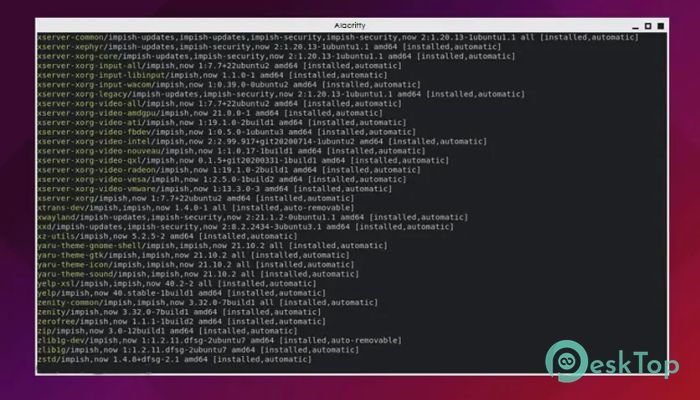
Download Alacritty 0.16.1 for Windows.
Alacritty Overview
It is designed for users who live inside the terminal and want everything to feel instant. It focuses on doing one job extremely well: displaying text as fast as possible. Instead of bundling every feature, it integrates smoothly with other tools, giving users the freedom and flexibility they need. The result is a lightweight yet powerful solution that feels responsive even during heavy workloads. The software is written in Rust and uses OpenGL for rendering, enabling GPU offloading. This design choice makes scrolling, resizing, and rendering text feel fluid and effortless. Although it is still in beta, many developers rely on it daily for its speed and stability.Features of Alacritty
High Performance and GPU Acceleration
One of this tool's strongest qualities is its performance. Using GPU acceleration avoids the lag that can happen in traditional terminal emulators. Commands appear instantly, and large outputs scroll smoothly without stuttering. It feels like switching from a bicycle to a sports car, where everything reacts the moment you touch the controls.
This focus on speed benefits developers who compile code, manage servers, or work with logs throughout the day. The faster feedback loop helps maintain focus and reduces frustration during long sessions.
Clean Design with Sensible Defaults
Out of the box, the software includes carefully selected defaults that work well for most users. Fonts, colors, and behavior are already tuned for clarity and comfort. You can install it and start using it right away without feeling overwhelmed.
At the same time, nothing feels locked in. Configuration is done through simple text files, making customization straightforward for those who want to fine-tune their setup. It is like moving into a well-furnished apartment where you can rearrange things anytime you want.
Advanced Navigation with Vi Mode
For users familiar with vi-style controls, the built-in Vi Mode is a huge productivity boost. It allows you to navigate the terminal output, select text, and move around efficiently using keyboard shortcuts. This eliminates the constant need to reach for the mouse, keeping your hands where they belong.
This feature is handy when reviewing long command outputs or logs. Jumping between lines and selecting text becomes quick and precise, saving valuable time.
Powerful Search and Regex Hints
Searching through terminal output is fast and straightforward. You can look for any text within the scrollback buffer and jump directly to the result. This makes debugging and reviewing past commands much easier.
Regex hints take this a step further by detecting patterns such as URLs, file paths, or hashes. These hints can be interacted with using the mouse or keyboard, turning plain text into actionable elements. It feels like the terminal suddenly understands what you are looking for.
Efficient Multi-Window Support
Running multiple terminal windows typically results in higher resource usage. This tool handles it differently by allowing various windows under a single process. The result is better performance and lower memory consumption.
This approach is ideal for users who prefer to keep multiple terminal sessions open simultaneously. You get more done without putting extra strain on your system.
Cross-Platform Availability and Open Source
The software supports Windows and BSD platforms, making it accessible to a wide range of users. Its open-source nature means the community plays a significant role in shaping its future. Bugs are reported, features are discussed openly, and improvements happen continuously.
Being available on GitHub also allows advanced users to explore the source code or contribute. This transparency builds trust and encourages innovation.
Beta Status and Daily Use Reality
Although it is still in beta, the experience is surprisingly solid. There are a few missing features and occasional bugs, but nothing that stops it from being useful. Many developers already rely on it as their main terminal because the benefits clearly outweigh the limitations.
It is like using a new road that is still under construction, but already smoother and faster than the old one. You know improvements are coming, and the current ride is already enjoyable.
System Requirements and Technical Details
Operating System: Windows 11 / 10 / 8.1 / 7
Processor: Minimum 1 GHz Processor (2.4 GHz recommended)
RAM: 2GB (4GB or more recommended)
Free Hard Disk Space: 200MB or more is recommended

-
Program size1.83 MB
-
Version0.16.1
-
Program languagemultilanguage
-
Last updatedBefore 9 Month
-
Downloads10
 Reportizer
 AccdbMerge
 RdpGuard
 Checkbook For Excel
 SysTools SQL Recovery
 Pointdev Ideal Dispatch