
 Arabic
  English
  Turkish
  Chinese
  Japanese
  Russian
  Spanish
  German
  French
  Hindi
Hindi Download Athas Code Editor 0.11.0 for Windows
Download Athas Code Editor 0.11.0 for Windows.
Athas Code Editor Overview
This software delivers a clean and efficient coding experience for developers who prefer speed, simplicity, and flexible workflows. Designed as an open-source project, it gives you complete access to advanced tools such as Vim keybindings, Git support, syntax highlighting, and intelligent AI features. Whether you're writing scripts, building software, or experimenting with new projects, it creates a smooth environment that stays out of your way.Features of Athas Code Editor
Lightweight Interface and Fast Performance
One of the first things users notice is how quickly the editor starts. Unlike bulky coding environments, it consumes minimal system resources. This makes it perfect for developers who want a responsive solution. Even on older machines or low-performance systems, the editor launches instantly and keeps running without lag.
Powerful Vim Mode for Fast Editing
If you enjoy Vim-style editing, this tool includes full Vim keybindings. You can navigate code, change text, and complete actions using precise commands. It blends the familiarity of Vim with a modern interface, helping you write and edit code at incredible speed.
Integrated Git Tools
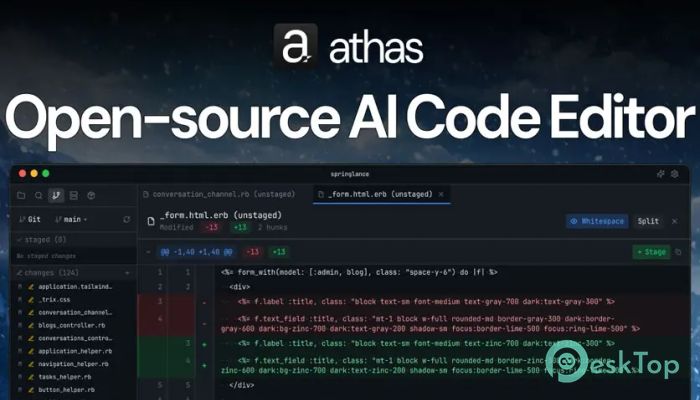
The software also understands the importance of version control. With built-in Git integration, you can check status, manage branches, stage changes, and commit updates directly from the editor. Instead of switching windows or running external tools, everything stays in one place. It keeps your workflow neat and efficient.
Clean Syntax Highlighting
Readable code speeds development and reduces errors. That’s why the tool offers rich syntax highlighting for all major programming languages. Colors are thoughtfully selected to improve visibility without causing eye strain. Whether you code in Python, JavaScript, C++, or other languages, your files remain clear and organized.
Smart Agentic AI Editing
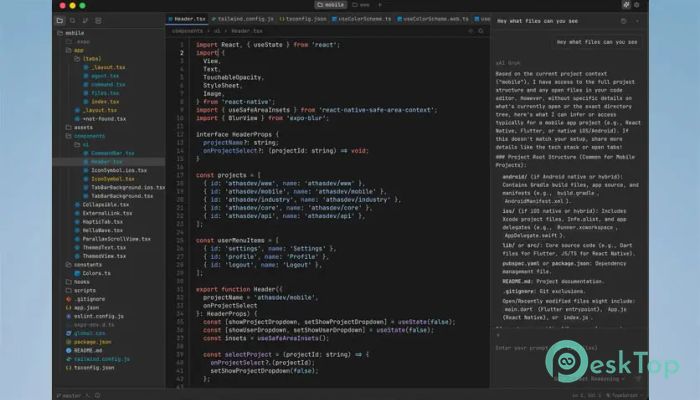
One standout feature is its AI-powered editing system. Using your own API keys, you can connect to services such as OpenAI, Anthropic, Grok, Gemini, and more. This gives you access to intelligent suggestions, refactoring help, explanations, and quick code generation. Think of it like having a helpful coding partner available whenever you need assistance.
Language Server Protocol Support
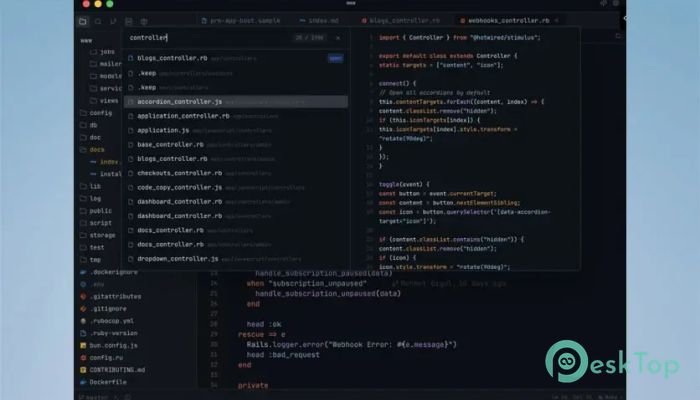
Modern development often requires intelligent features like auto-completion, error checking, go-to-definition, and refactoring tools. With LSP support, the editor connects to language servers to provide these capabilities. This means smarter coding sessions, fewer mistakes, and a smoother workflow that matches professional development tools.
Lightweight Build for Everyday Coding
The tool is designed to give developers exactly what they need without unnecessary additions. Its slim build ensures fast performance, quick file handling, and stability. For programmers who prefer a clean environment instead of bloated IDEs, this editor offers the perfect balance between simplicity and power.
Useful for Beginners and Professionals
Even though it includes many advanced features, the editor remains easy to use. Beginners will appreciate the straightforward layout and smooth experience. Professionals will enjoy deep customization options, speed, and the modern developer tools. No matter your experience level, it adapts to your workflow naturally.
Open Source and Completely Free
One of the most substantial benefits is that the tool is fully open source and free for everyone. All features are unlocked by default. You don’t need subscriptions, licenses, or upgrades to access Vim mode, Git integration, or AI editing. This makes it ideal for students, hobbyists, and professional developers alike.
System Requirements and Technical Details
Operating System: Windows 11 / 10 / 8.1 / 7
Processor: Minimum 1 GHz Processor (2.4 GHz recommended)
RAM: 2GB (4GB or more recommended)
Free Hard Disk Space: 200MB or more is recommended

-
Program size28.68 MB
-
Version0.11.0
-
Program languagemultilanguage
-
Last updatedBefore 2 Month
-
Downloads64
 Reportizer
 AccdbMerge
 RdpGuard
 Checkbook For Excel
 SysTools SQL Recovery
 Pointdev Ideal Dispatch