
 Arabic
  English
  Turkish
  Chinese
  Japanese
  Russian
  Spanish
  German
  French
  Hindi
Hindi Download AutoIt GImageX 1.0 for Windows
Download AutoIt GImageX 1.0 for Windows.
AutoIt GImageX Overview
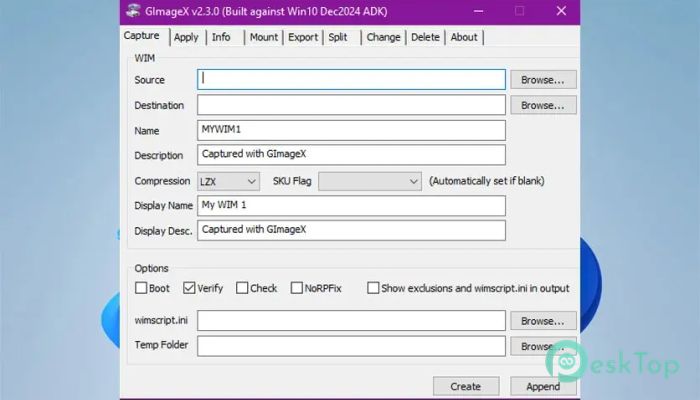
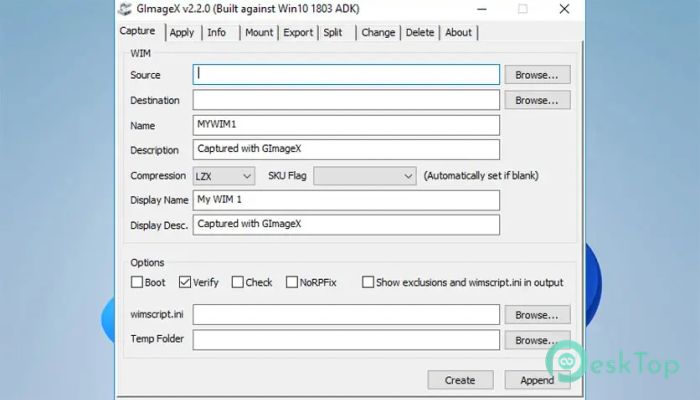
This freeware tool is designed to make Windows image management approachable and straightforward. Instead of relying on lengthy command-line instructions, it consolidates all essential imaging tasks into a single, clear window. The layout is familiar, making it easy for users new to image deployment to understand.Features of AutoIt GImageX
User-Friendly Interface
It feels like using a well-organized control panel rather than a technical console. Buttons are clearly labeled, options are logically grouped, and each action follows a straightforward flow. This makes daily imaging tasks faster and reduces the risk of errors.
Powerful WIM File Handling
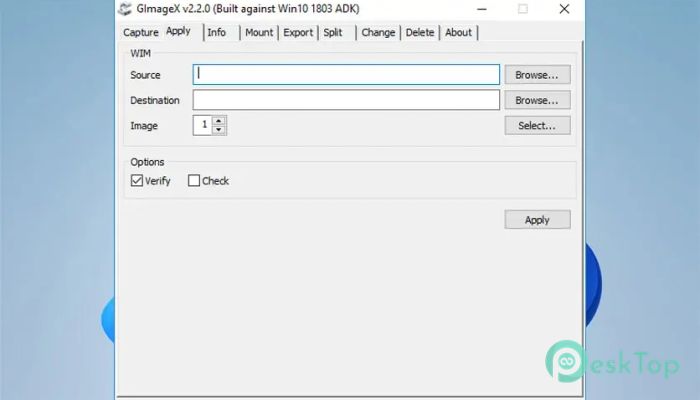
The software supports all everyday imaging operations without cutting corners. You can capture system images, apply them to new machines, or manage existing image files with confidence. Every action is guided, so nothing feels overwhelming.
Capture and Apply Images
Creating a system image is as simple as choosing a source and clicking Start. Applying an image works the same way, turning complex deployment jobs into a few simple steps. It feels like packing and unpacking a suitcase rather than building one from scratch.
Split Images for UEFI Use
Large image files can be split into smaller parts to fit the FAT32 limits. This is especially useful for modern UEFI setups where file-size restrictions apply. The process is smooth and saves time during installation planning.
Mount and Explore Images
Mounting an image lets you view its contents, like opening a folder. You can review files, make adjustments, or verify contents before deployment. This level of visibility adds confidence and control to the workflow.
Export and Delete Images
Managing multiple images in a single file is easier. You can export selected images or remove outdated ones to keep things tidy. It feels like cleaning up a toolbox, leaving only the right tools.
Detailed Image Information
The tool provides precise image details along with XML data. This helps administrators verify versions, indexes, and configurations without guessing. Everything is displayed in a clear, time-saving format.
Runs in WinPE Environment
Both 32-bit and 64-bit versions are available, and it can even run inside WinPE. This flexibility makes it useful in recovery scenarios or deployment environments where resources are limited.
Reliable Microsoft API Support
Behind the scenes, it uses Microsoft’s supported imaging API. This ensures stable performance and compatibility with modern Windows systems. You get dependable results without relying on unsupported methods.
System Requirements and Technical Details
Operating System: Windows 11 / 10 / 8.1 / 7
Processor: Minimum 1 GHz Processor (2.4 GHz recommended)
RAM: 2GB (4GB or more recommended)
Free Hard Disk Space: 500MB or more is recommended

-
Program size329.57 KB
-
Version1.0
-
Program languagemultilanguage
-
Last updatedBefore 9 Month
-
Downloads32
 Reportizer
 AccdbMerge
 RdpGuard
 Checkbook For Excel
 SysTools SQL Recovery
 Pointdev Ideal Dispatch