
 Arabic
  English
  Turkish
  Chinese
  Japanese
  Russian
  Spanish
  German
  French
  Hindi
Hindi Download Bluefish Editor 2.4.0 for Windows
Download Bluefish Editor 2.4.0 for Windows.
Bluefish Editor Overview
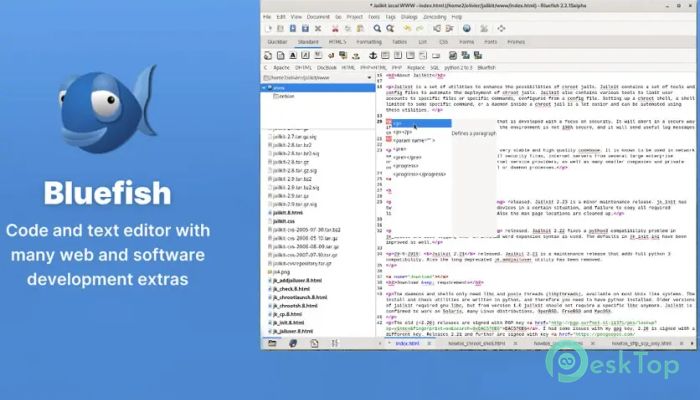
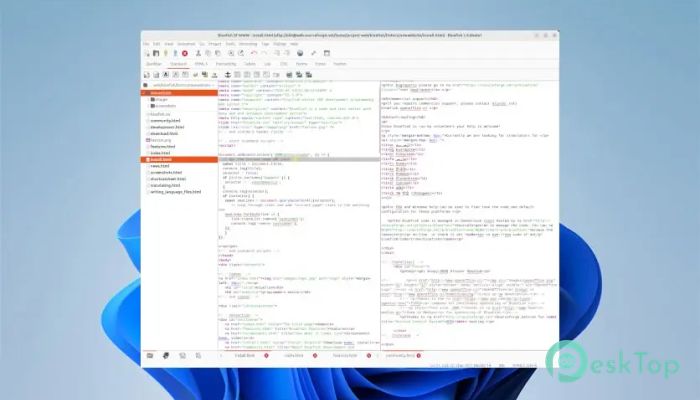
This tool is designed for people who spend significant time writing and editing code. It is lightweight yet offers advanced features typically found in heavier development environments. From simple HTML pages to complex scripts, it keeps everything smooth and organized.Features of Bluefish Editor
Designed for Programmers and Web Creators
The software is clearly designed for developers. It understands the daily workflow of writing code, fixing errors, and testing changes. Everything is placed where you expect it to be, so you can focus on logic instead of fighting the interface.
Support for Multiple Languages
One of its biggest strengths is wide language support. It handles markup and programming languages comfortably, making it suitable for both front-end and back-end tasks. Whether you are editing a small script or managing a full website, it adapts easily.
Smart Coding Assistance
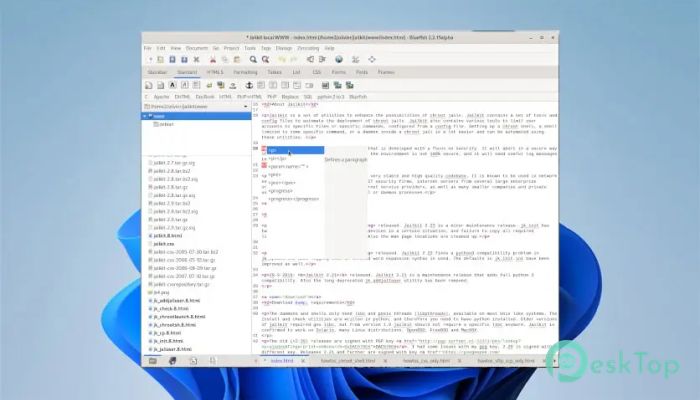
It feels like having a quiet helper beside you. Helpful features such as syntax highlighting, auto-completion, and structured editing reduce errors and save time. These tools act like road signs, guiding you through long lines of code.
Focused on Dynamic and Interactive Websites
The editor excels at modern, interactive projects. It understands dynamic content and complex structures, which makes editing smoother. This focus helps developers keep large projects clean and readable.
Clean and Lightweight Performance
No one likes a slow editor. This one starts quickly and runs smoothly, even on older systems. It feels more like a notebook than a heavy machine, letting you write freely without delays or freezes.
Customizable Workflow
Everyone codes differently, and the software respects that. You can adjust shortcuts, layouts, and behaviors to match your habits. This flexibility turns it into a personal workspace rather than a rigid tool.
Helpful Tools for Daily Coding
Small features often make a big difference. Built-in search, replace, and project handling options make daily tasks faster. These tools work quietly in the background, saving effort with every file you open.
Ideal for Learning and Professional Use
Beginners find it friendly, while experienced developers appreciate its power. It grows with your skills, starting simple and revealing deeper features as your projects become more complex.
System Requirements and Technical Details
Operating System: Windows 11 / 10 / 8.1 / 7
Processor: Minimum 1 GHz Processor (2.4 GHz recommended)
RAM: 2GB (4GB or more recommended)
Free Hard Disk Space: 200MB or more is recommended

-
Program size49.67 MB
-
Version2.4.0
-
Program languagemultilanguage
-
Last updatedBefore 8 Month
-
Downloads7
 Reportizer
 AccdbMerge
 RdpGuard
 Checkbook For Excel
 SysTools SQL Recovery
 Pointdev Ideal Dispatch