
 Arabic
  English
  Turkish
  Chinese
  Japanese
  Russian
  Spanish
  German
  French
  Hindi
Hindi Download Brackets Code Editor 2.2.1 for Windows
Download Brackets Code Editor 2.2.1 for Windows.
Brackets Code Editor Overview
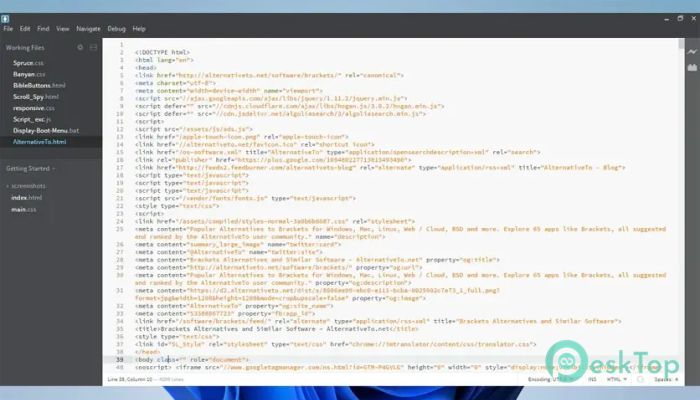
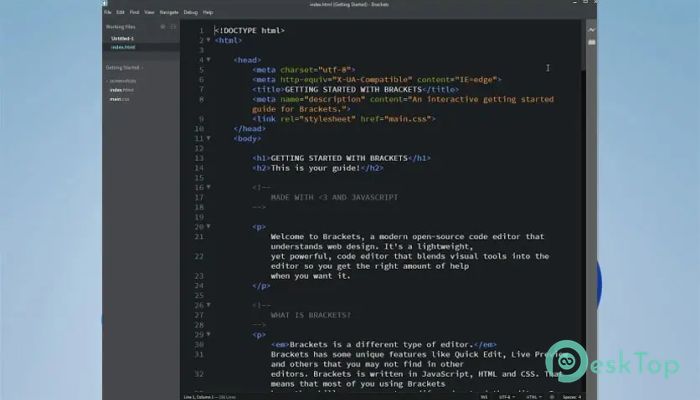
This editor is built to support designers and developers with helpful visual features that appear when needed and stay out of the way when not required. It gives you a clean space to write, edit, and manage code while keeping everything simple and distraction-free. The software focuses on web development, making it easier to design directly in the browser.Features of Brackets Code Editor
Inline Editing Feature
One of the standout abilities of the tool is its inline editing option. Instead of switching between multiple files or tabs, you can quickly open a small window inside the active file. This makes it easier to edit CSS rules or functions without losing your place. It feels like opening a shortcut right where you need it, keeping your flow smooth and uninterrupted.
Real-Time Live Preview
Another strong advantage of this editor is its live preview ability. By connecting your browser and editor, the tool shows changes instantly as you type. Updating HTML or CSS becomes much faster because you see the results immediately. It works almost like a mirror, reflecting every change within a second, saving time and reducing back-and-forth switching.
Support for Preprocessors
The software also supports preprocessors, which many front-end developers rely on. It makes working with languages like LESS or Sass easier by providing clear feedback and a smooth integration. This support streamlines workflow and helps you manage large projects more efficiently. Think of it as having a smart assistant that handles the complicated parts for you.
Why Developers Prefer This Tool
Many users enjoy working with this editor because it stays lightweight while offering professional-level features. It focuses on the needs of modern web development, giving you tools that feel natural and intuitive. It keeps everything clean, organized, and easy to manage, even if you're handling bigger projects.
Designing Directly in the Browser
Another helpful thing about the software is how well it works with browser-based design. Instead of exporting, refreshing, or switching windows repeatedly, you can visualize your code changes instantly. This setup makes the development experience more fluid, almost like painting on a canvas where the colors update the moment you touch the brush.
Transition to Phoenix Code
The creators recommend upgrading to Phoenix Code, which continues the tool's mission and adds more advanced workflows. It aims to give developers a smoother, more modern coding environment. Still, the original editor remains loved for its simplicity and comfort.
System Requirements and Technical Details
Operating System: Windows 11 / 10 / 8.1 / 7
Processor: Minimum 1 GHz Processor (2.4 GHz recommended)
RAM: 2GB (4GB or more recommended)
Free Hard Disk Space: 200MB or more is recommended

-
Program size73.97 MB
-
Version2.2.1
-
Program languagemultilanguage
-
Last updatedBefore 10 Month
-
Downloads16
 Reportizer
 AccdbMerge
 RdpGuard
 Checkbook For Excel
 SysTools SQL Recovery
 Pointdev Ideal Dispatch