
 Arabic
  English
  Turkish
  Chinese
  Japanese
  Russian
  Spanish
  German
  French
  Hindi
Hindi Download Bravely Diskaroo 1.0 for Windows
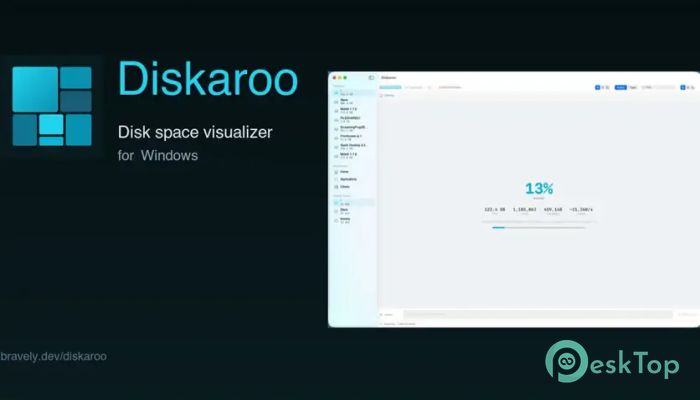
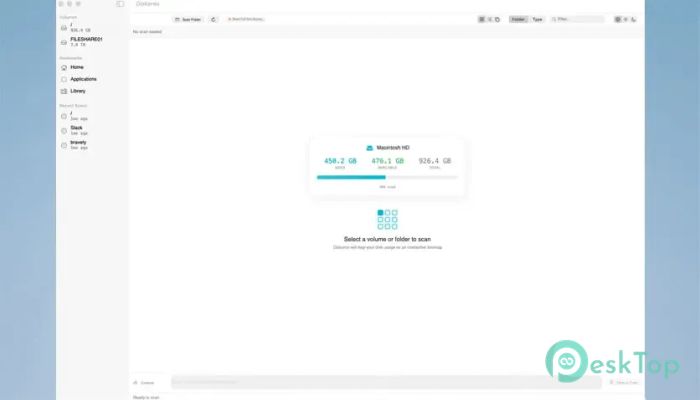
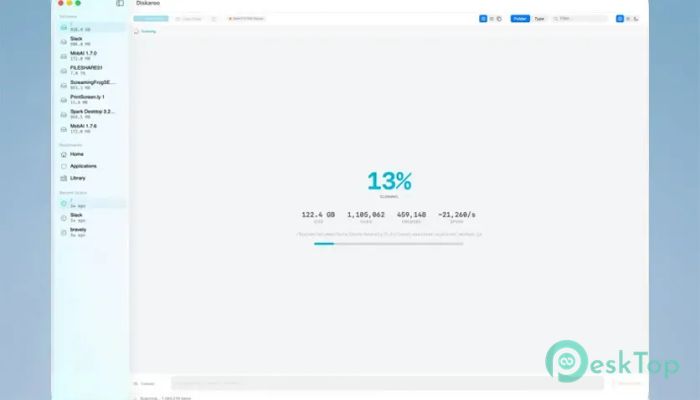
Download Bravely Diskaroo 1.0 for Windows.
Bravely Diskaroo Overview
Managing disk space can sometimes feel like cleaning a crowded garage. Files pile up over time, folders grow larger than expected, and before you know it, your storage starts running out. This software makes the process much easier by providing a visual representation of every file and folder on your system. The tool is designed specifically for Windows and uses an advanced treemap visualization to display storage usage in a simple and attractive way. Instead of manually browsing endless folders, users can instantly identify large files, hidden storage hogs, and unnecessary duplicates.Features of Bravely Diskaroo
Powerful Treemap Visualization
The most impressive feature is its treemap view. Every file and folder appears as a colored block whose size represents the amount of disk space it occupies. Larger files create larger blocks, making them impossible to miss.
This visual approach helps users understand storage usage at a glance. Rather than reading file sizes one by one, they can instantly spot what is taking up valuable space on their computer.
Easy Drill-In Navigation
Finding large files is only part of the process. The software also makes it easy to trace those files back to their location. Users can click any block to zoom in on folders and subfolders.
Breadcrumb navigation provides a simple way to move back through the folder structure. This makes exploring storage feel smooth and natural, much like navigating a map with clear directions.
Smart Filtering Options
Not every file deserves attention when analyzing storage. The tool includes smart filtering features that allow users to hide unnecessary items and focus only on relevant data.
For example, developers can exclude folders such as node_modules, while media enthusiasts can quickly locate large video files over a specific size. These filters save time and eliminate distractions during analysis.
Collector Tray for Safe Cleanup
Deleting files directly can sometimes be risky. A user might accidentally remove something important. To prevent mistakes, the software includes a collector tray.
Users can drag files into the tray while reviewing storage usage. Once everything has been checked, they can confirm the cleanup process. This extra step adds confidence and reduces the chance of accidental file deletion.
Quick Access to Recent Scans
Regularly checking storage usage becomes easier thanks to the recent scans feature. The software remembers previously analyzed drives and folders, allowing users to return to them instantly.
Instead of performing a fresh search every time, they can jump back into earlier results and continue where they left off. This improves productivity and saves valuable time.
Advanced Duplicate Detection
Duplicate files often waste a surprising amount of storage space. Photos, videos, backups, and downloaded files can easily accumulate over the years.
The software scans the system and identifies exact duplicate files across different locations. Users can then review the results and decide which copies to remove. This feature helps recover storage space without affecting important data.
Fast and Responsive Performance
Speed is essential when dealing with large drives containing thousands of files. The tool is built to provide fast scanning and responsive navigation even when handling extensive storage structures.
Its optimized design ensures that users spend less time waiting and more time managing their storage efficiently.
Clean and User-Friendly Interface
A storage analyzer should simplify file management rather than complicate it. The software achieves this with a clean interface that remains easy to understand for both beginners and experienced users.
Large visual blocks, simple controls, and intuitive navigation make the entire experience comfortable and efficient.
Useful for Home and Professional Users
Whether someone is managing a personal laptop, a gaming computer, or a professional workstation, the tool offers valuable insights into storage usage. Home users can free up space for photos and games, while professionals can maintain organized systems and improve workflow efficiency.
Its visual approach makes storage management less technical and more accessible for everyone.
System Requirements and Technical Details
Operating System: Windows 11 / 10 / 8.1 / 7
Processor: Minimum 1 GHz Processor (2.4 GHz recommended)
RAM: 2GB (4GB or more recommended)
Free Hard Disk Space: 200MB or more is recommended

-
Program size72.33 MB
-
Version1.0
-
Program languagemultilanguage
-
Last updatedBefore 2 Month
-
Downloads115
 Bravely Diskaroo
 DiskGenius Free
 Disk Pulse
 DiskGenius Professional
 Disk Sorter
 Hasleo Disk Clone Free