
 Arabic
  English
  Turkish
  Chinese
  Japanese
  Russian
  Spanish
  German
  French
  Hindi
Hindi Download Bruno 4.0.0 for Windows
Download Bruno 4.0.0 for Windows.
Bruno Overview
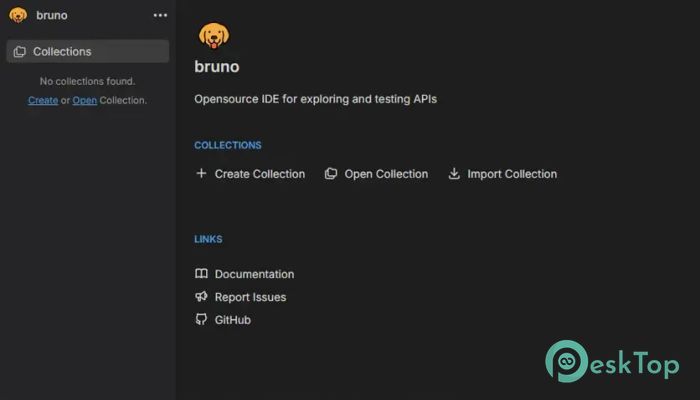
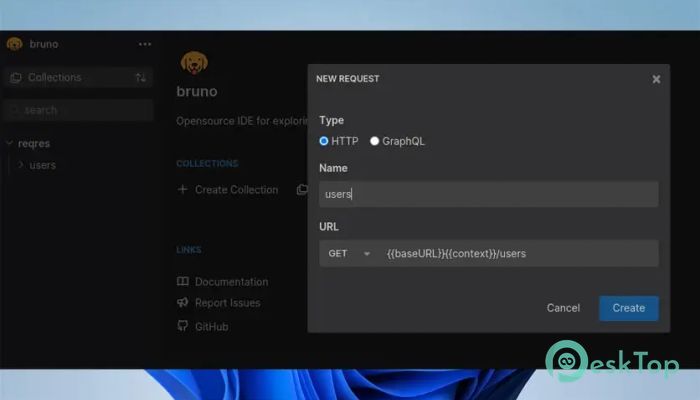
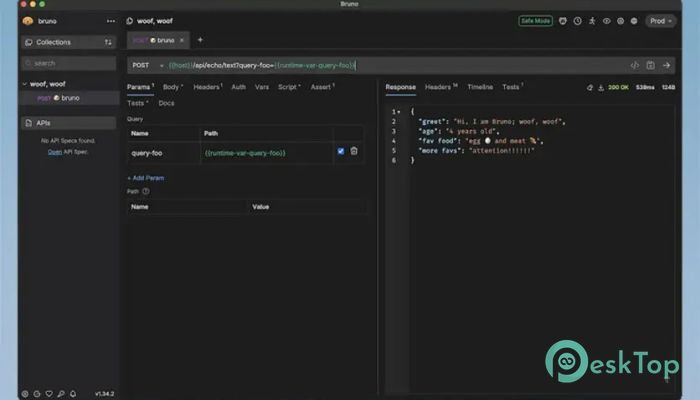
The software is built to solve the growing problem of overly complex development platforms. Instead of relying on cloud systems or complex interfaces, it brings API testing back to a clean, simple workflow. Everything is stored directly on your machine, giving you complete control over your work.Features of Bruno
Why Developers Prefer This Tool
This application stands out because it works with the tools you already use. Many modern API platforms push unnecessary features, but this one avoids that. It focuses on extensibility, simplicity, and a Git-friendly structure. By saving everything as plain text and in folders, collaboration becomes natural.
Fully Local and Privacy-Focused
One of its biggest strengths is the local-first design. There’s no cloud syncing, no login accounts, and no hidden data collection. Your API collections stay on your computer, giving you the confidence that nothing is being monitored or uploaded elsewhere. It’s similar to keeping essential documents in your own drawer instead of a rented locker.
Git-Native Workflow
The tool integrates smoothly with Git, allowing developers to store API collections alongside the code. This is especially helpful when working in teams, as everyone can track changes, commit updates, and manage their work just like regular code files. The experience feels clean, predictable, and logical.
Simplified Project Organization
Since everything is stored in structured folders, navigating large projects becomes easier. You can quickly locate, modify, or share API requests across your team. Think of it like having a well-organized bookshelf where every item has its place. This clear structure reduces confusion and improves productivity.
Lightweight and Fast
The software avoids unnecessary features that slow down development tools. It launches quickly, runs smoothly, and focuses on essential functions. Its performance helps developers prevent wasting time waiting for heavy UI elements or background tasks to load.
Developer-Friendly Interface
Its clean interface keeps things simple. You don’t need to spend time learning complex menus or configurations. Everything feels natural, especially for people who already work with structured project folders and Git repositories.
Security Benefits
Because your data never leaves your machine, you reduce the risks associated with cloud storage or third-party accounts. Sensitive API information stays in one place—your system. This is ideal for companies and developers working with private endpoints or internal tools.
Perfect for Collaboration
Teamwork becomes easier because API collections can be shared through Git. Team members can clone, merge, commit, or review API requests just like code. This prevents confusion and makes the workflow more reliable.
Flexible for Any Tech Stack
Whether you work with web, mobile, microservices, or backend services, this tool adapts easily. Its text-based storage makes it compatible with almost any development environment.
Focus on What Matters
The tool removes bloat, allowing developers to focus on testing, debugging, and improving APIs. It encourages a cleaner workflow and avoids unnecessary distractions.
System Requirements and Technical Details
Operating System: Windows 11 / 10 / 8.1 / 7
Processor: Minimum 1 GHz Processor (2.4 GHz recommended)
RAM: 2GB (4GB or more recommended)
Free Hard Disk Space: 200MB or more is recommended

-
Program size116.63 MB
-
Version4.0.0
-
Program languagemultilanguage
-
Last updatedBefore 2 Month
-
Downloads46
 Reportizer
 AccdbMerge
 RdpGuard
 Checkbook For Excel
 SysTools SQL Recovery
 Pointdev Ideal Dispatch