
 Arabic
  English
  Turkish
  Chinese
  Japanese
  Russian
  Spanish
  German
  French
  Hindi
Hindi Download DB Browser for SQLite 3.13.1 for Windows
Download DB Browser for SQLite 3.13.1 for Windows.
DB Browser for SQLite Overview
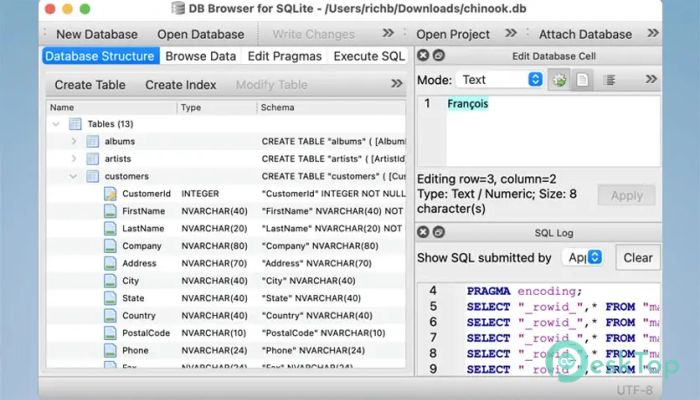
This utility is designed for users who want a clean, practical way to manage SQLite and SQLCipher databases without struggling with complex commands. It offers a familiar spreadsheet-style layout where tables, records, and structures are easy to understand at a glance. Everything feels organized, making database tasks less intimidating and more productive.Features of DB Browser for SQLite
User-Friendly Visual Interface
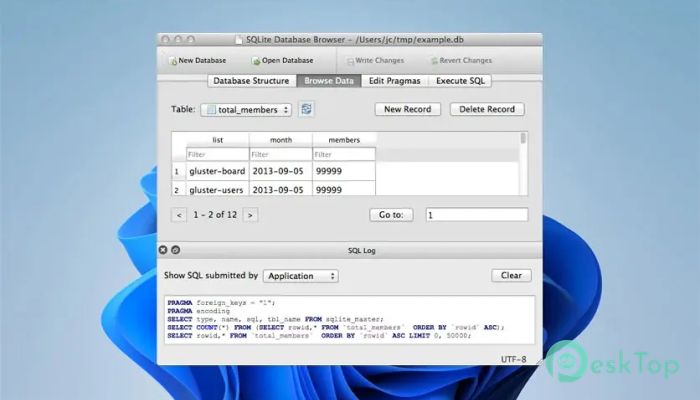
It presents data in a grid-like format that feels similar to working with a spreadsheet. You can browse tables, scroll through records, and edit values directly without writing code. This visual approach saves time and helps reduce mistakes, especially when dealing with large datasets.
Complete Database Control
The software provides full access to SQLite's power. You can create new database files, compact existing ones, and manage structures with built-in controls. Tables and indexes can be added, modified, or removed using guided tools that feel straightforward even for beginners.
Easy Table and Record Management
Managing records becomes smooth with options to add, update, delete, sort, and search entries. Think of it like organizing rows in a digital notebook, where everything stays neat and searchable. These features make routine data handling quick and reliable.
Import and Export Flexibility
It supports importing and exporting data in multiple formats. Tables and records can be moved in and out using text files, CSV files, or full SQL dump files. This flexibility helps when sharing data, creating backups, or migrating information between systems.
Powerful SQL Query Support
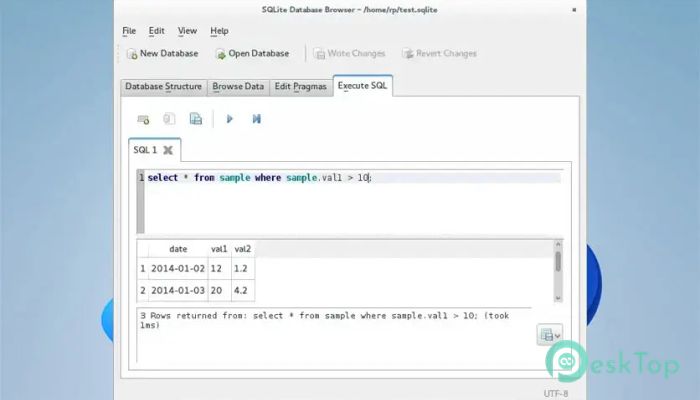
For advanced users, a built-in SQL editor allows direct queries against the database. Results are displayed clearly, making it easy to inspect outputs. There is also a command log that shows every SQL statement issued, which is useful for learning, debugging, and auditing actions.
Data Visualization and Analysis
Simple graph plotting tools are included to visualize table or query data. These graphs help you spot patterns quickly, turning raw numbers into readable visuals. It is a handy way to understand trends without exporting data to another application.
Security with SQLCipher Encryption
The tool supports adding, changing, or removing SQLCipher encryption. This means sensitive database files can be protected with encryption, adding an extra layer of safety. Managing security settings is handled through clear options rather than complicated steps.
Reliable Open Source Solution
Being open source, it benefits from continuous improvements and community support. Detailed documentation is available on the official wiki, making it easier to explore features and resolve issues. Updates focus on stability, usability, and performance.
System Requirements and Technical Details
Operating System: Windows 11 / 10 / 8.1 / 7
Processor: Minimum 1 GHz Processor (2.4 GHz recommended)
RAM: 2GB (4GB or more recommended)
Free Hard Disk Space: 200MB or more is recommended

-
Program size17.30 MB
-
Version3.13.1
-
Program languagemultilanguage
-
Last updatedBefore 8 Month
-
Downloads21
 Reportizer
 AccdbMerge
 RdpGuard
 Checkbook For Excel
 SysTools SQL Recovery
 Pointdev Ideal Dispatch