
 Arabic
  English
  Turkish
  Chinese
  Japanese
  Russian
  Spanish
  German
  French
  Hindi
Hindi Download Defined Bytes Quick Gantt Chart 3.2.4 for Windows
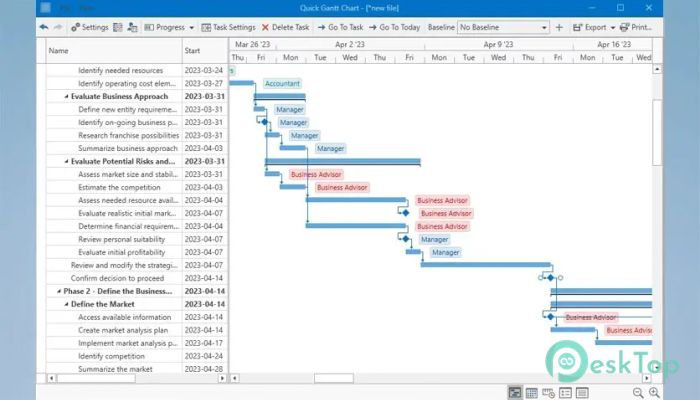
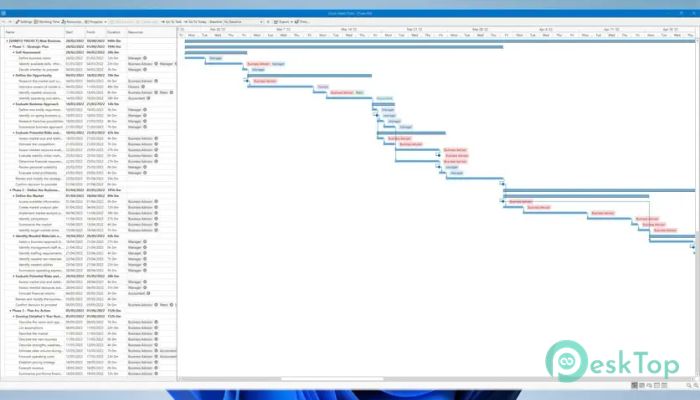
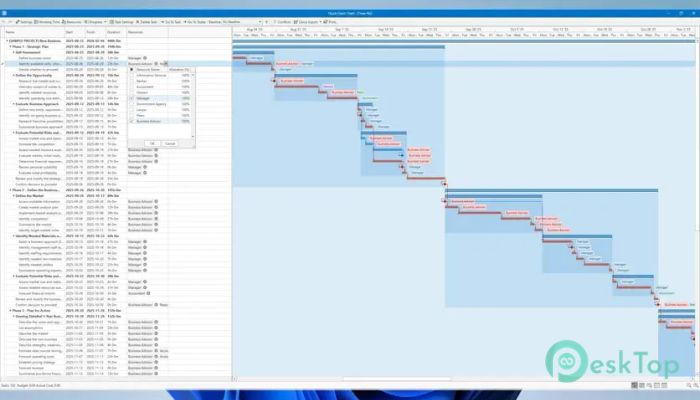
Download Defined Bytes Quick Gantt Chart 3.2.4 for Windows.
Defined Bytes Quick Gantt Chart Overview
This software is designed to make project planning smooth, simple, and efficient. It offers a clean interface for building timelines, organizing tasks, and tracking progress without feeling overwhelmed. With its flexible tools and automation features, planning becomes more like stacking building blocks than dealing with complicated spreadsheets.Features of Defined Bytes Quick Gantt Chart
Easy Timeline Creation
One of this tool's key strengths is its ability to help you build timelines in minutes. You only need to enter your tasks and set durations; everything appears neatly in a visual layout. This enables you to understand the overall workflow at a glance and reduces the chances of missing necessary steps.
Interactive Editing Features
The tool provides an interactive workspace where tasks can be dragged, resized, or rearranged at any time. Instead of typing values manually, you move things around like pieces on a board. This keeps your planning flexible and visual, so changes feel natural instead of stressful.
Smart Auto-Scheduling
The auto-scheduling feature saves time by adjusting your entire plan whenever you modify a task. Think of it like a chain reaction: change one link, and all the connected parts shift into place automatically. This prevents overlaps, keeps deadlines accurate, and helps you stay on track even when unexpected changes happen.
Critical Path Identification
The software highlights the most essential tasks that influence your final deadline. This acts like shining a spotlight on the parts of your project that demand the most attention. By identifying which tasks cannot be delayed, you can manage resources more effectively and avoid last-minute rushes.
Baseline Comparison
Baselines help you measure how your current progress compares to your original plan. It works like a "before and after" picture of your project, giving you clarity on whether things are going better or slower than expected. This is especially helpful for reporting, performance evaluation, and strategy adjustments.
Multiple Export Options
You can export your timelines to PDF, Excel, PNG, and other formats. This makes it simple to share reports with clients or teammates. No special software is needed on their side—just export and send. It ensures your work is accessible wherever your audience is.
Perfect for All Types of Projects
Whether you're organizing a large company project or planning a small personal task list, the tool adapts easily. Its simplicity helps beginners, while the advanced options support more complex planning needs. It gives you the flexibility to grow your planning skills without switching tools.
System Requirements and Technical Details
Operating System: Windows 11 / 10
Processor: Minimum 1 GHz Processor (2.4 GHz recommended)
RAM: 2GB (4GB or more recommended)
Free Hard Disk Space: 200MB or more is recommended

-
Program size122.74 MB
-
Version3.2.4
-
Program languagemultilanguage
-
Last updatedBefore 10 Month
-
Downloads10
 Chess King 2026
 Easy German Platinum
 Easy French Platinum
 Easy English Platinum
 Moneyspire Desktop
 Concept Grid