
 Arabic
  English
  Turkish
  Chinese
  Japanese
  Russian
  Spanish
  German
  French
  Hindi
Hindi Download Full Convert Pro 25.10.1690 for Windows
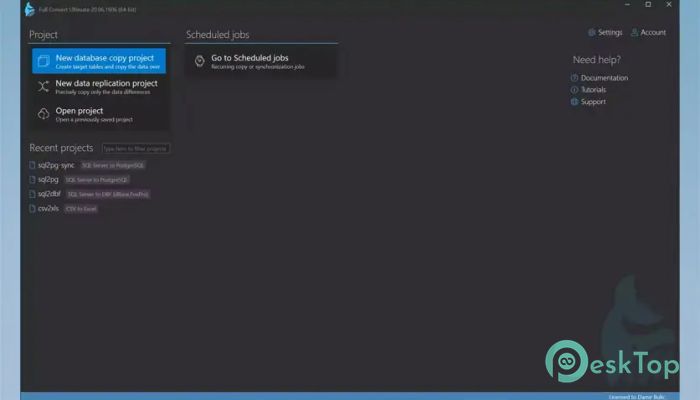
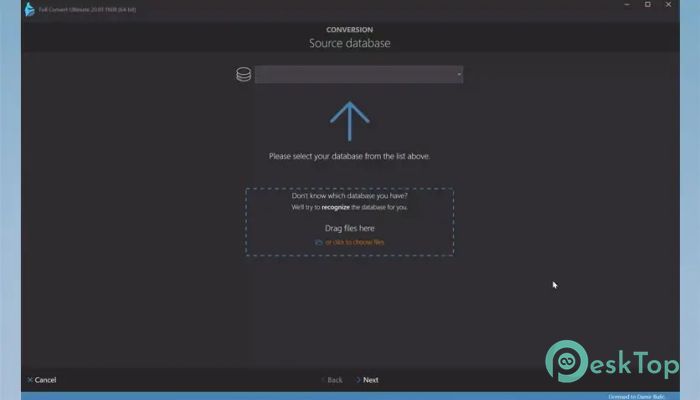
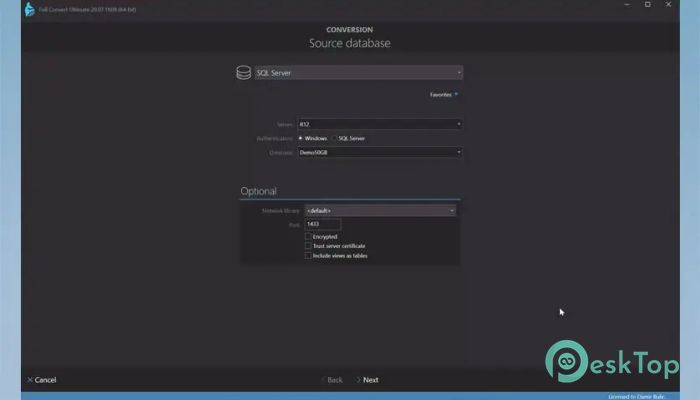
Download Full Convert Pro 25.10.1690 for Windows.
Full Convert Pro Overview
The software is designed to make database migration simple, safe, and time-efficient. It supports a wide range of databases, both modern and legacy, enabling smooth transitions between systems. With this tool, users can easily convert entire databases without worrying about data loss or errors. Its interface and automation features make it suitable for both professionals and beginners.Features of Full Convert Pro
Supports more than 40 database engines natively, without requiring additional drivers.
Provides ODBC connection for unsupported databases.
No limit on database or table size – billions of records can be handled.
Automatically translates data types to best-fit equivalents in the target database.
Detects and chooses the optimal load mode for each table.
Customizable mapping rules for schema and data types.
Includes six log options – summary, errors, warnings, SQL logs, failed SQL, and JSON logs.
Allows execution of custom scripts or commands before and after migration.
Comes with both 32-bit and 64-bit versions.
Built-in email notifications for console mode conversions.
Features powerful per-table mapping and validation options.
Offers full Unicode support for all international character sets.
Built-in scheduler for automated and recurring conversions.
Data comparison and one-way synchronization between the source and the target.
Includes an easy-to-use target database browser.
How It Simplifies Data Migration
The tool eliminates the need for manual scripting, which often leads to costly errors and time delays. It’s crafted to automatically detect the most efficient way to transfer data. Whether you are migrating data from cloud systems, local servers, or file-based databases, it ensures that the process remains error-free and optimized.
Customization Options
Users can modify naming conventions, override data types, and select specific elements they wish to migrate. This level of flexibility gives complete control over the conversion process, making it suitable for complex database structures. Additionally, schema and data type mapping rules can be easily customized to meet project-specific requirements.
Scheduling and Automation
One of the best aspects of the tool is its built-in scheduler. Users can set automated conversion tasks to run at specific intervals — daily, weekly, or even every few minutes. This is ideal for organizations that require regular synchronization between databases. The process can be fully automated, with no user intervention, allowing work to continue even during off-hours.
Data Verification and Synchronization
Data accuracy is at the heart of this software. It allows comparison between the source and destination tables to identify mismatched or missing entries. Users can also synchronize data in one direction to keep both systems up to date. It supports custom row comparison keys, multi-column row keys, and automatic uniqueness checking for complete reliability.
Logging and Reporting
The tool maintains detailed logs of each operation. Users can view summaries, errors, or SQL logs for better analysis. It provides a visual representation of data differences between tables, helping detect inconsistencies quickly. These reports are valuable for auditing and maintaining transparency in data migration processes.
Performance and Reliability
Built with performance in mind, the software uses optimized algorithms to quickly handle large-scale database conversions. The automatic load mode and translation features reduce the need for manual tuning. It’s trusted by professionals worldwide for its proven reliability since its introduction in 2004.
Ease of Use
Even with its advanced features, the application remains user-friendly. Its intuitive interface guides users through each step, minimizing the learning curve. From selecting source and target databases to mapping and scheduling, everything can be done within a few clicks.
System Requirements and Technical Details
Operating System: Windows 11 / 10 / 8.1 / 7
Processor: Minimum 1 GHz Processor (2.4 GHz recommended)
RAM: 2GB (4GB or more recommended)
Free Hard Disk Space: 500MB or more is recommended

-
Program size209.00 MB
-
Version25.10.1690
-
Program languagemultilanguage
-
Last updatedBefore 11 Month
-
Downloads22
 Reportizer
 AccdbMerge
 RdpGuard
 Checkbook For Excel
 SysTools SQL Recovery
 Pointdev Ideal Dispatch