
 Arabic
  English
  Turkish
  Chinese
  Japanese
  Russian
  Spanish
  German
  French
  Hindi
Hindi Download Gallery-DL 1.32.9 for Windows
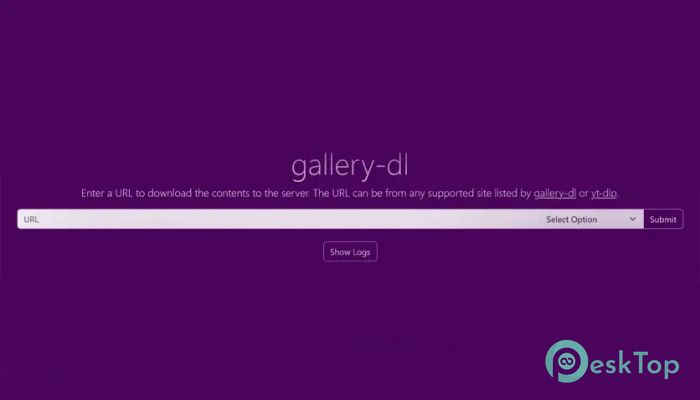
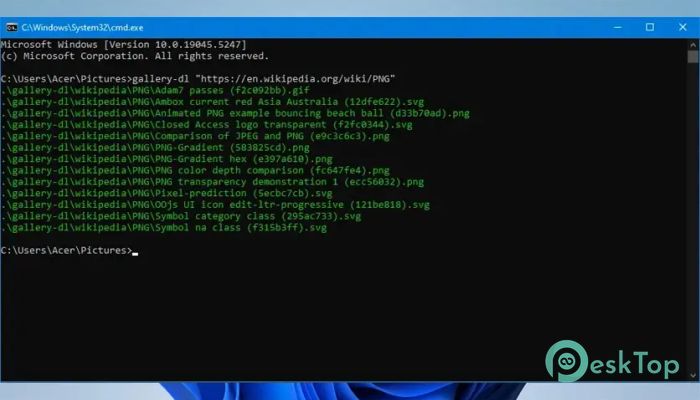
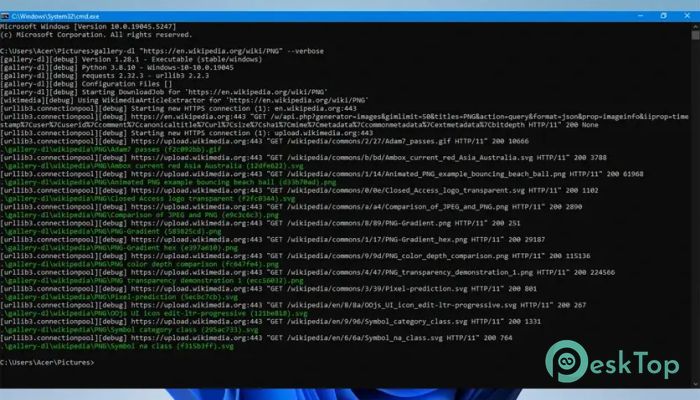
Download Gallery-DL 1.32.9 for Windows.
Gallery-DL Overview
This tool is designed for users who want a simple yet powerful way to download image collections from different hosting platforms. Instead of manually saving images one by one, it automates the entire process. Think of it like having a smart assistant that collects and organizes images for you without any effort. It works through the command line, which might sound technical at first, but once you get used to it, the experience becomes smooth and fast. It supports many websites and allows users to customize how files are saved, named, and organized.Features of Gallery-DL
The software offers a range of features that set it apart from other download tools. It is built with flexibility and speed in mind.
Supports multiple image hosting websites
Fast batch downloading of entire galleries
Advanced file naming and folder organization
Cross-platform compatibility
Custom configuration options
Lightweight and efficient performance
How It Works
The tool works through simple commands. You provide a link to an image gallery, and it automatically scans and downloads all available content. It feels like telling a robot what to do and watching it complete the job in seconds.
Instead of repeatedly clicking download, you just enter a command, and everything is handled in one go. This saves time and reduces frustration, especially when dealing with large collections.
Ease of Use
At first glance, command-line tools can seem intimidating. However, this one keeps things straightforward. Basic usage requires only a single command with a URL. Once you learn a few commands, it becomes second nature.
It is like learning to ride a bicycle. The beginning might feel tricky, but after a short time, it becomes effortless and even enjoyable.
Customization Options
One of the software's strongest points is its customization. Users can define how files are named, where they are saved, and how folders are structured. This level of control makes it ideal for both casual users and advanced users.
You can organize downloads by artist, website, or date. This helps keep your files clean and easy to find later. It is like having a digital filing system that works exactly the way you want.
Performance and Speed
Speed is where the tool truly shines. It can download large galleries quickly without slowing down your system. Since it is lightweight, it consumes few resources.
Even when downloading hundreds of images, it handles everything smoothly. This makes it perfect for users who regularly collect visual content.
Cross-Platform Compatibility
The software works on different operating systems, including Windows, Linux, and macOS. This flexibility means you are not tied to one platform.
No matter what system you use, you can enjoy the same powerful features. It is like having the same tool in your pocket wherever you go.
File Naming and Organization
Managing downloaded files can be messy, but this tool solves that problem. It allows users to create custom naming rules. Files can be sorted automatically into folders based on different criteria.
This makes it easy to keep everything organized. Instead of random file names, you get clean, structured folders that are easy to browse.
Why It Stands Out
Many download tools exist, but this one stands out because of its flexibility and efficiency. It is not just about downloading images; it is about controlling how those images are handled.
It gives users the power to automate tasks that would otherwise take hours. This makes it a valuable tool for photographers, designers, and content collectors.
Who Should Use It
This tool is perfect for anyone who regularly handles image collections. Whether you are a student, designer, or hobbyist, it can save you time and effort.
If you enjoy collecting visual content or need to manage large galleries, this tool can become an essential part of your workflow.
System Requirements and Technical Details
Operating System: Windows 11 / 10 / 8.1 / 7
Processor: Minimum 1 GHz Processor (2.4 GHz recommended)
RAM: 2GB (4GB or more recommended)
Free Hard Disk Space: 200MB or more is recommended

-
Program size22.71 MB
-
Version1.32.9
-
Program languagemultilanguage
-
Last updatedBefore 2 Month
-
Downloads89
 Transmission
 Abelssoft YouTube Song Downloader Plus 2026
 Fast Video Downloader
 3D Youtube Downloader
 Open Video Downloader (youtube-dl-gui)
 qBittorrent