
 Arabic
  English
  Turkish
  Chinese
  Japanese
  Russian
  Spanish
  German
  French
  Hindi
Hindi Download Geany 2.1 for Windows
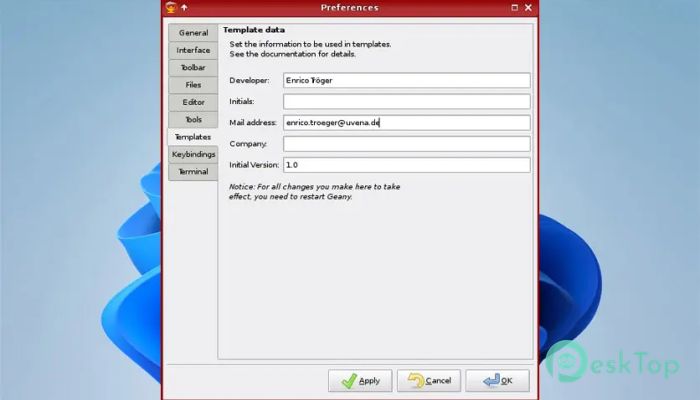
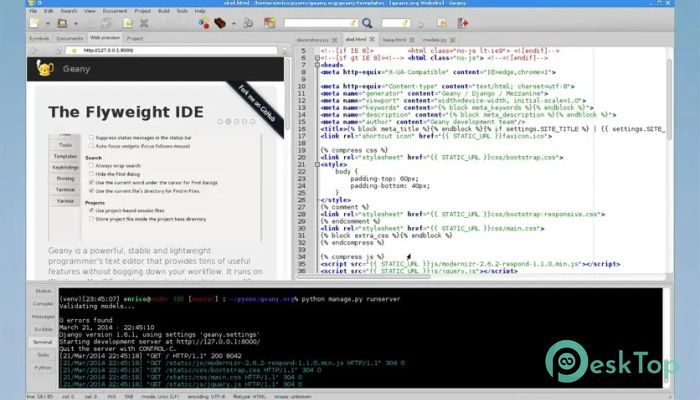
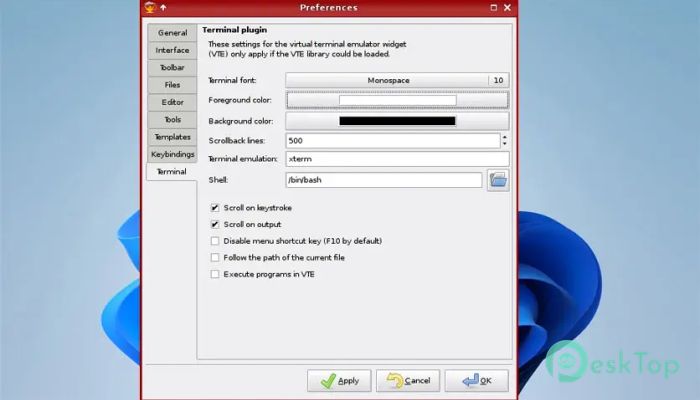
Download Geany 2.1 for Windows.
Geany Overview
This editor is known for its speed, stability, and clean interface. It is built to help developers write code efficiently without slowing down their workflow. The tool supports multiple programming languages and delivers a smooth experience even on low-spec systems. With its minimal dependencies, it runs seamlessly on Windows while keeping resource usage extremely low.Features of Geany
Syntax highlighting to make code easier to read
Code completion for faster typing
Auto completion for common structures like if, for, while
Automatic completion for XML and HTML tags
Helpful call tips to assist while writing functions
Code folding for a cleaner view
Support for numerous languages, including C, Java, PHP, Python, HTML, and more
Built-in symbol lists for easier navigation
Embedded terminal for quick command execution
Plugin support to extend functionality
Fast and Lightweight Operation
Unlike heavy IDEs that require large installations, this environment focuses on being small and responsive. It loads quickly, uses very little memory, and stays stable even when handling large files. This makes it an excellent choice for users who want speed without unnecessary extras. Think of it like a pocket-sized toolkit—simple, reliable, and always ready.
Multi-Language Support
The editor supports more than 50 programming and markup languages. Whether you work on C projects, HTML templates, Python scripts, or PHP websites, the tool provides the right environment for your work. Dynamic syntax highlighting, color schemes, and language-specific features help you stay organized and efficient.
Ease of Use
This environment is designed with simplicity in mind. The interface offers a familiar layout: a text area, a sidebar, menus, and a status bar. Even new users can start working comfortably within minutes. You don’t need complex configurations or large setups—install and start coding.
Plugin Expansion
One of the strongest parts of the editor is its plugin system. You can easily add features like:
Spell check
File browser
Project organizer
Debugging tools
Markdown viewer
Version control integration
Portable and Flexible
Because it was designed with minimal dependencies, the tool can even be used in portable mode. This means you can carry it on a USB drive and launch it on any Windows PC without installation. It’s great for students, professionals, or anyone who codes on multiple devices.
User-Friendly Interface
The interface is neat and distraction-free. Everything is placed logically so you can focus entirely on writing code. With customizable themes, keybindings, and layouts, you can make the workspace feel truly personal.
System Requirements and Technical Details
Operating System: Windows 11 / 10 / 8.1 / 7
Processor: Minimum 1 GHz Processor (2.4 GHz recommended)
RAM: 2GB (4GB or more recommended)
Free Hard Disk Space: 200MB or more is recommended

-
Program size26.87 MB
-
Version2.1
-
Program languagemultilanguage
-
Last updatedBefore 10 Month
-
Downloads25
 Reportizer
 AccdbMerge
 RdpGuard
 Checkbook For Excel
 SysTools SQL Recovery
 Pointdev Ideal Dispatch